

JMWE comes with a diverse collection of point-and-click tools you can configure without code. However, with our build-your-own workflow conditions, validators, and post-functions - powered by our simple-to-use scripting editor and tester - you can build virtually unlimited use cases. For coding enthusiasts, the options are truly limitless.
No coding experience? No problem! See how easy it is to set up JMWE's "Build-your-own (scripted) Condition" without 'typing' a single line of code.
For your convenience, the steps from the above video have been outlined below.
Enable the transition only for Medium-priority issues
- First, select the transition you want to add the condition to.
- Choose the Build-your-own (scripted) condition and press Add.
- In the “Select a field”, select “Priority”. Select a snippet issue.priority.name == "Blocker" and then change the priority from "Blocker" to "Medium".
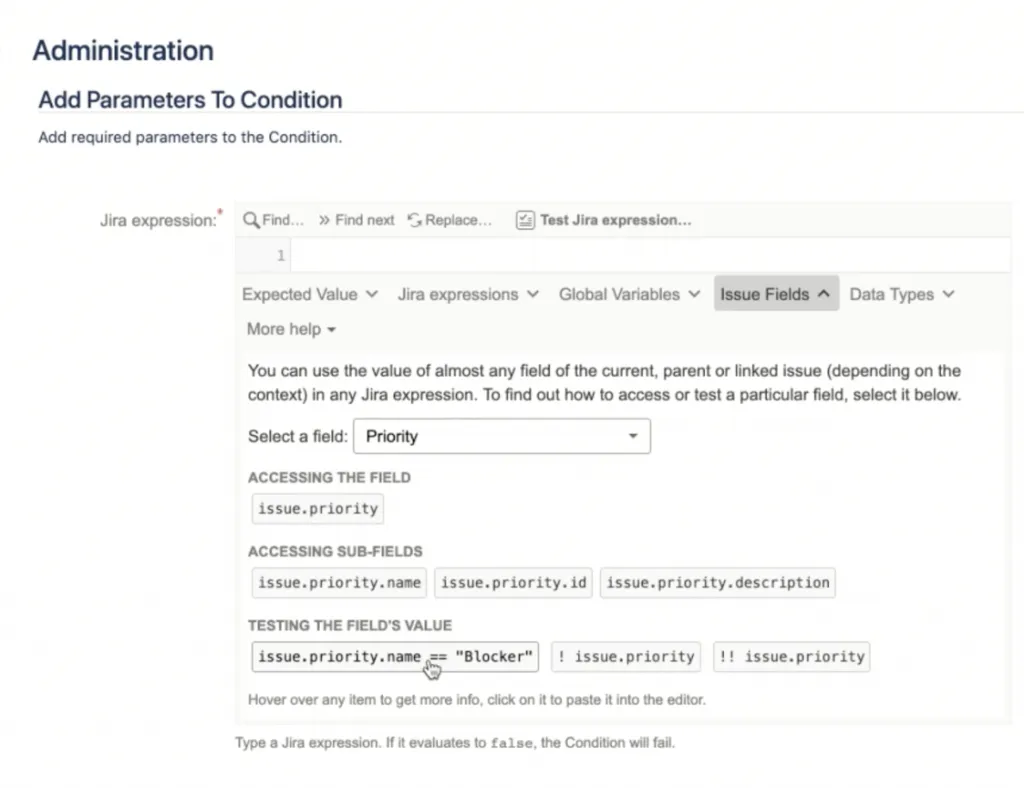
- You can test Jira expressions against any issue by pressing the “Test Jira expression” button.
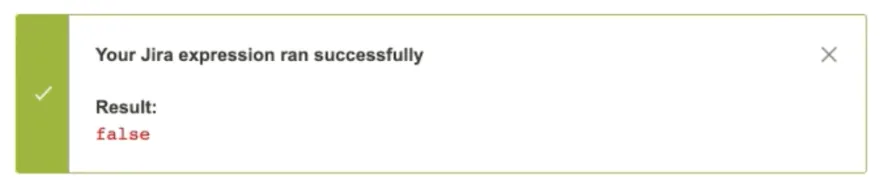
- If it works as expected (as above), add the condition, and you are all done.
See it all in action in the video above.
Read the documentation | Explore usage examples for JMWE's Build-your-own Condition