Manage Jira configurations
with  confidence
Manage Jira configurations
with confidence
 Production protection
 Snapshot comparison
 Controlled deployment
 Configuration governance
Protect production changes
Review every Jira configuration change in a lower environment, then promote only the approved scope to production.

Stop rebuilding by hand
Move Jira configurations between environments using reusable configuration packages called snapshots, reducing repetitive manual setup.
See differences before release
Compare configuration changes with the target site, identify dependencies and warnings, and customize how changes are applied.

Keep environments consistent
Schedule recurring snapshots as a Jira configuration backup, then compare versions to identify drift and support configuration governance.

Preserve configuration evidence
Maintain point-in-time configuration records that support change reviews, audits, CMDB processes, and administrator handoffs.

Restructure with control
Consolidate, split, or scale project configurations across cloud sites with clear scope, dependencies, and customization options.
Explore features
Create snapshots
Analyze impact
Resolve conflicts
Deploy approved scope
Compare versions
Schedule snapshots
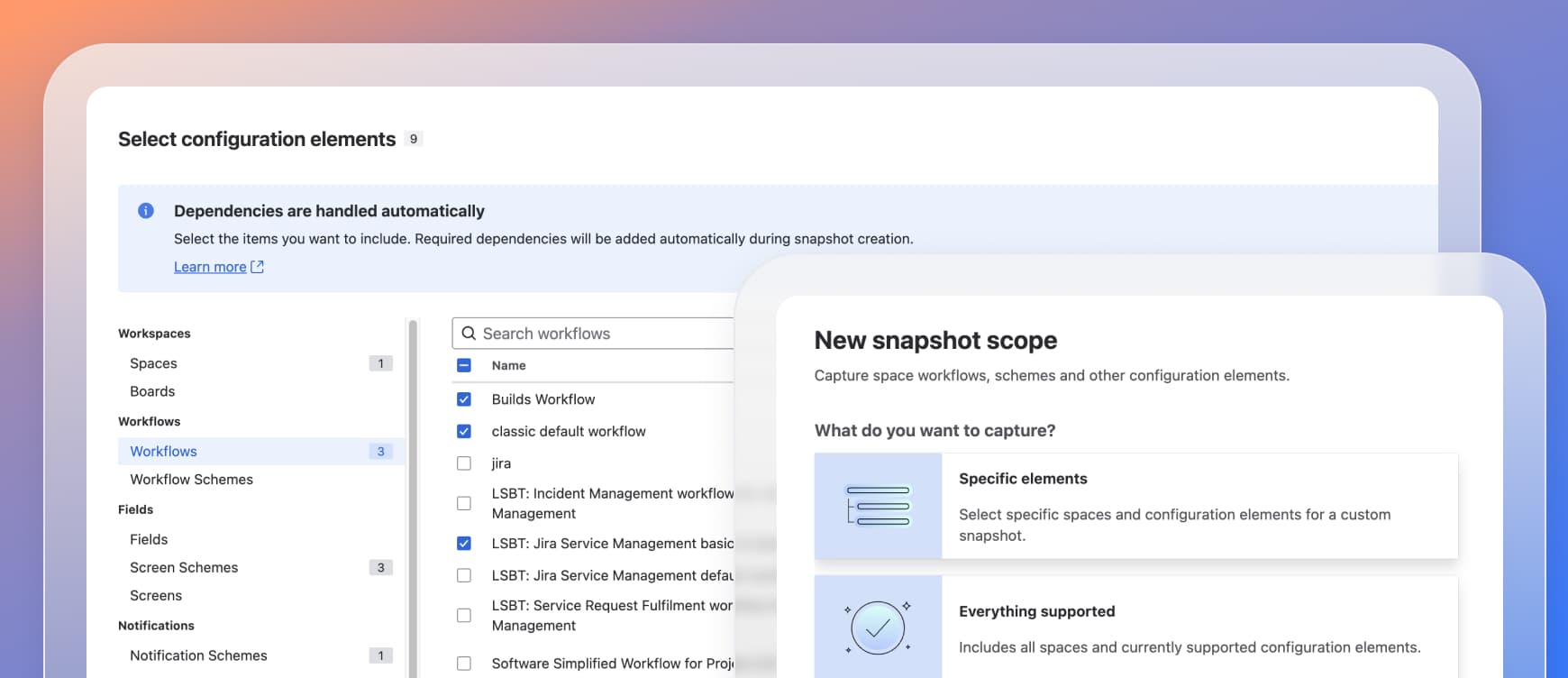
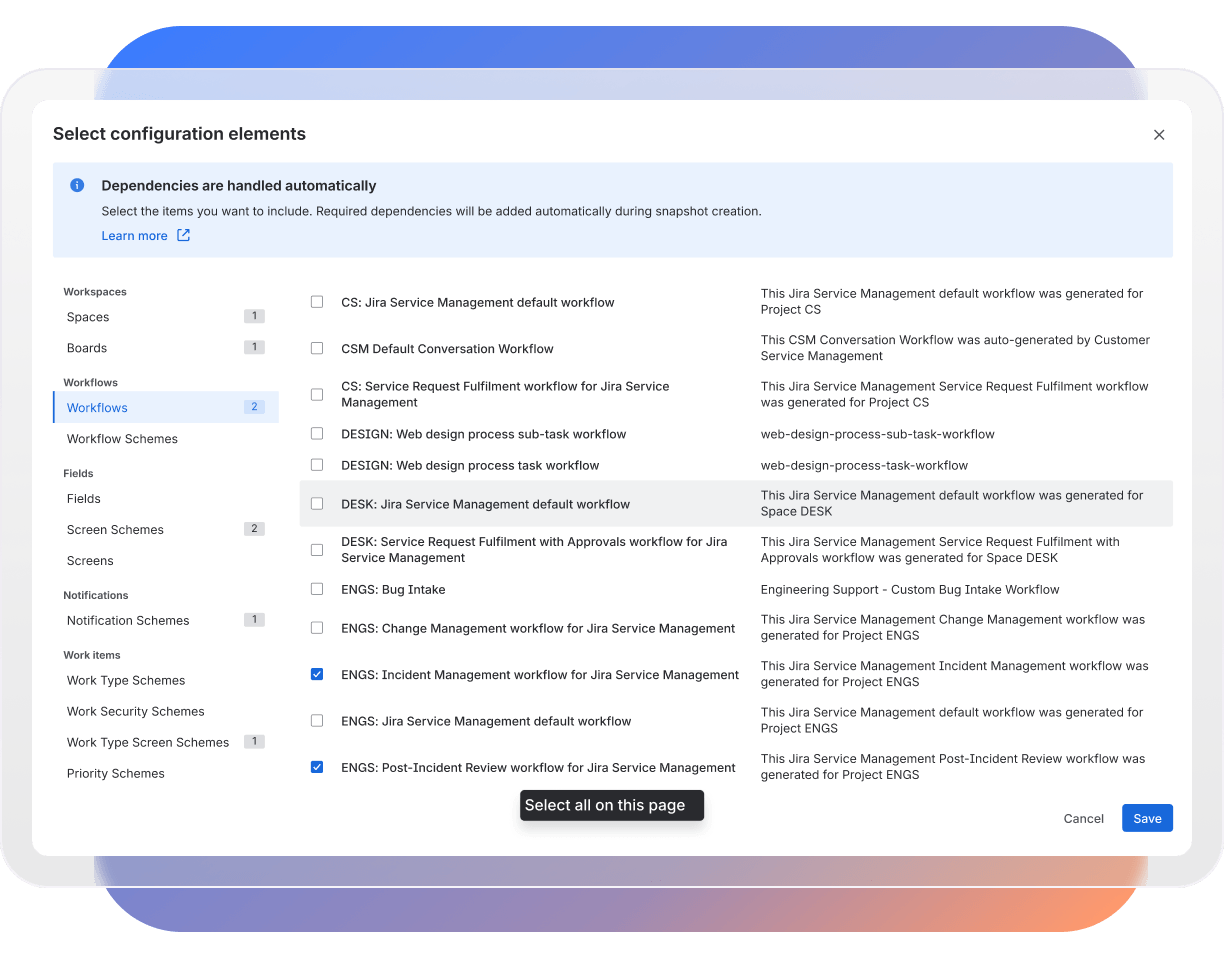
Capture only the configuration you need
Select individual projects and configuration elements, or capture all supported configurations. CMJ Cloud automatically includes required dependencies. Create snapshots on demand or schedule recurring versions to keep a configuration record over time.
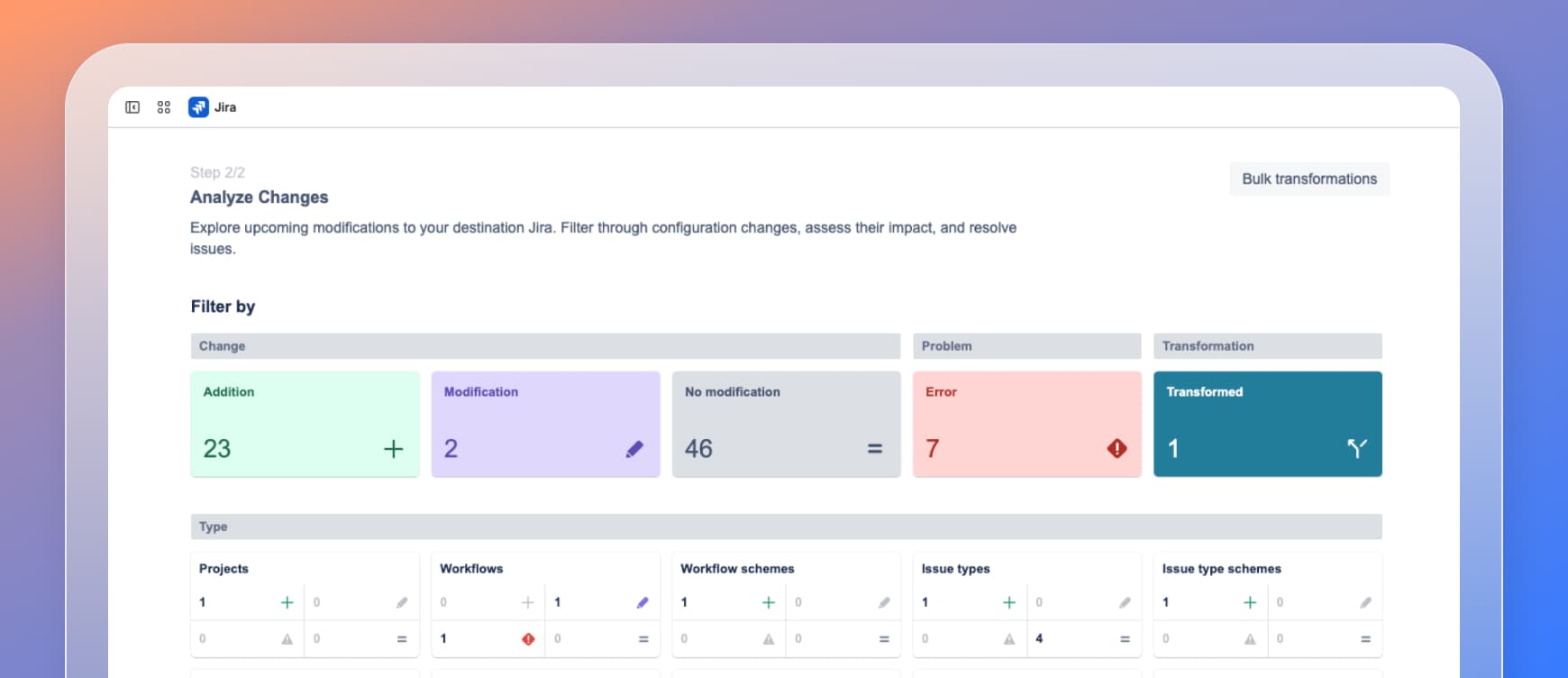
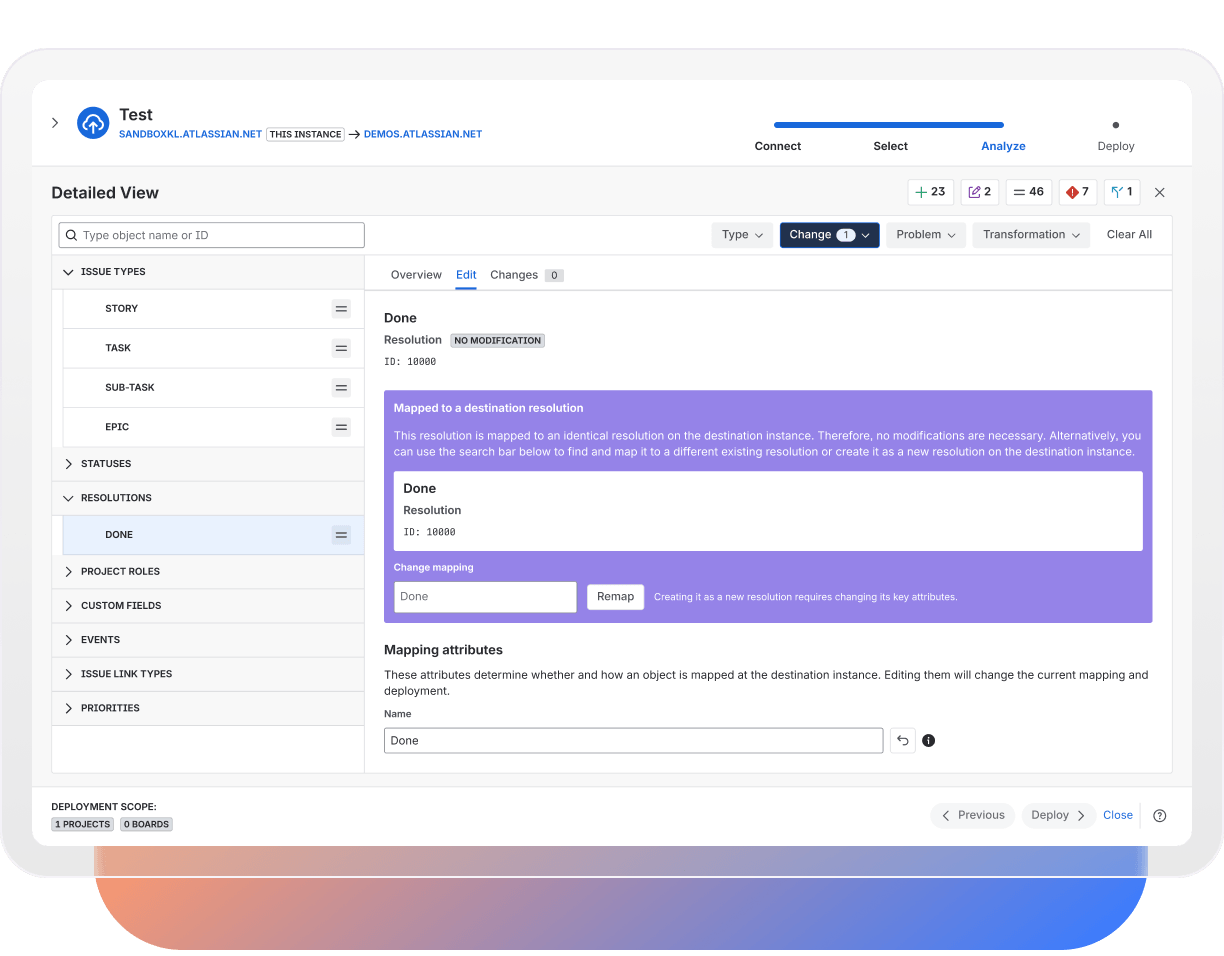
Know what will change before it moves
Run a pre-deployment analysis to identify additions, modifications, warnings, errors, and affected configuration before anything reaches the destination site.
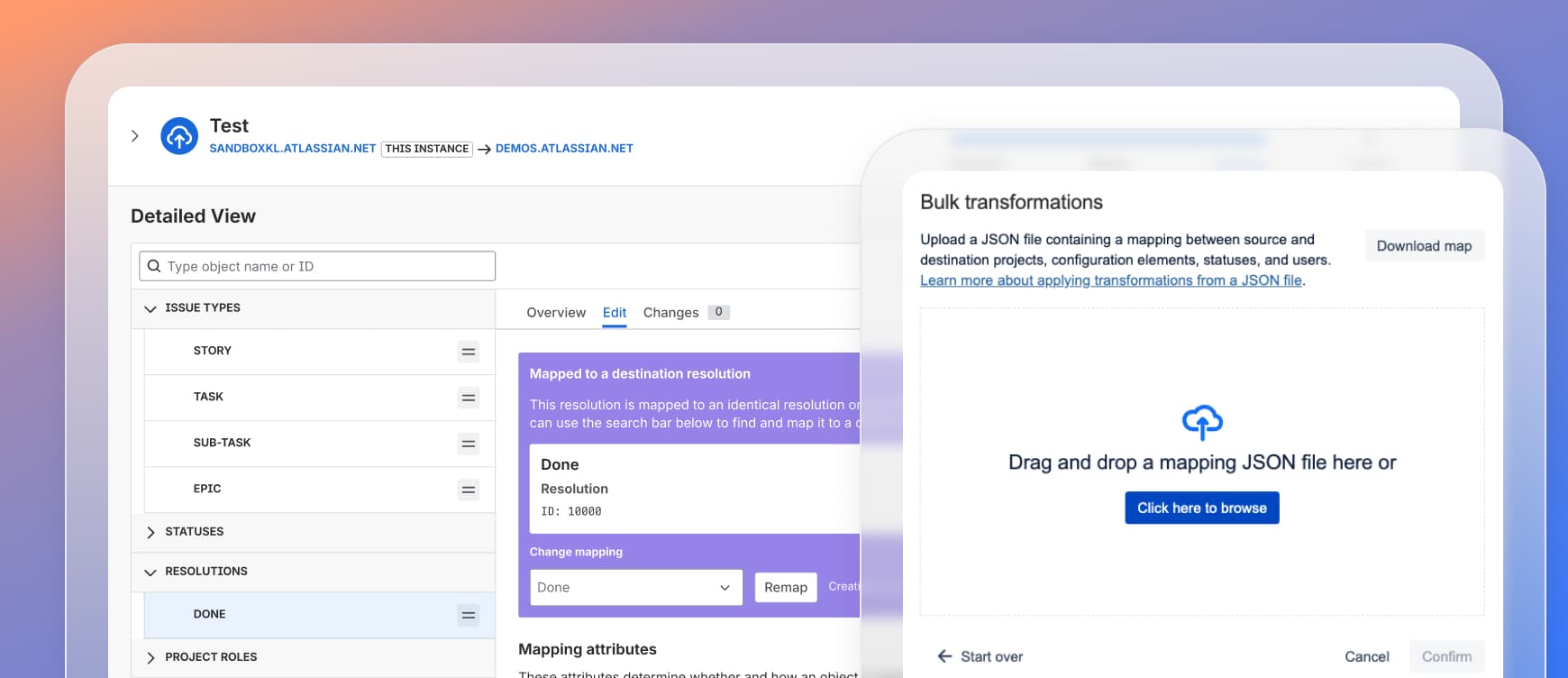
Resolve configuration conflicts before release
Use inline or bulk transformations and supported mappings to address errors and align source configuration with the destination. Rerun analysis to confirm the deployment is ready.
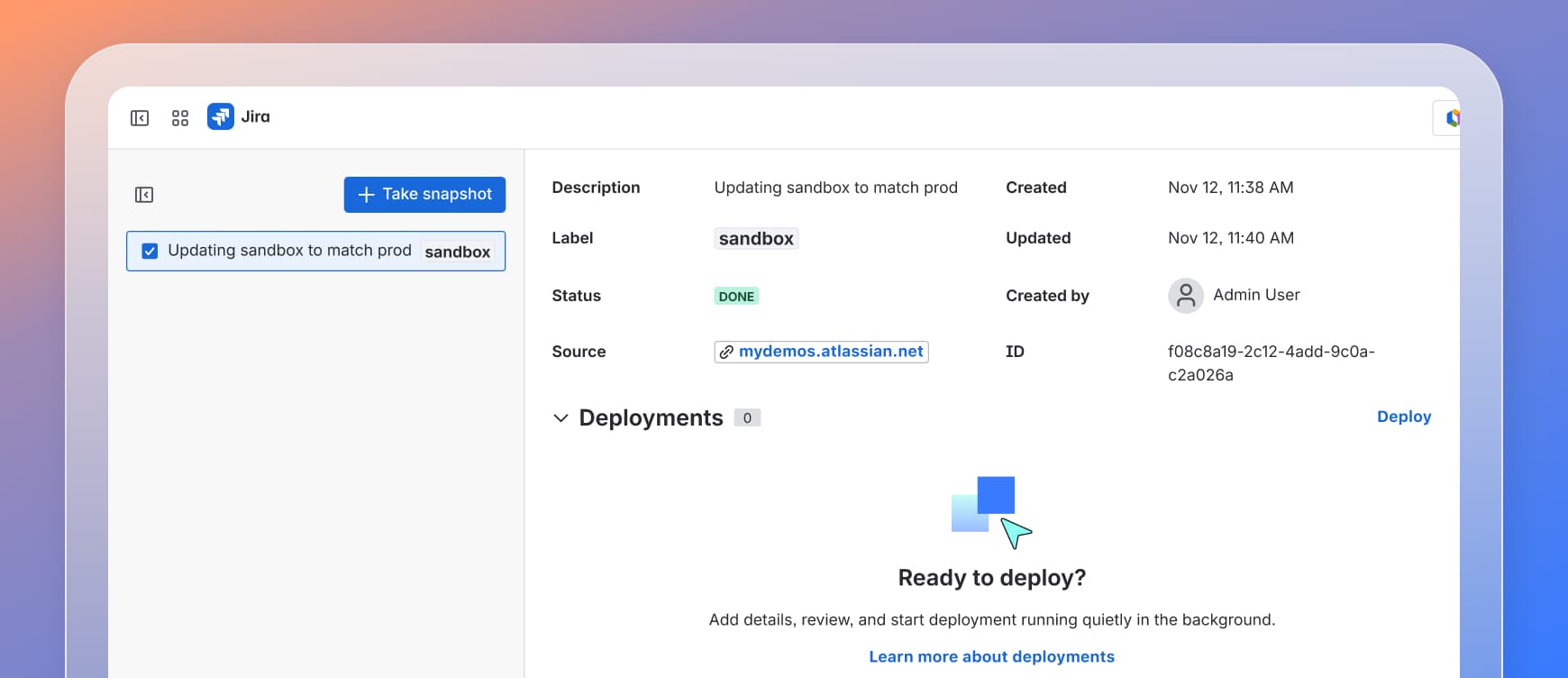
Promote approved changes to production
Deploy reviewed snapshots to the same or another Jira Cloud site. For large deployments, enable Slack notifications to stay informed of the outcome whole your team continues working.
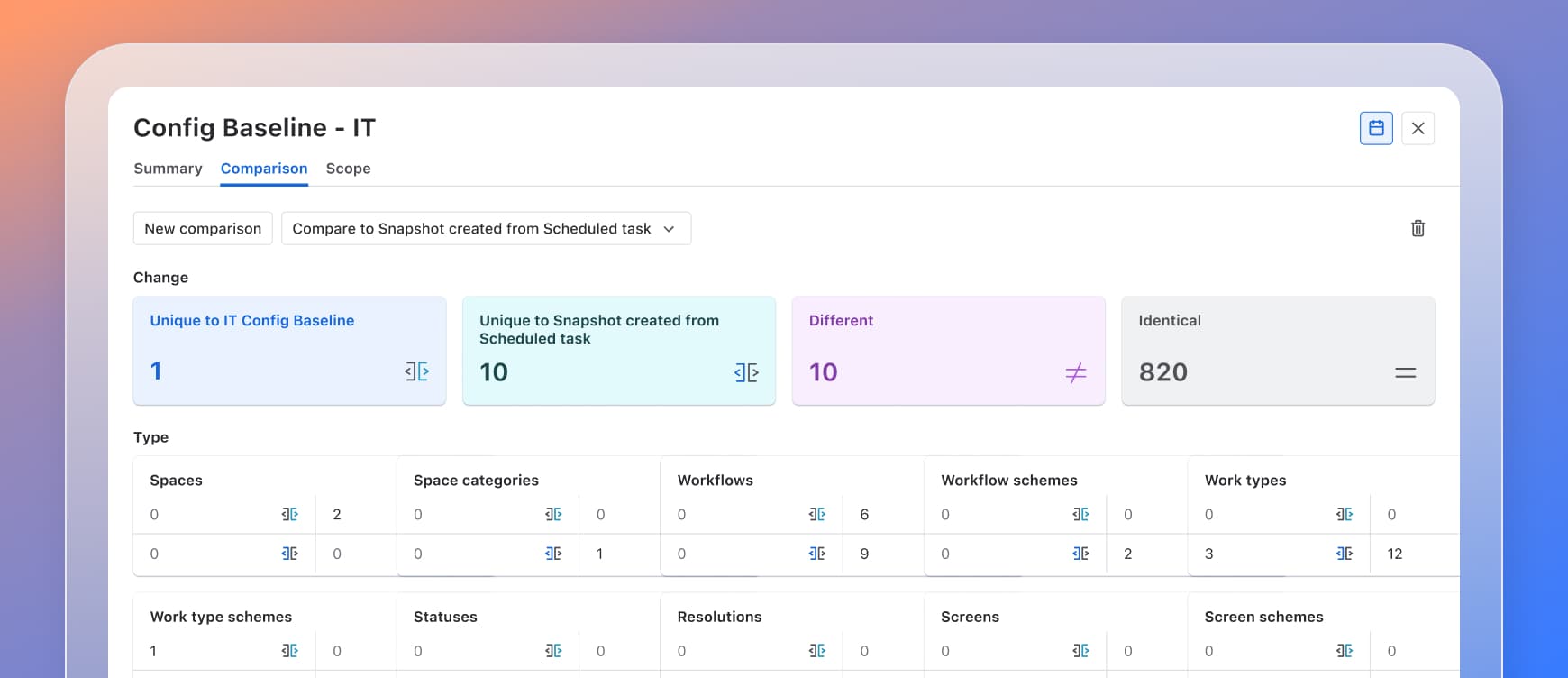
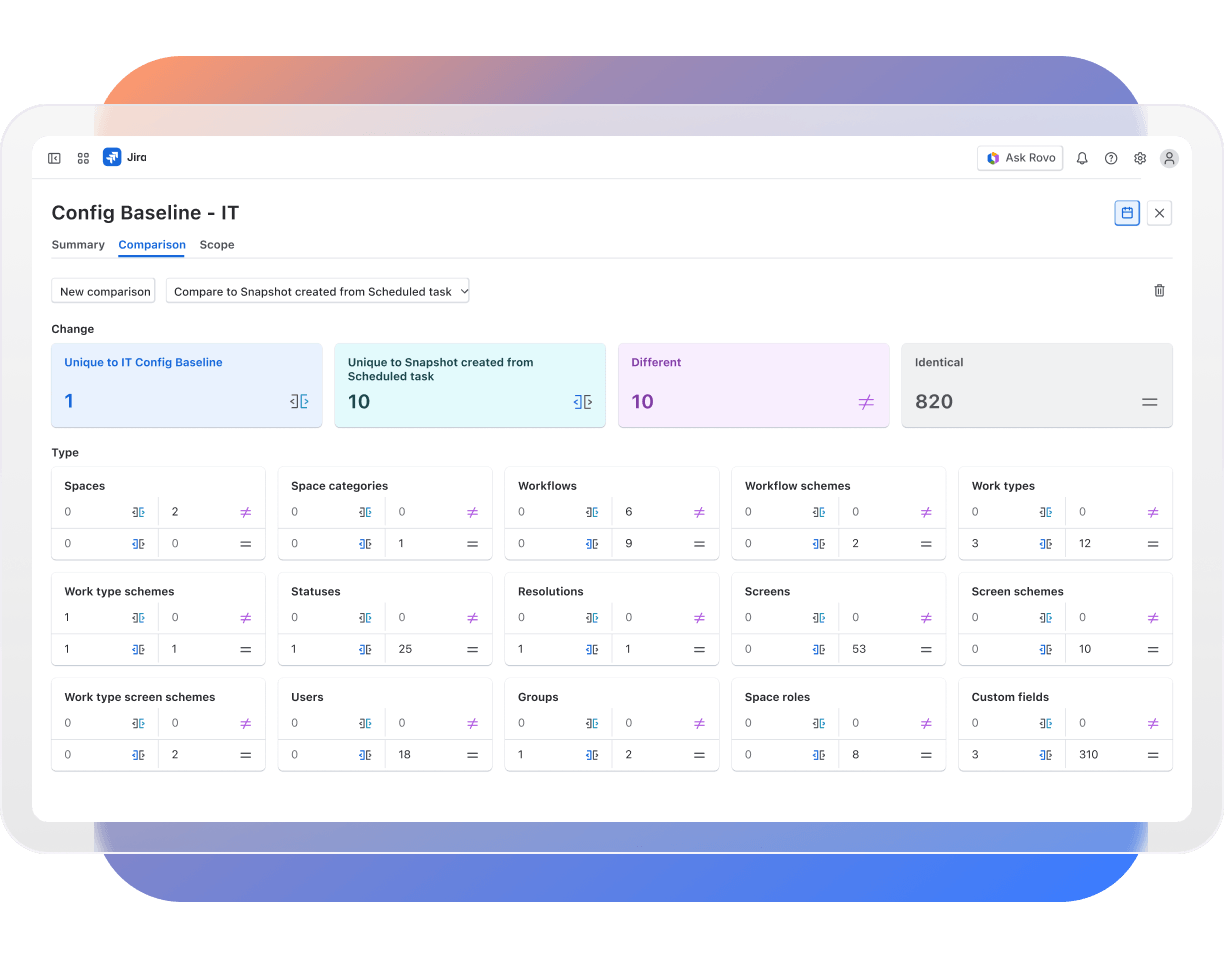
Explain how configuration changed
Compare two versions of the same snapshot scope. Review objects that are unique, different, or identical to identify configuration drift or prepare for audits.
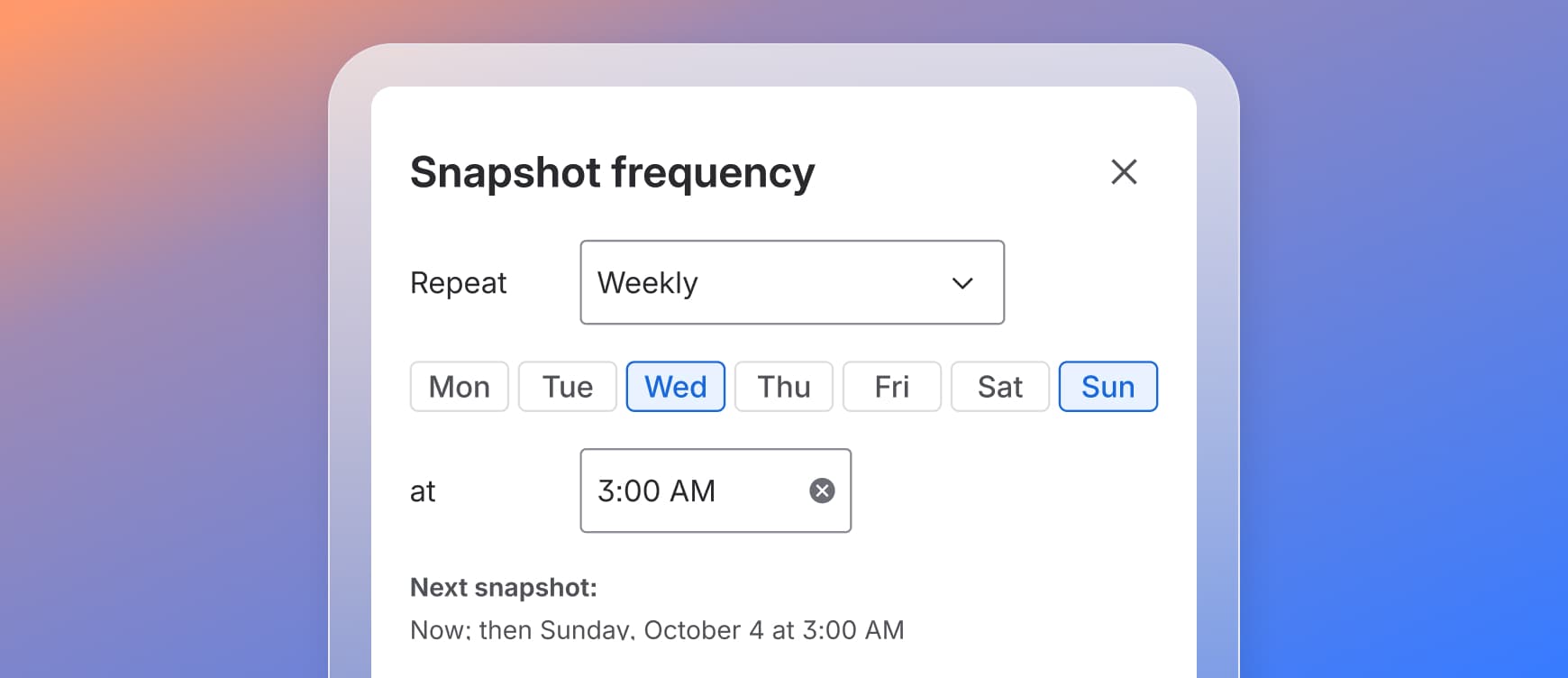
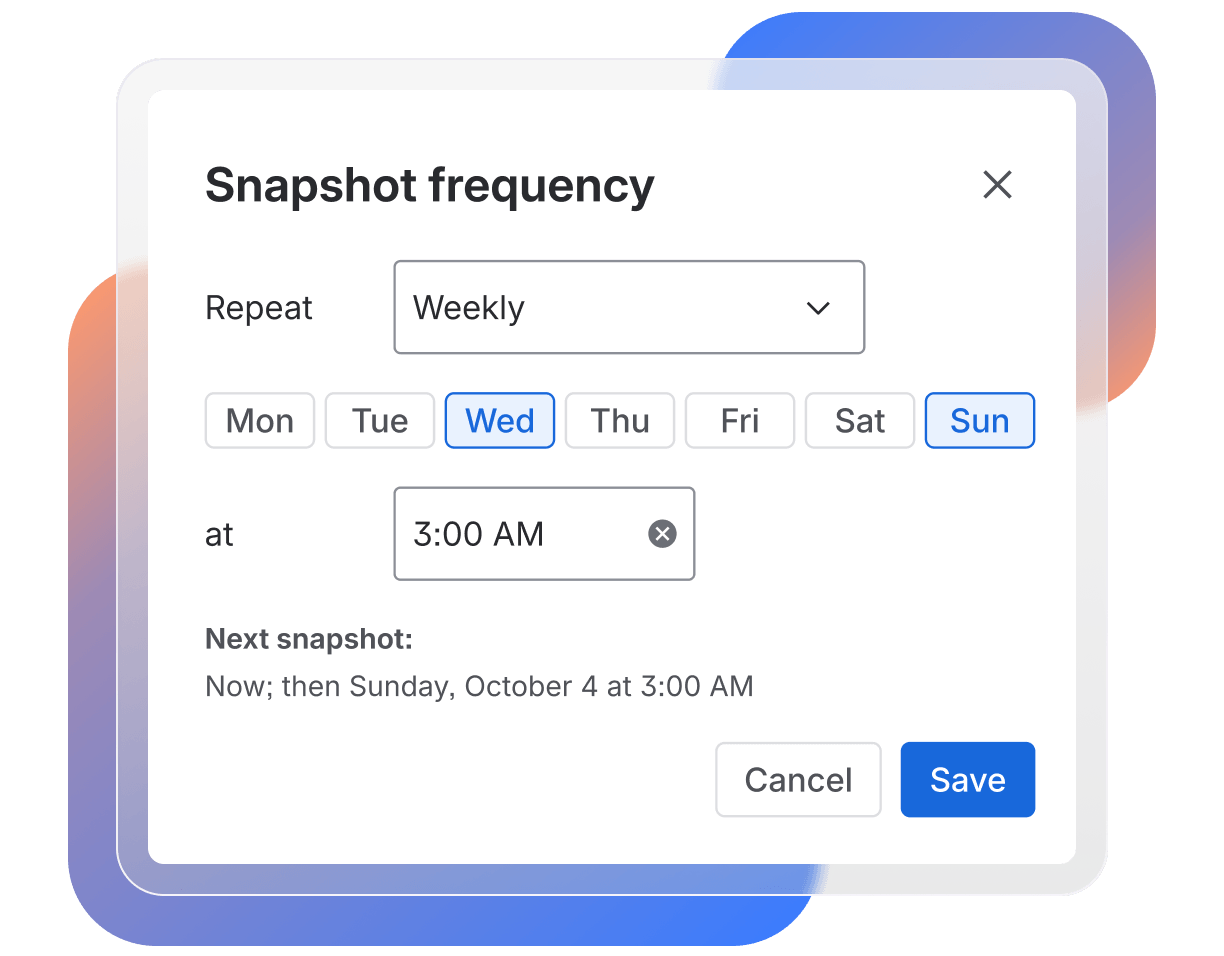
Maintain a recurring configuration record
Schedule recurring snapshots of a defined configuration scope without recreating them manually. Compare versions to track changes over time and maintain a consistent record for governance and audits.