Appfire LiveRisk

Continuous risk 

assessment built into Appfire LiveRisk your work

Continuous risk assessment built

into Appfire LiveRisk your work

Connect risk to Jira treatment work, track residual risk as work progresses, and document decisions to demonstrate your risk management process.

Connect risk to Jira treatment work, track residual risk as work progresses, and document decisions to demonstrate your risk management process.

Warning iconLive risk register

Work-linked treatment iconWork-linked treatment

Icon chart data iconContinuous risk posture

bullet icon listDecision and evidence log

Key benefits 01

Register icon

Keep risk registers current

Risk registers quickly drift from real work. Connect risks and security findings to Jira work so your risk view reflects treatment progress.

Work-linked treatment icon

Stay ahead of treatment delays

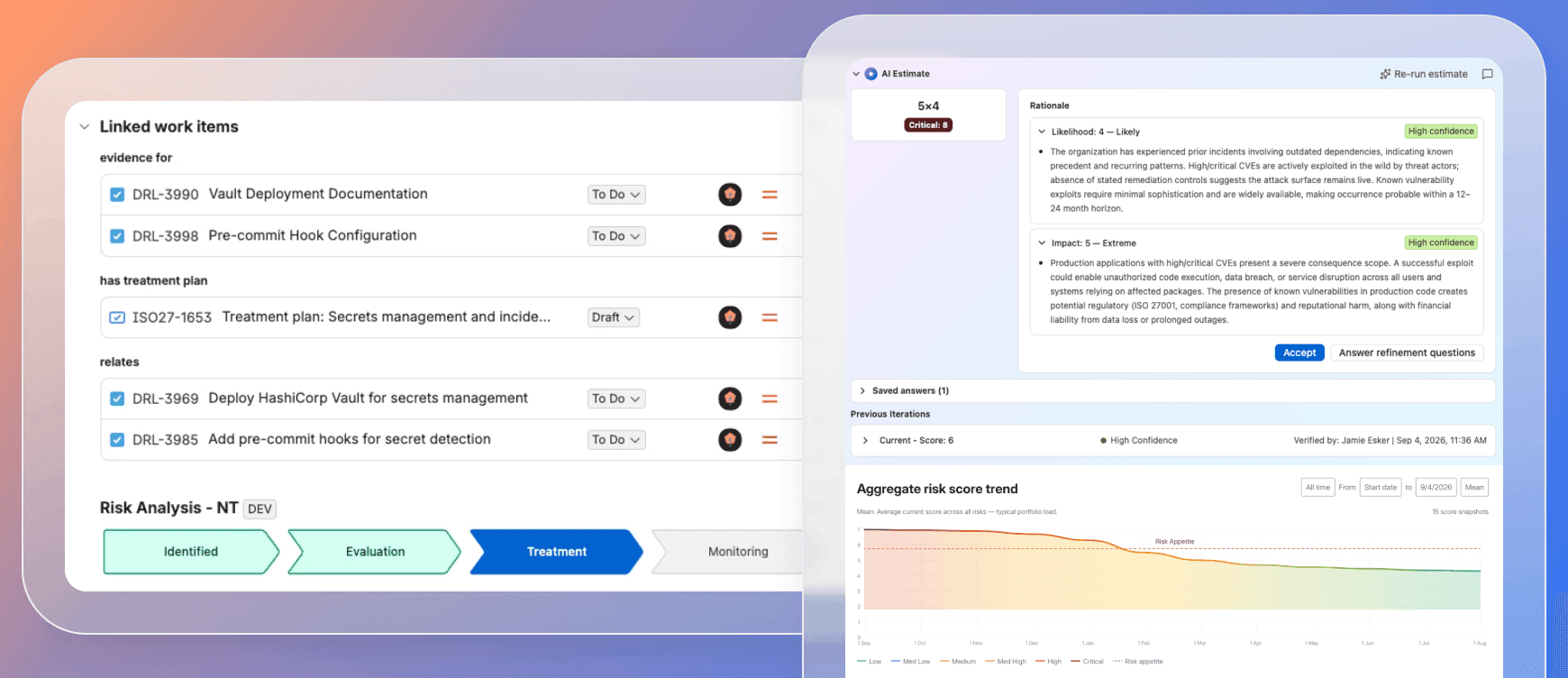
Remediation can fall behind without clear visibility. Link governed risks to Jira work to see owners, treatment progress, and delays.

Search icon

See how mitigation changes risk

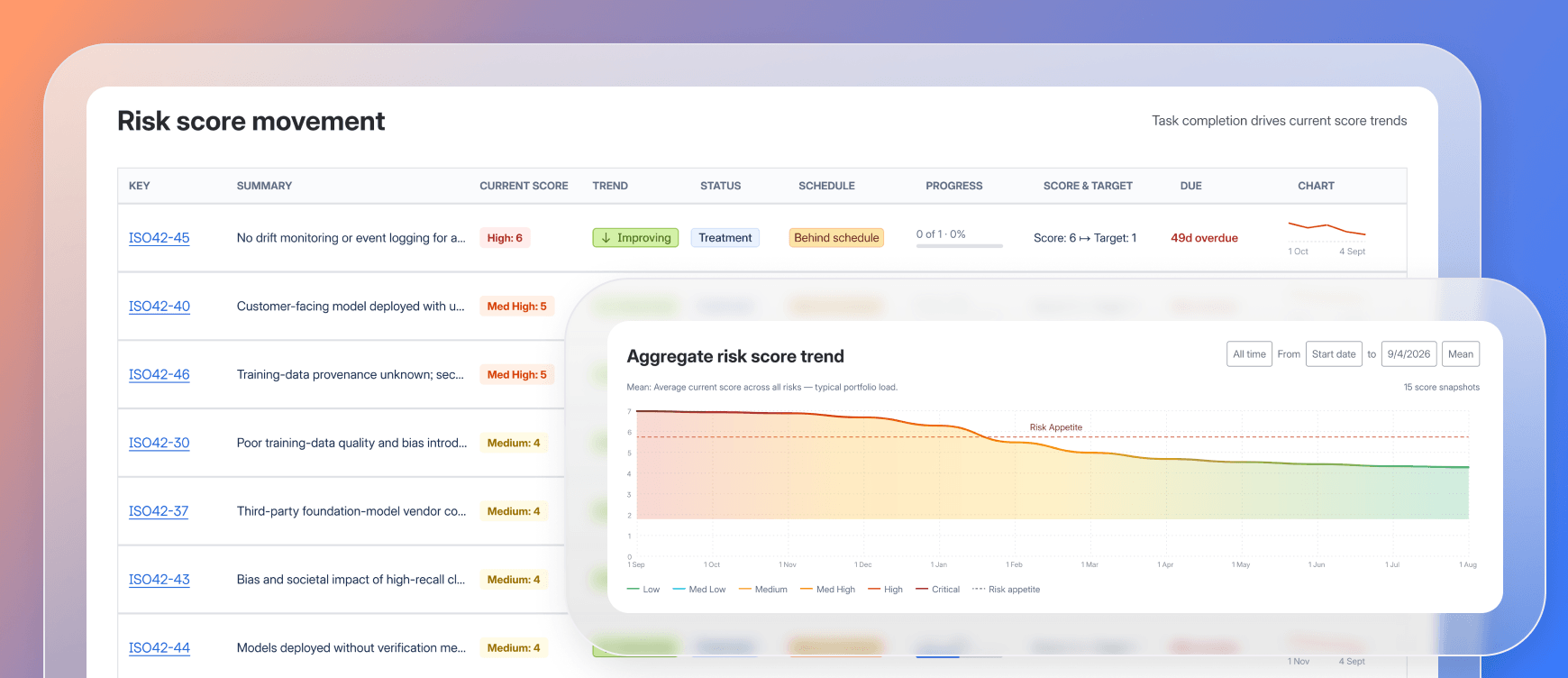
Point-in-time reviews quickly become outdated. Continuously assess risk as Jira work progresses and see how treatment changes your risk score.

Risk eveidence icon

Know why risk changed

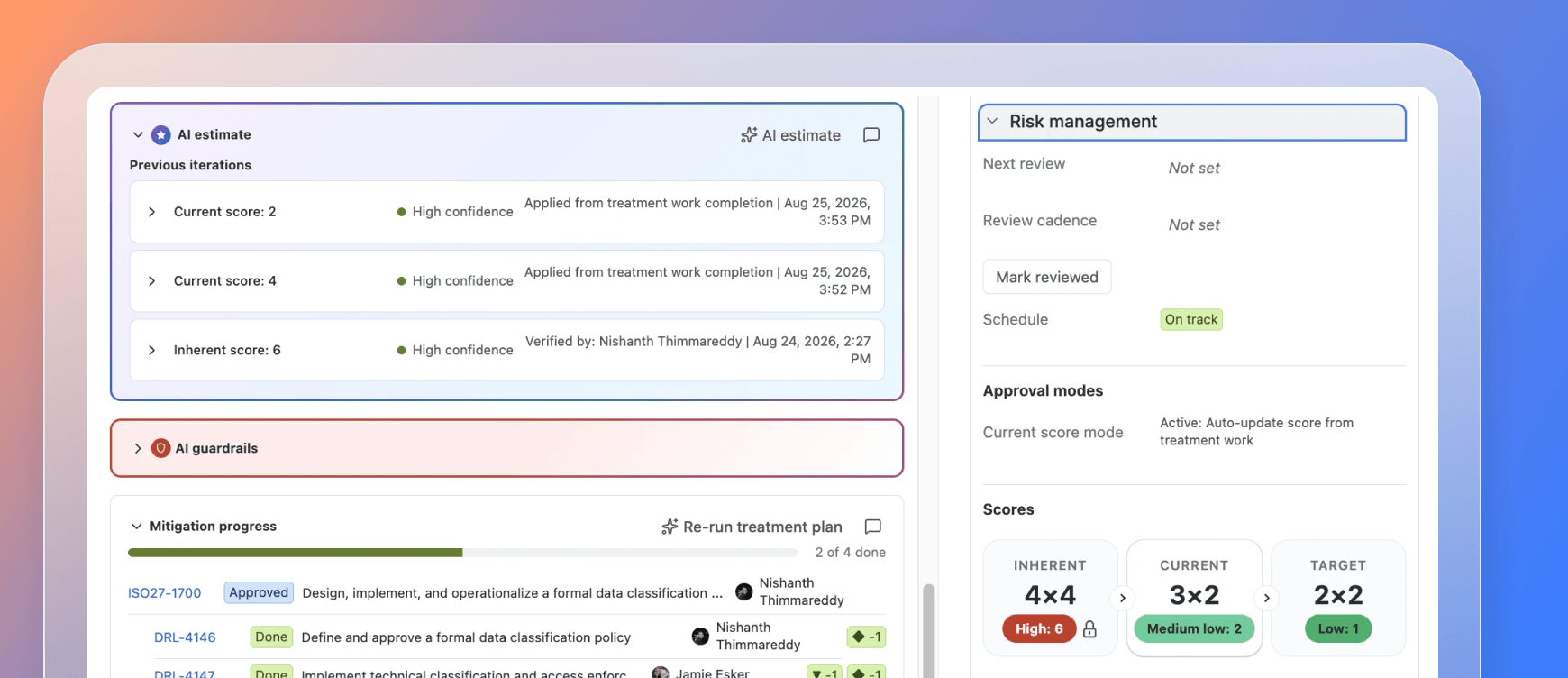
Risk scores can change, but the reason isn’t always clear. Trace reassessments, decisions, and score history to see what changed, when it changed, and why.
Key features 02

Connect risk and security findings to the Jira work that reduces risk

Monitor and centralize signals

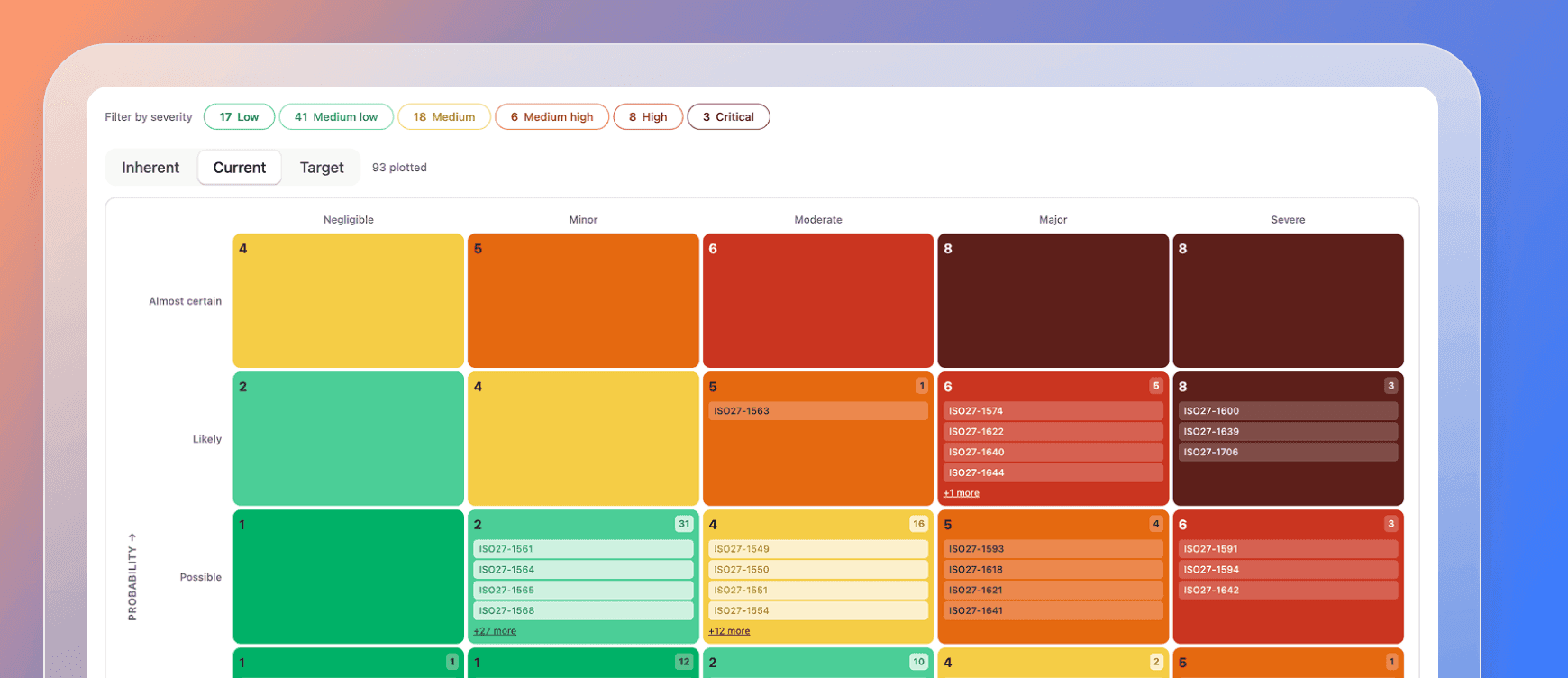
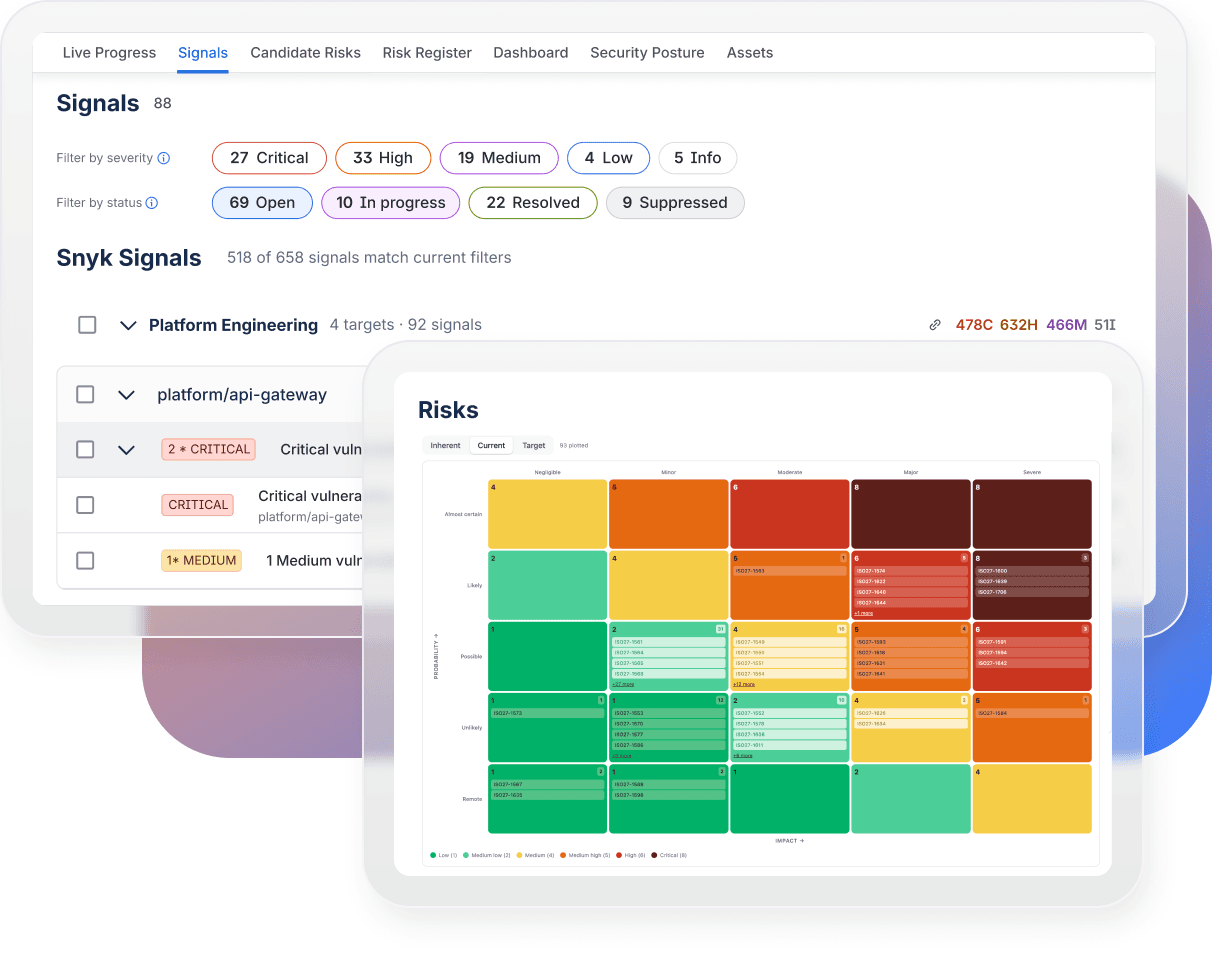
Bring security and GRC signals together with Confluence context in a live Jira risk register, giving teams a connected view of risk.

Bring security and GRC signals together with Confluence context in a live Jira risk register, giving teams a connected view of risk.

Turn treatments into Jira work

Connect approved risk treatments to Jira work so remediation teams can manage mitigation through epics, stories, and tasks with clear ownership.

Connect approved risk treatments to Jira work so remediation teams can manage mitigation through epics, stories, and tasks with clear ownership.

Continuously measure risk posture

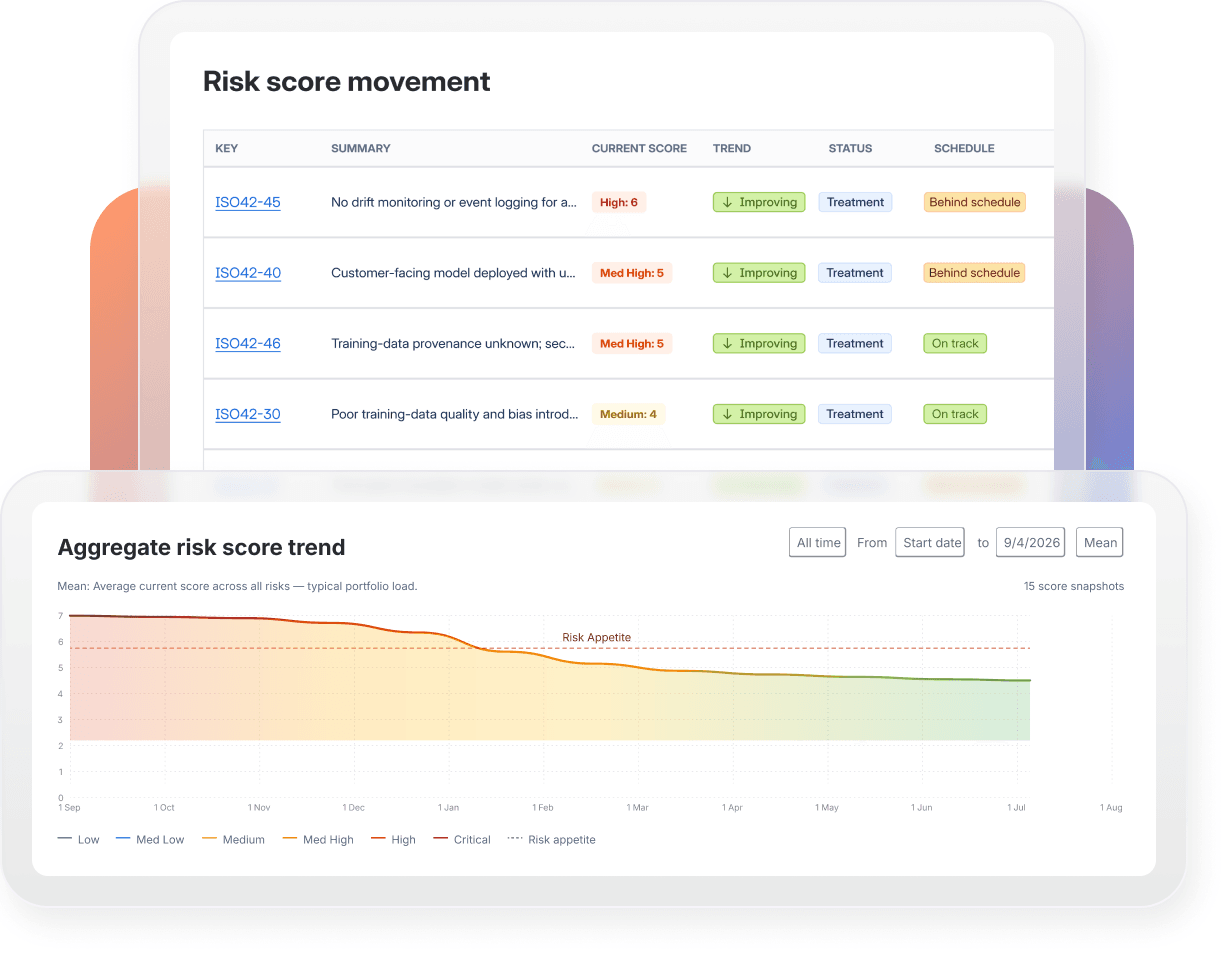
Track residual risk as Jira work progresses, giving leaders a more current view of risk without waiting for periodic reviews.

Track residual risk as Jira work progresses, giving leaders a more current view of risk without waiting for periodic reviews.

Prove risk reduction and decision history

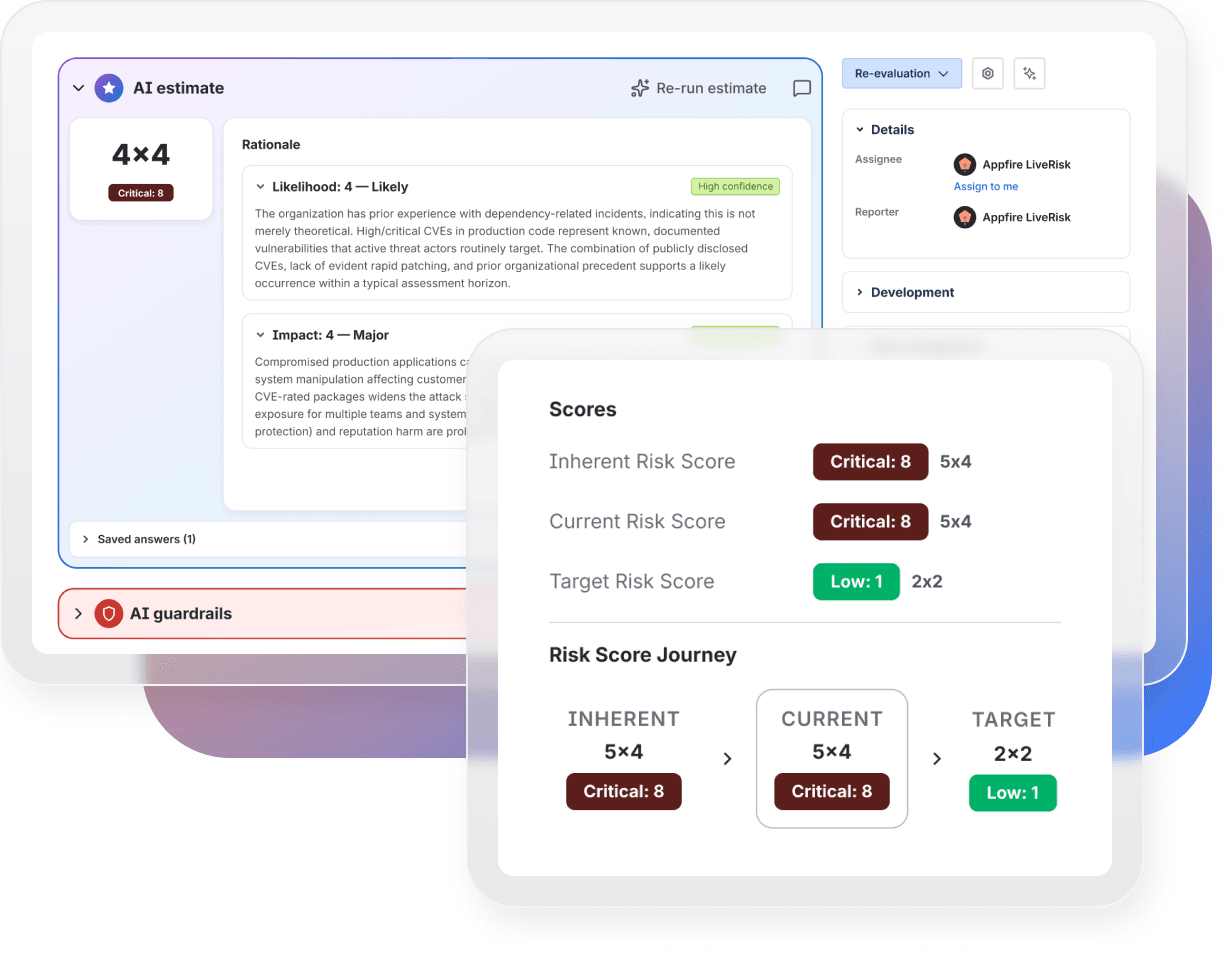
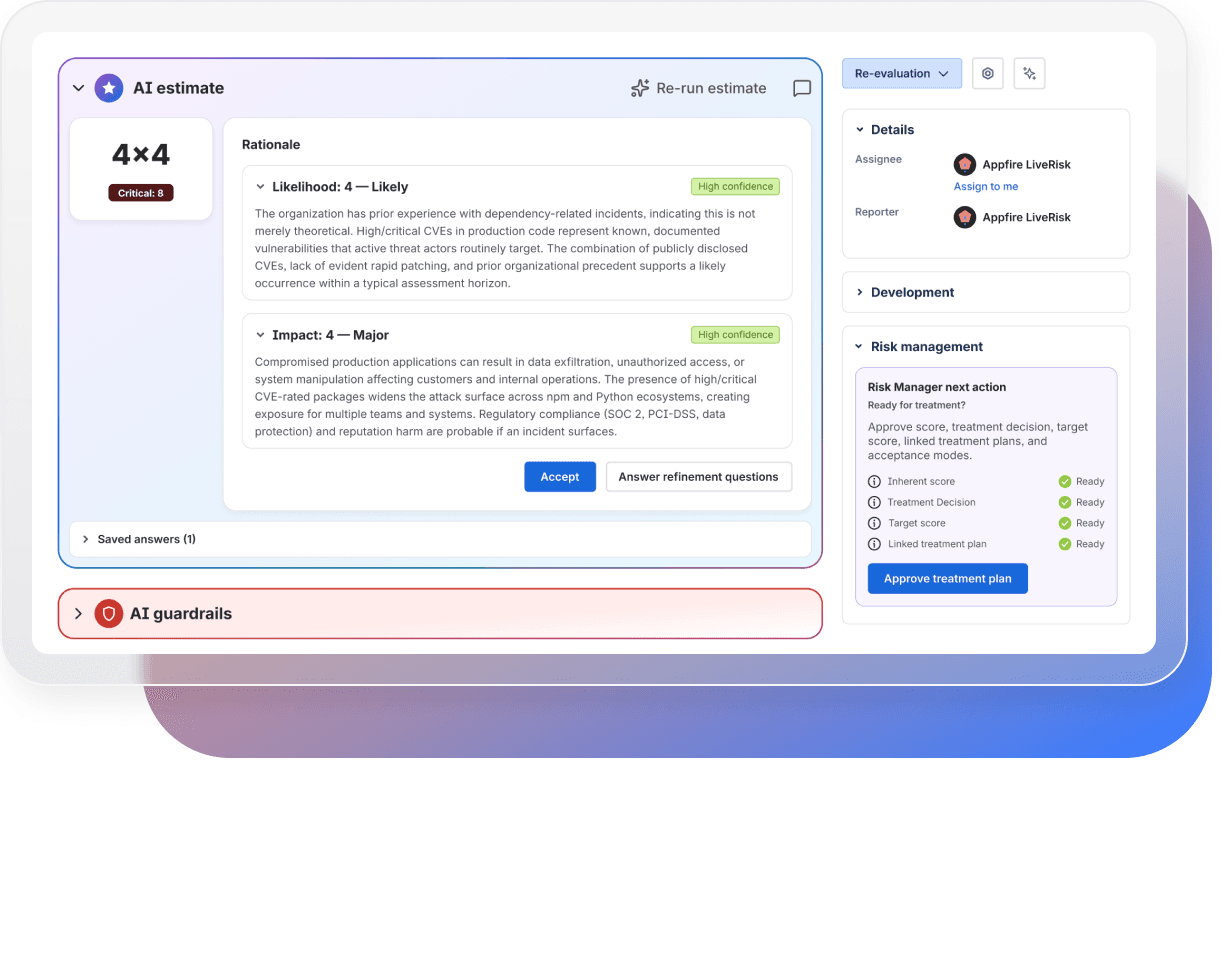
AI helps estimate risk scores, explain the reasoning, and draft treatment plans while keeping people responsible for every decision.

AI helps estimate risk scores, explain the reasoning, and draft treatment plans while keeping people responsible for every decision.

How LiveRisk works 03

Governed risk execution

Connect risk decisions to Jira mitigation work, evidence, and ongoing reassessment.

Explore features

Monitor risk signals

Manage risks

Treat risks

Measure risk

Know why risk changed
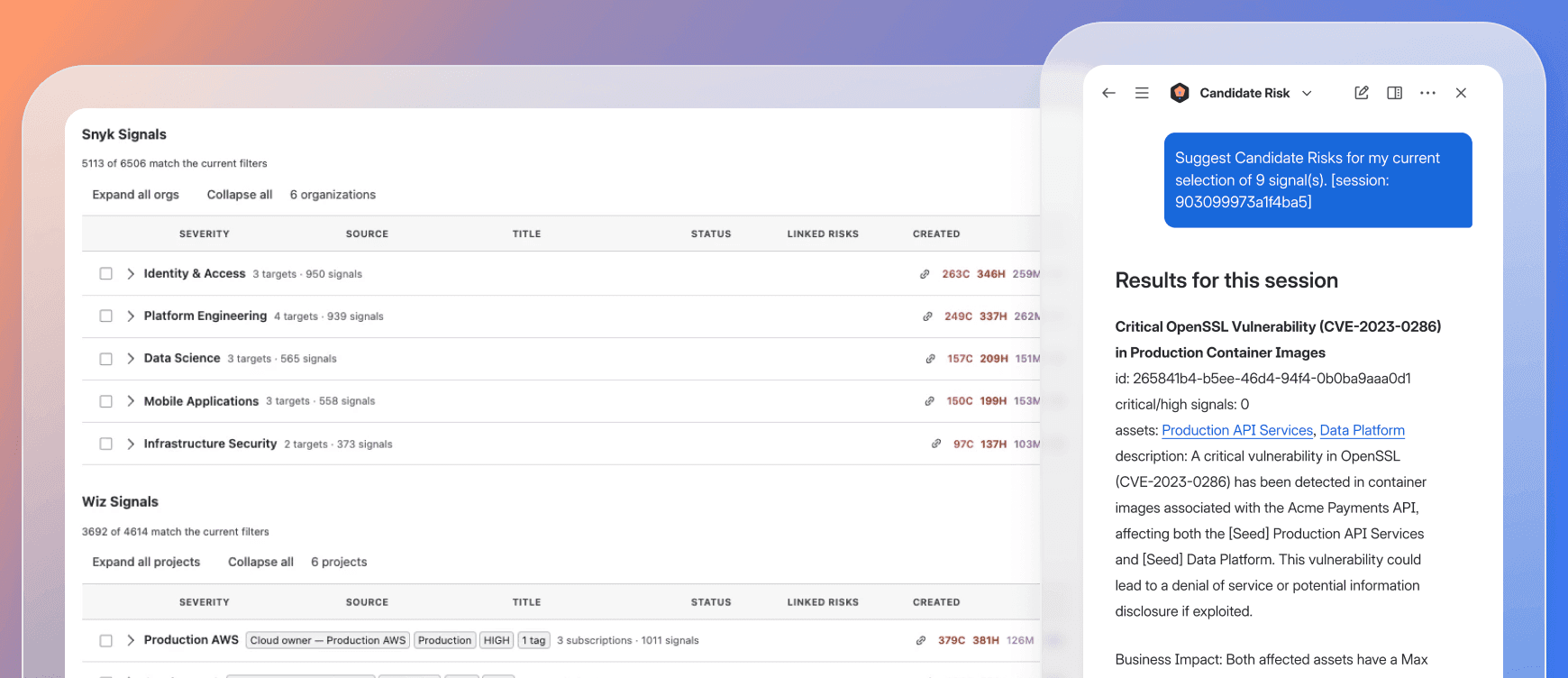
Connect risk, security, and compliance inputs in LiveRisk

Connect risk, security, and compliance inputs

  • Ingest security findings and alerts from apps like Wiz and Snyk
  • Bring in existing risk records and GRC data from OneTrust
  • Add governance context from Confluence policies
  • Use AI to generate candidate risks from signals, or add risks manually
Keep your risk view current and actionable in LiveRisk

Keep your risk view current and actionable

  • Centralize risks in a live Jira risk register
  • Assess, score, and manage risks consistently
  • Assign risk ownership and maintain relevant context
  • Keep risk status current as information changes
Connect risk treatment to Jira work

Connect risk treatment to Jira work

  • Turn approved treatment plans into trackable Jira work
  • Assign remediation work to the right teams
  • Track owners, due dates, and treatment progress
  • Use AI-assisted scoring and treatment suggestions with human approval
See how treatment changes risk

See how treatment changes risk

  • Track risk exposure as mitigation progresses
  • Compare risk levels before and after treatment
  • Identify treatments that aren't reducing risk as expected
  • Give leaders a current view of risk posture and reduction
See how each risk was treated

See how each risk was treated

  • Maintain a history of risk decisions and human approvals
  • Preserve treatment activity and changes over time
  • Trace Jira work and the evidence behind decisions
  • Show what was done and how risk changed over time

"Bringing all these vulnerability signals... together into our risk register... shows that we are evolving and trying to be better on how we treat our risks."

Servando G.

“It helps me as the CISO say where I want to spend my money and my resources next year... I'm using the risk posture to defend my budget.”

Doug K.

"I've never seen a tool that does real-time risk management, meaning it's a tool you live in."

Josh M.

FAQ's 05

FAQ's

LiveRisk is a Jira-native app for continuous risk assessment. It connects risks, treatment plans, approvals, evidence, and mitigation work in one governed workflow, helping security, GRC, and compliance teams connect risk decisions to Jira execution.

LiveRisk is designed for security, GRC, and compliance teams whose mitigation work happens in Jira. Risk practitioners govern the process while engineering, IT, security, and operations teams complete treatment through their existing Jira workflows.

No. LiveRisk complements enterprise GRC platforms like OneTrust. Your GRC platform can remain the system of record while LiveRisk connects governed risk to Jira workflows for treatment, process tracking, and continuous risk assessment.

LiveRisk connects governed risks and approved treatment plans to Jira epics, stories, and tasks. Teams can keep treatment ownership, due dates, progress, and mitigation work linked to the risk record.

LiveRisk connects completed Jira work, findings, approvals, reassessments, and decision history to changes in risk. Teams can see not only whether treatment was completed, but whether risk changed as a result.

LiveRisk connects treatment status to Jira work so risk practitioners can monitor mitigation progress and reassess residual risk as work advances instead of waiting for periodic reviews.

Yes. LiveRisk uses AI to suggest risk scores and treatment actions based on available risk context. Teams review and approve those suggestions, keeping people in control of risk decisions.

LiveRisk connects InfoSec, AppSec, and GRC systems to Jira treatment workflows. Bring in security findings from Wiz and Snyk and governed risks from OneTrust, with traceability back to each source.
See our documentation for a complete list of integrations.

Yes. LiveRisk keeps findings, Jira work, approvals, reassessments, and decision history connected to each risk. This creates a traceable record of what was done, why decisions were made, and how risk changed over time.

Yes. LiveRisk gives leaders visibility into risk posture, mitigation progress, treatment status, overdue work, and residual-risk changes. They can see where risk stands and whether treatment is working.