What’s it handy for?
If you need to add a large number of users to your Jira account, Jira CLI can help you get it done quickly, with minimal manual work.
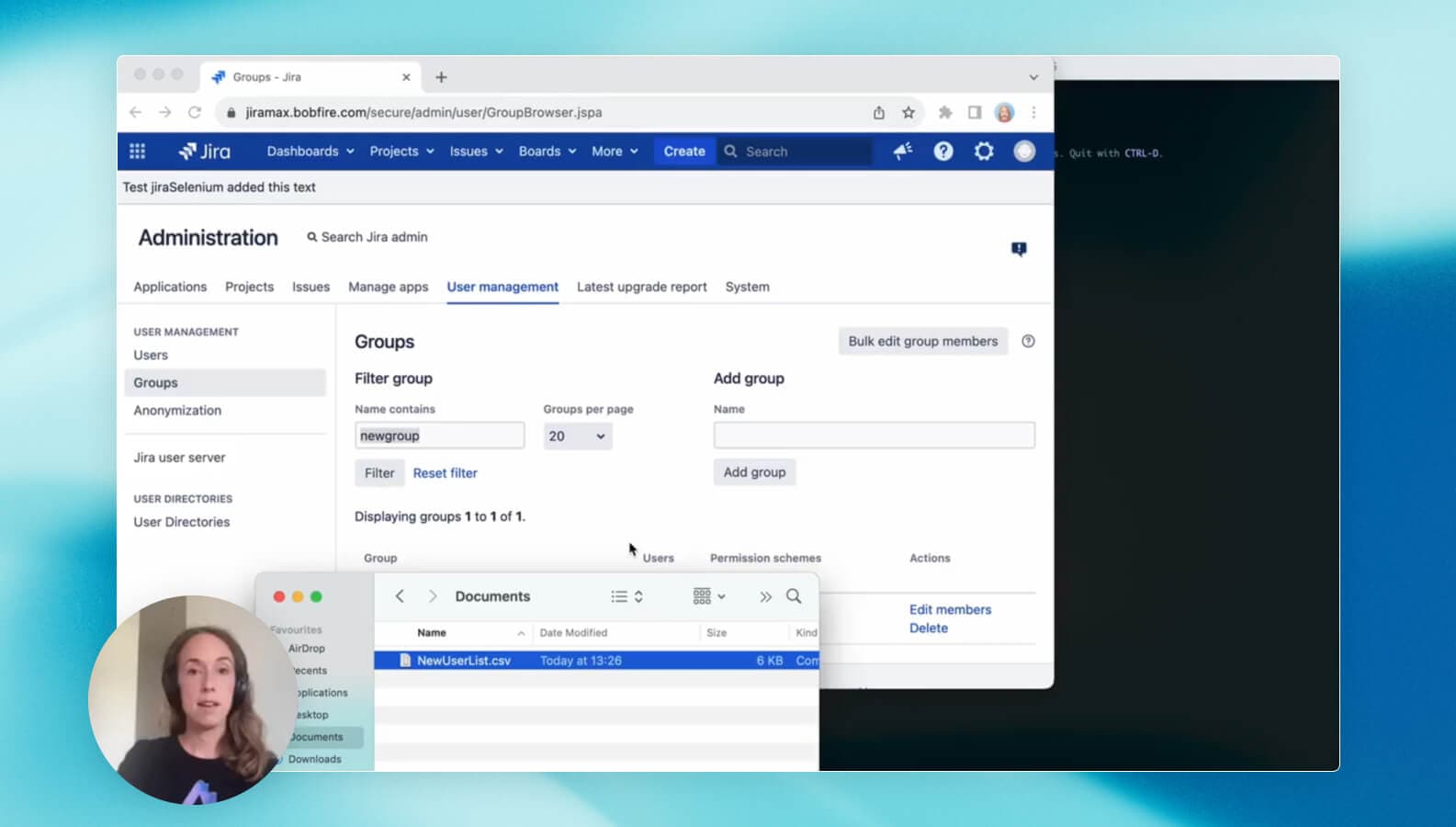
Let’s imagine the following use case: After an acquisition, you receive a CSV file with 100 users that need to be added to Jira. See how to do it in the video above.
Why do you need this?
Run simple, text-based commands from ACLI Shell to import user data from a CSV and import hundreds of users within seconds.
To get started:
- Prepare the CSV file to make sure the columns align with the respective Jira fields (userId, userEmail, userFullName, group).
- Open the ACLI Shell and run the following example script
sandbox --action runFromCsv --file ~/Downloads/NewUsers.csv --common "--action addUser" - Follow along in Jira as the users are added, or do something else while you wait for it to finish.
And there you have it! 100 users added to your Jira account after just a few clicks on your part.
Notes:
Sandbox” and "~/Downloads/NewUsers.csv" are variables you'll need to change. Replace “Sandbox” with your Jira instance and replace "~/Downloads/NewUsers.csv" with the location of your CSV file.
