What’s it handy for?
As a Jira admin, once your instance has multiple automated workflows, it won’t be long before you’ll find yourself recreating the same configurations over and over again. Using JMWE’s Shared Actions, your most common configurations can be quickly reused across multiple transitions. This is useful because:
- It saves admin time setting up similar workflows
- It greatly simplifies maintenance in the long run
Why use JMWE for scaling automation in Jira?
JMWE’s Shared Actions are a series of one or more post-functions, run in sequence, that can be quickly reused across numerous workflow transitions and projects. Once set up, Shared Actions can be quickly and easily updated in one place – the Shared Actions Editor page. Any changes you apply to automations there is then carried over to any associated workflow transitions, greatly simplifying maintenance.
To get started:
- Install and license Jira Misc Workflow Extensions (JMWE). More details →
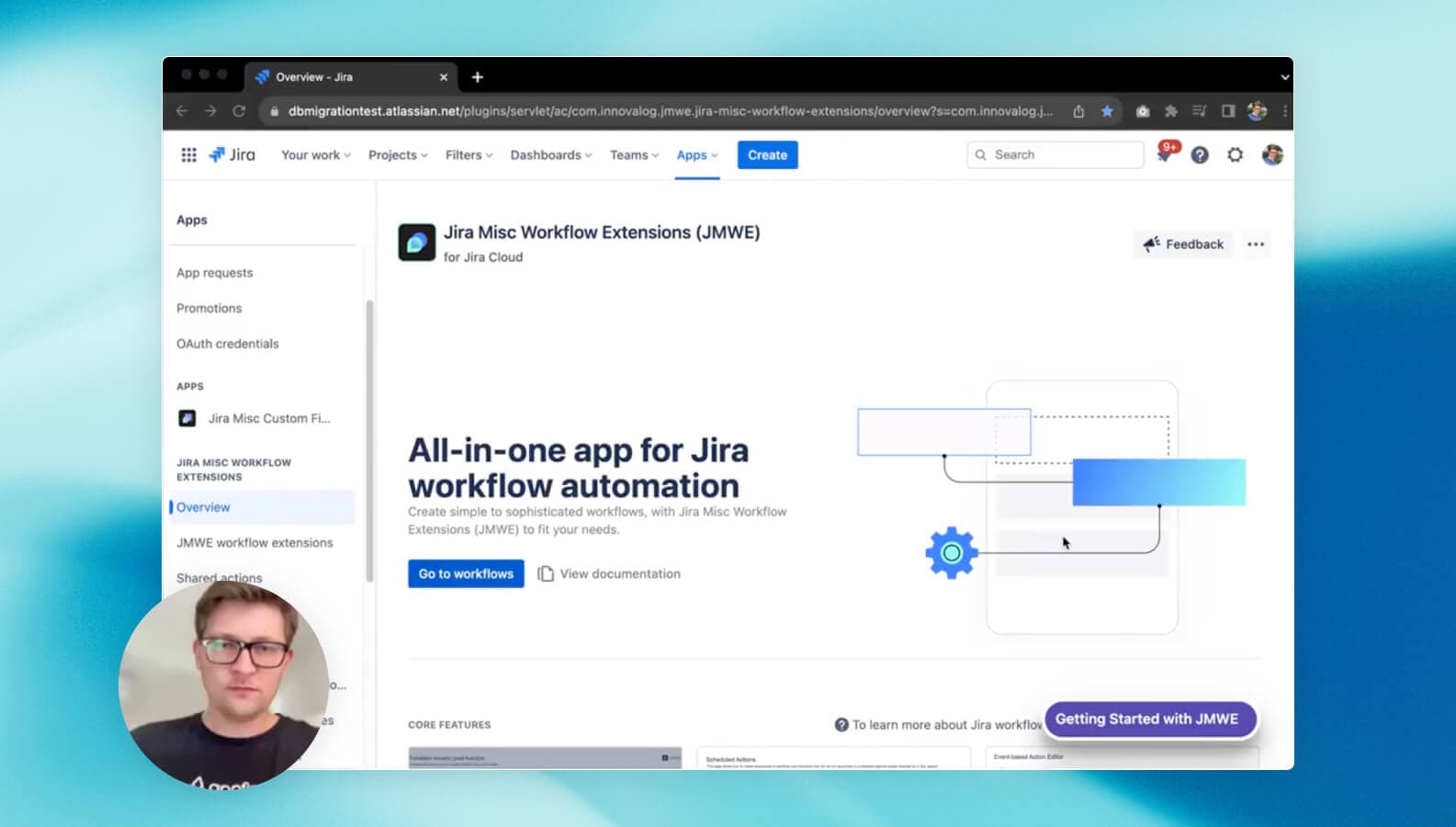
- Once in the app, select Shared Actions page in the left-hand panel
- Configure the action with a name, description and add one or more post-functions, then click Save
- You are all set – you can now quickly reuse the same workflow configuration by selecting Shared Action (JMWE app) in the Add Post Function to Transition screen
- Use the Shared Actions page to monitor and edit your new configurations in one place
Read the full use case in the product documentation.
