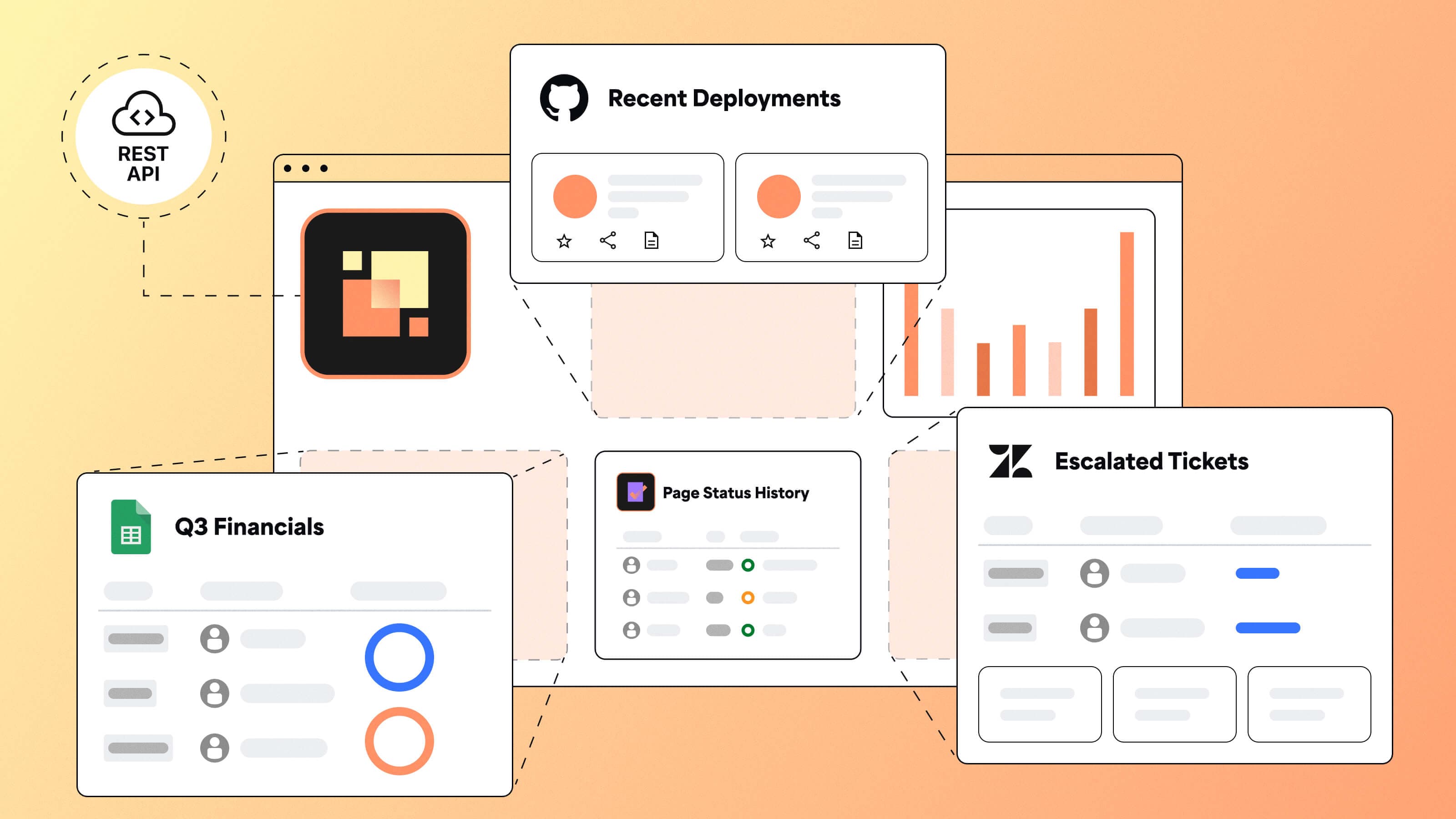

Dashboard Hub’s new Custom Reports feature lets you bring external data into Jira dashboards using REST APIs, JSON, JSONata, and CSS. No context switching required.
TL;DR
- Reporting leads and Jira admins often need to report on data that lives outside Jira
- Custom Reports connects Jira dashboards to REST/API-enabled tools like CRMs, internal databases, and support platforms
- Use JSON, JSONata, and CSS to format, transform, and style exactly what you want to see
- Try it free in Dashboard Hub Pro and see how teams are simplifying reporting across their tools
How to extend Jira dashboards for cross-tool reporting
You’re in Jira, updating your team on project blockers. Someone asks, “Are these delays also affecting the customer renewal?”
You pause. That answer lives in Salesforce. And the GitHub deployment timeline might be a factor too.
Now you’re opening tabs, pulling data, pasting screenshots, and trying to patch together a complete answer.
This is the reporting gap. The data is all there. But your dashboard can’t show it in one view. That makes every update harder than it needs to be.
Why native Jira integrations aren't enough for advanced reporting
Most dashboard tools only integrate with a few systems. Those systems are often the ones vendors choose. But your data doesn’t follow that plan.
You might track issues in Jira, revenue in Salesforce, pull requests in GitHub, and customer tickets in Zendesk. Maybe you store delivery metrics in a Google Sheet or compliance data in a homegrown database.
Your team is not the exception. This is how modern work happens.
The problem is, native integrations rarely cover all of that. Even when they do, they often only expose basic fields or predefined metrics.
So you end up stuck. You either accept an incomplete dashboard or build your own reporting layer outside Jira.
What is Custom Reports in Dashboard Hub for Jira?
Custom Reports is a new feature in Dashboard Hub Pro that gives you full control over what your Jira dashboards can show.
It’s built for teams who need to report on data from tools Jira doesn’t integrate with natively. It also helps when existing integrations only offer limited visibility.
With Custom Reports, you can connect to any REST API. You define how the data is formatted and filtered, and control the layout and styling. It uses familiar technologies like JSON, JSONata, and CSS. These are tools many technical teams already know.
You don’t need to build an app or manage a connector. Add the gadget, configure the view, and publish your report.
Use cases for Custom Reports in Jira dashboards
Custom Reports gives you the flexibility to build the dashboards your team has always needed. These are dashboards that native gadgets or prebuilt integrations could never fully support.
Whether you need to surface key customer metrics, track delivery performance, or combine business and engineering data in one view, this feature lets you do it inside Jira.
Here are a few of the ways teams can make the most out if it:
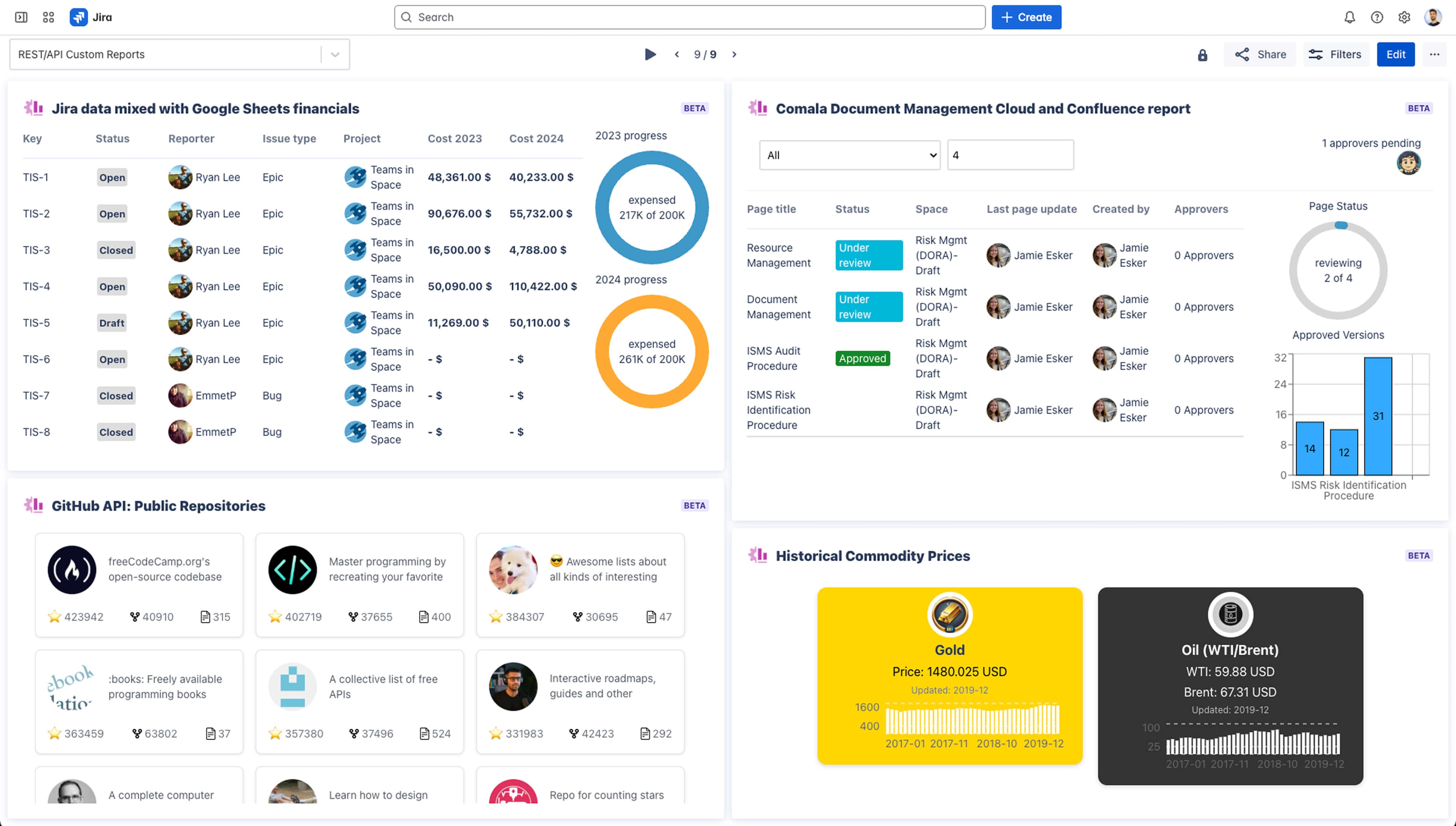
1. Combine Jira and Salesforce for SLA and revenue visibility
Support and sales teams can now track deal stage, issue volume, and customer priority in one place. This helps teams stay aligned on enterprise accounts without toggling between tools.
Teams using Time to SLA and Salesforce Connector for Jira are taking this even further. These tools enhance SLA tracking across platforms and integrate seamlessly with Dashboard Hub. See how Keyloop uses this setup to support cross-team SLAs.
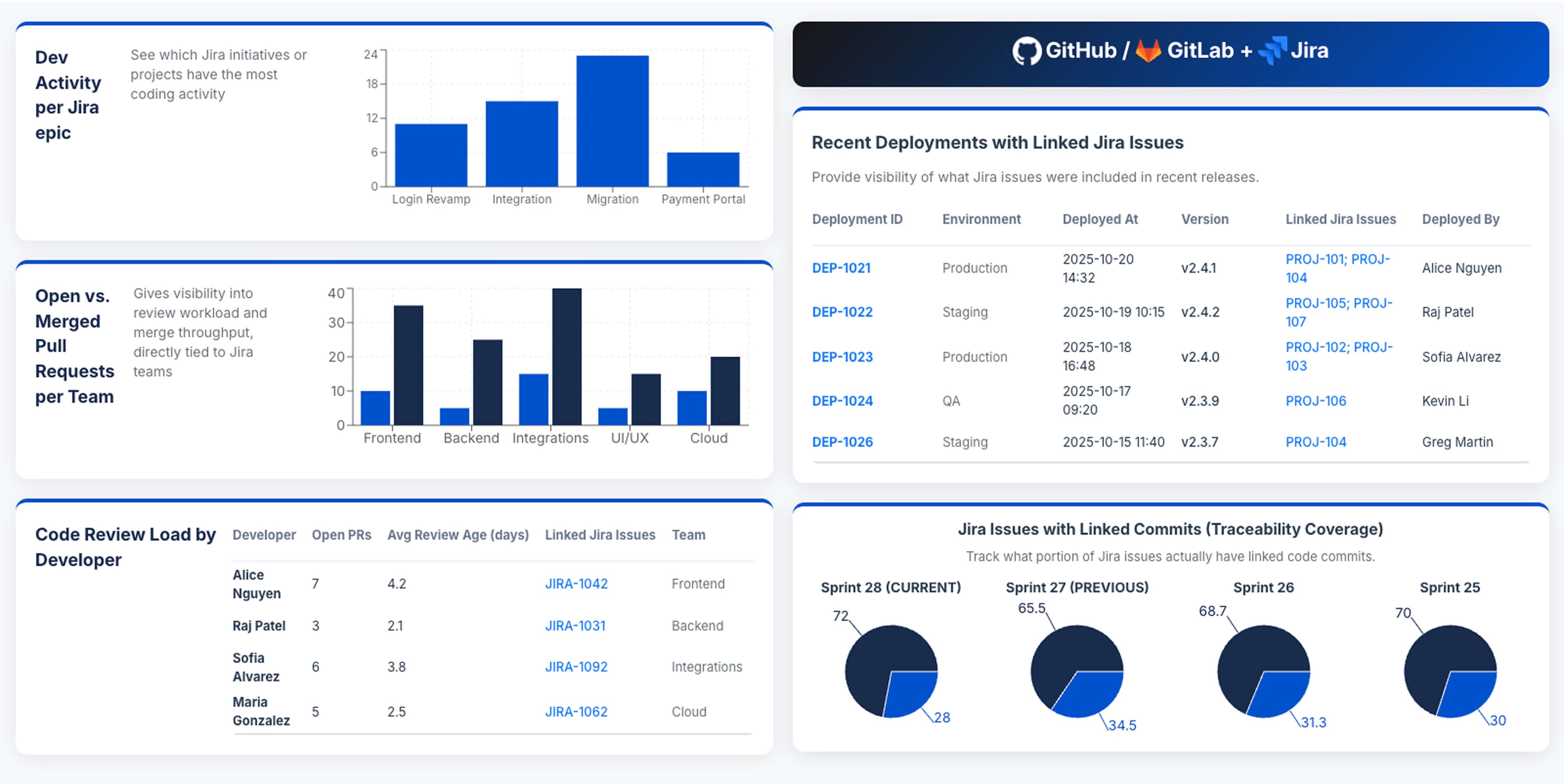
2. Pull GitHub metrics directly into Jira dashboards
Delivery teams can monitor pull request activity, commit velocity, and deployment status alongside Epics and stories. These dashboards live where sprint planning and reviews already happen.
3. Bring Google Sheets data into planning dashboards
Planning and ops teams can integrate structured Sheets data into Jira dashboards to show OKRs, forecasts, or team capacity. No copy-pasting required.
4. Connect internal systems via REST
Query and display real-time data from internal tools like finance platforms, compliance systems, or custom databases. Use secure, authenticated REST APIs to keep data current and centralized.
5. Create multi-source mashups for end-to-end visibility
Blend data from Jira, Zendesk, Salesforce, and GitHub into a single visualization. Show blockers, escalations, and delivery status across teams.
How Custom Reports works
Once you add the Custom Reports gadget to your dashboard, building a report is straightforward. Here’s how the setup works, step by step:
1. Connect to a REST API
Define your data source. You can use open APIs, authenticated services, or internal endpoints. Custom Reports supports Basic Auth, Bearer Tokens, and API Keys.
2. Structure your data using JSON
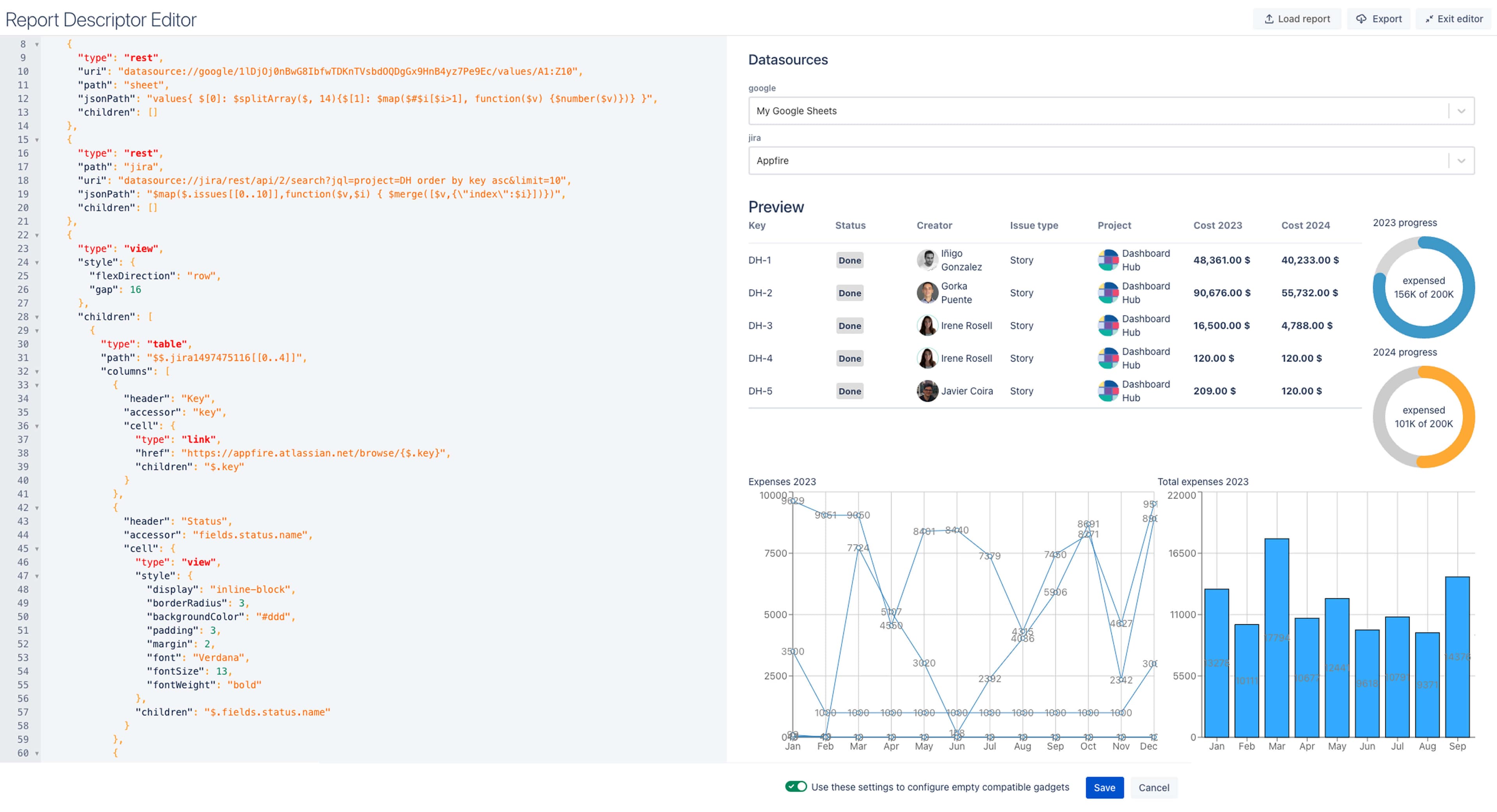
Use a JSON5 descriptor to define what the report shows and how it’s organized. You can create tables, charts, or custom layouts — whatever your use case calls for.
3. Filter and transform with JSONata
Extract only the data you need. JSONata lets you filter, map, and calculate values across endpoints to fit your reporting logic.
4. Style the output with CSS
Apply custom styling to match your dashboard’s look and feel. You can define layout, colors, and how components behave visually.
After setup, your report lives inside the same Dashboard Hub editor your team already uses. You can preview changes in real time, save the report as a template, and reuse it wherever it’s needed.
Custom Reports for partners and solution consultants
Partners and consultants often get asked to integrate niche systems or build custom dashboards. Before Custom Reports, that meant saying no or writing custom scripts from scratch.
Now, there’s a better way.
Custom Reports gives partners the flexibility to handle unique client requests without building or maintaining custom apps. You can create tailored dashboards, share templates across clients, and scale delivery with less overhead.
Here’s what this unlocks:
- Respond faster to complex integration requests
- Reuse dashboard templates across projects
- Streamline onboarding and delivery without adding dev work
- Extend Dashboard Hub to support any client data that exposes a REST API
If your client’s data is API-accessible, you can bring it into Jira and visualize it using the same tools you already use. No middleware. No workaround.
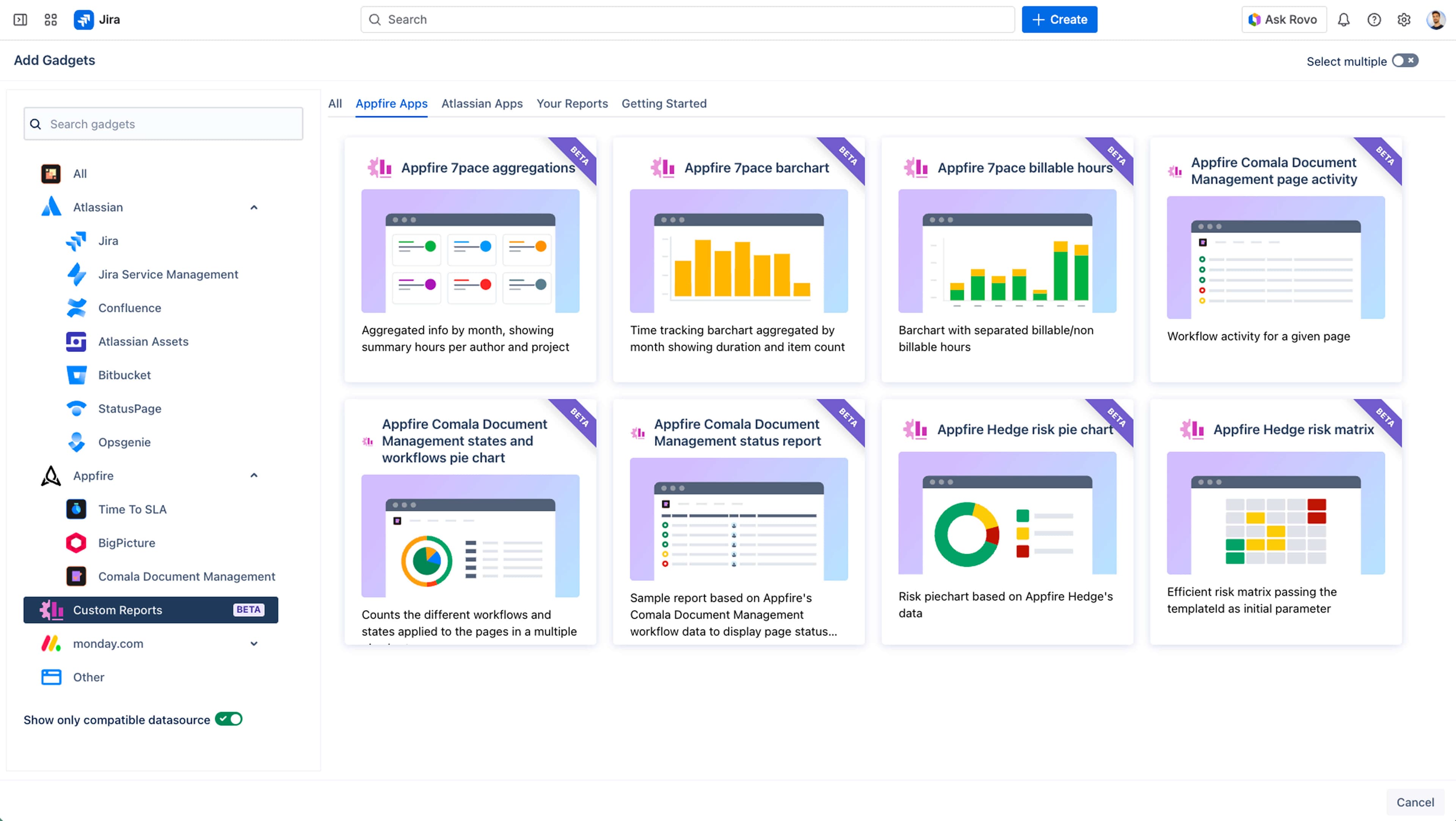
Start building custom Jira dashboards with your data
Custom Reports closes the gap between the data your team relies on and the dashboards you use every day.
Instead of working around missing integrations or exporting data into spreadsheets, you can create live, reusable reports using standards your team already knows. These include REST APIs, JSON, JSONata, and CSS.
You can surface the metrics that matter — no matter where they live — and make Jira your single source of truth for reporting.
Try Custom Reports in Dashboard Hub and see how much easier reporting can be when your dashboards work the way your team does.
Build your first custom Jira report