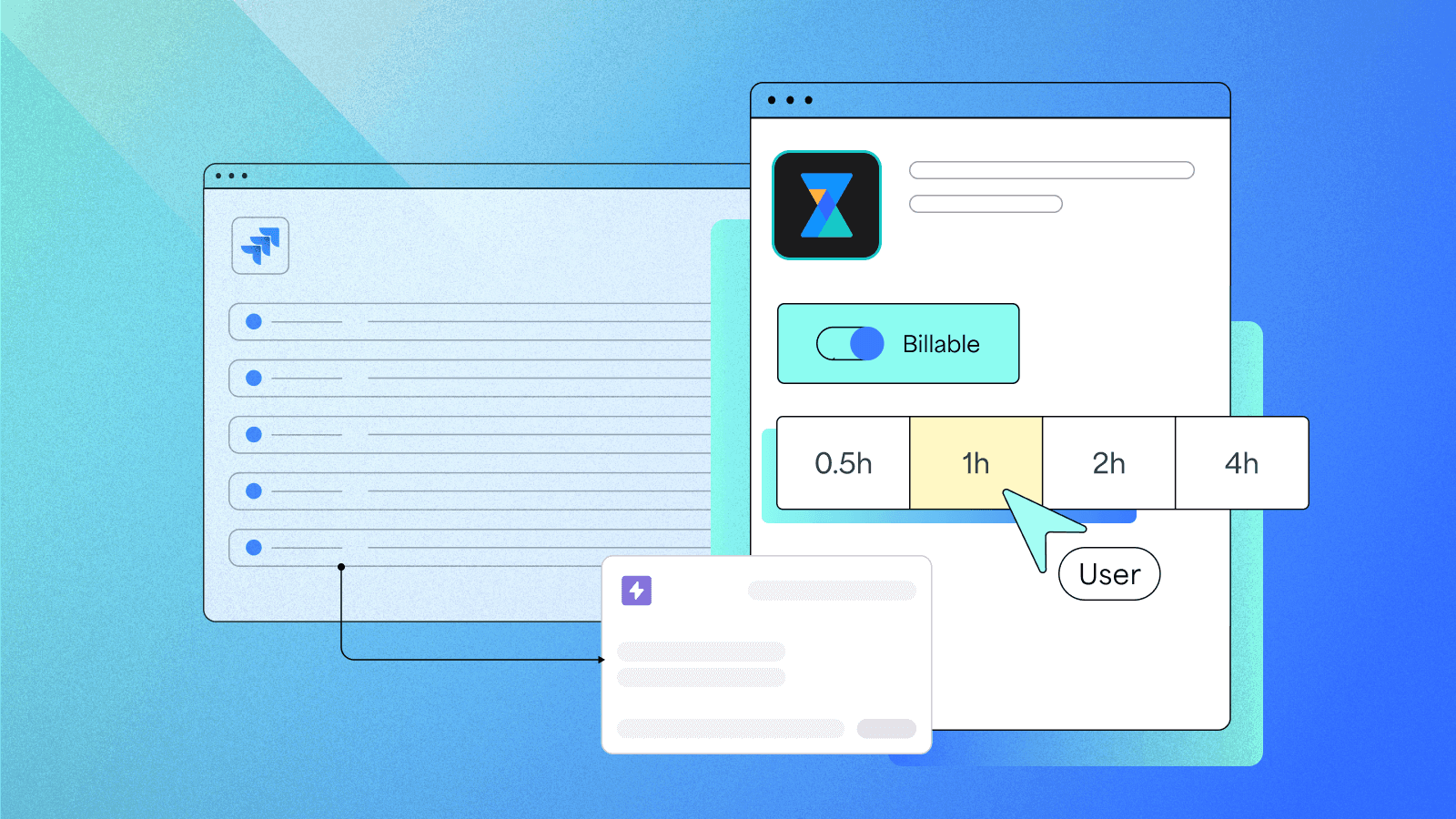

A better way to log time in Jira — one that works the way you do
TL;DR
- Time tracking isn’t fun — but it doesn’t have to be frustrating
- 7pace Timetracker lives in Jira and works the way you do
- Log time quickly, stay in flow, and skip the Friday scramble
- Check out the Marketplace listing or hand your manager the Buyer’s Guide.
Let’s be honest: time tracking isn’t anyone’s favorite part of the job.
It’s not difficult. It’s just... a bit of a hassle. You’re deep in code, solving problems, bouncing between issues — and then, sometime Friday afternoon, your manager pings you:
“Hey, can you log your time?”
So you scroll through Jira, try to remember what happened on Tuesday — and throw some hours at the wall.
Not ideal. But yeah — we’ve all done it.
Why time tracking feels broken
Most time tracking apps weren’t built for the people doing the actual work. They were built for the people trying to report on that work.
They’re clunky. Disconnected. Or feel like something your team was told to use, not something that makes your life easier.
Even Jira’s built-in time tracking has its limits — it still expects you to remember your week, and log everything manually. And nobody wants to do that at 4:45 on a Friday.
What if time tracking didn’t feel like an interruption?
That’s the idea behind 7pace Timetracker for Jira.
It’s a time tracker that lives inside Jira — right where your work already happens. No extra apps. No switching tabs. No digging through your week trying to remember what you did.
What you get:
- Log time your way: Use a calendar view for visual tracking, a timesheet for weekly overviews, or log directly on the issue as you go
- Copy and paste entries: Reuse time logs for repeat tasks — no need to re-enter the same info every day
- Log time in clicks: Use the quick picker to add time with just a few taps — no typing “0h 45m” like it’s 2006
- See totals at a glance: Track your hours from the issue view, with no extra digging
You track as you go. You don’t have to overthink it. And by Friday? You’re not scrambling.
Why better time tracking helps you — not just your manager
When time tracking is easy — and actually reflects what you’ve done — it helps you, not just your manager.
- You know how much time you’ve spent before it becomes 12 hours you didn’t mean to lose
- You can push back on overload with real logs to back you up
- You walk into standups or retros with more clarity (and fewer “wait… what did I do on Wednesday?” moments)
- You get more autonomy over your time and better visibility into your work-life balance
- You can spot trends in how you’re working, so you can focus, optimize, or course-correct as needed
It’s not about tracking time for someone else. It’s about having the receipts — for your own sanity, and your own growth.
How to help your team switch to a better Jira time tracking app
You might not be the one picking the software — but if you’re the one living with it, your voice matters.
If you're tired of tracking time that doesn't work for you, point your team in a better direction.
We put together a Buyer’s Guide to 7pace Timetracker for Jira that shows how it helps managers, finance teams, and project leads get the structured time data they’re always asking for.
You know — the folks who make the final call.
Send it. Bookmark it. Forward it “by accident.” We’re not judging.
Ready to log time without losing flow?
Try 7pace Timetracker for Jira on the Atlassian Marketplace