
Jira is a linchpin for organizations seeking workflow efficiency in project management. As teams scale, Jira administrators often face a combination of repetitive tasks and intricate workflows.
In this guide, tailored for Jira admins, we cover automating subtask creation — a crucial facet of project management within Jira.
Core use cases to auto create subtasks in Jira
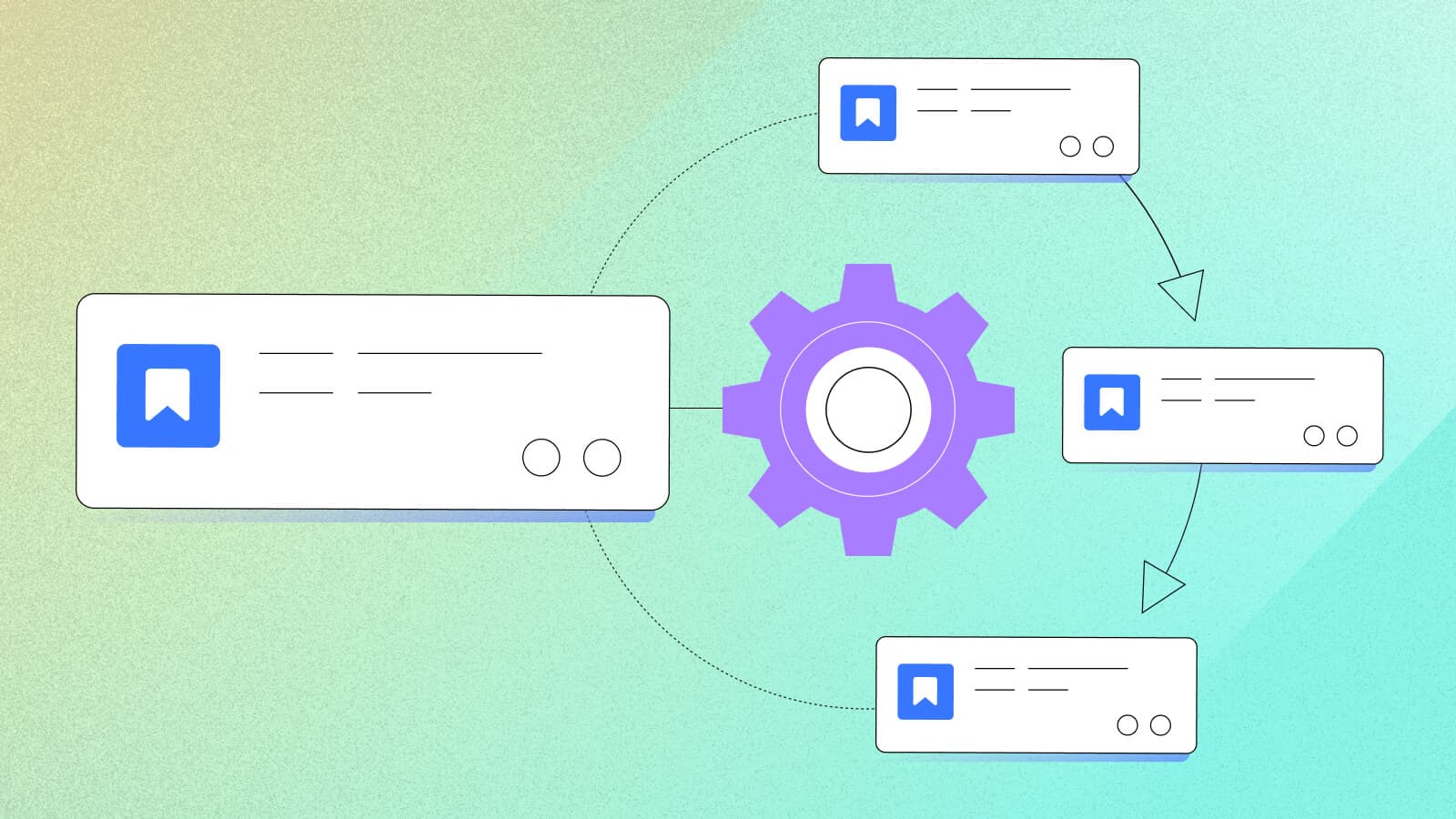
Creating a subtask means generating one or more additional tasks as part of the function executed after a workflow transition. Auto creating subtasks in Jira supports the seamless execution of complex projects and helps teams standardize processes at scale.
- For software development teams, creating subtasks for coding, testing, and documentation expedites the development cycle.
- In marketing campaigns, tasks like content creation, design, and social media scheduling can be automatically created and segmented for better coordination across team members.
- IT support benefits from subtask automation when resolving system issues, covering troubleshooting, testing, and communication steps.
- In HR, the onboarding process becomes more streamlined with automated subtasks for paperwork, training, and orientation logistics.
These examples showcase the value subtask automation holds for all types of teams and industries.
Automating subtask creation with Jira’s built-in automation
How to create a subtask automatically using Jira automation
Automating subtask creation might seem daunting. But, the process can actually be fairly straightforward.
Using Jira’s built-in automation, you can automatically create subtasks (as a post function) when an issue is created:
- Select the right trigger (for example, “Issue created”).
- Add the condition that the issue type must be a “Task.”
- Finally, add the new action “Create subtasks”.
For a step-by-step walkthrough, read this tutorial.
Limits of Jira’s built-in automation
While Jira's built-in automation features enable users to easily create subtasks in Jira automatically, they come with limitations.
First, due to automation execution limits, automations that are frequently recurring — like the auto-creation of subtasks — can quickly add up and bring you closer to your total automation limit. With third-party automation apps, you can have unlimited automation executions.
In addition, although Jira’s built-in automation functionality is great for basic automation, it doesn’t allow you to build more complex automations, like auto-creating subtasks based on conditional logic, pre-set templates, or triggers from outside of Jira. For these use cases, you’ll need to consider third-party automation apps.
Advanced use cases for auto creating Jira subtasks
With Jira’s built-in functionality, you can set up basic automation to auto create subtasks based on post-functions. But read on if you want to take your automation a step further.
Set several conditions to automate the creation of subtasks in Jira
To ensure subtasks are only created when X, Y, and Z apply (but not when A applies), set up more granular conditions.
Don’t stop by auto creating “empty” subtasks
Dynamically add or update the appropriate assignees, watchers, labels, links, attachments, comments, dates, and other field values. Apps like Create on Transition can help you do that.
Set up advanced conditioning logic
Configure optional conditions to determine whether an issue or subtask should be created or updated. Customize the conditions with substitution variables (e.g., system requirements), regex patterns, or JQL queries for even more flexibility. For a straightforward approach, try Create on Transition — or use Power Scripts for Jira to create more advanced, scripted conditions.
Auto-generate subtasks from predefined templates
Instead of manually specifying each subtask's structure, create templates with standardized subtask details, including assignees, due dates, and specific labels. Apps like Jira Misc Workflow Extensions (JMWE) for Jira can help you set this up.
Create Jira subtasks based on custom field changes
Easily create Jira subtasks triggered by custom field updates — not just during workflow transitions. For example, you could set up a Listener with Power Scripts for Jira that scans through a checkbox list. Based on the selection of checkbox items, subtasks will be created (or not).
Automatically assign subtasks based on user load
For improved team planning and work distribution, why not automatically assign subtasks in Jira to team members based on their current workload? Here’s a script recipe for how to set this up with Power Scripts for Jira.
Synchronize subtasks across projects
With this automation, when a subtask is created or updated in one project, the corresponding subtasks in linked projects are automatically mirrored. This ensures consistency and alignment across various teams or departments. Use apps like Power Scripts for Jira to implement this.
Auto create subtasks in Jira based on data from external systems
Once you’ve set up integrations with external tools, you can use an app like Power Scripts for Jira, to trigger subtasks based on events outside of Jira, or update fields with data from external tools, reducing context switching for users.
Empowering teams through automation
Automation is the key to unlocking project management efficiency and ensuring teams focus on meaningful and creative work. Whether opting for Jira's built-in features or embracing third-party solutions like Appfire's Workflow and Automation, the goal remains the same: reduce repetitive work, enhance productivity, and give teams the gift of time.
Appfire's Workflow and Automation solution
For organizations seeking an elevated level of automation in Jira, Appfire's Workflow and Automation solution is a game-changer, and a boon for Jira administrators facing repetitive tasks (like Jira subtask creation). Whether you prefer a drag-and-drop approach with JSU for simple workflow automations, or advanced scripting options with apps like Power Scripts for Jira, the solution accommodates admins at every technical level.
