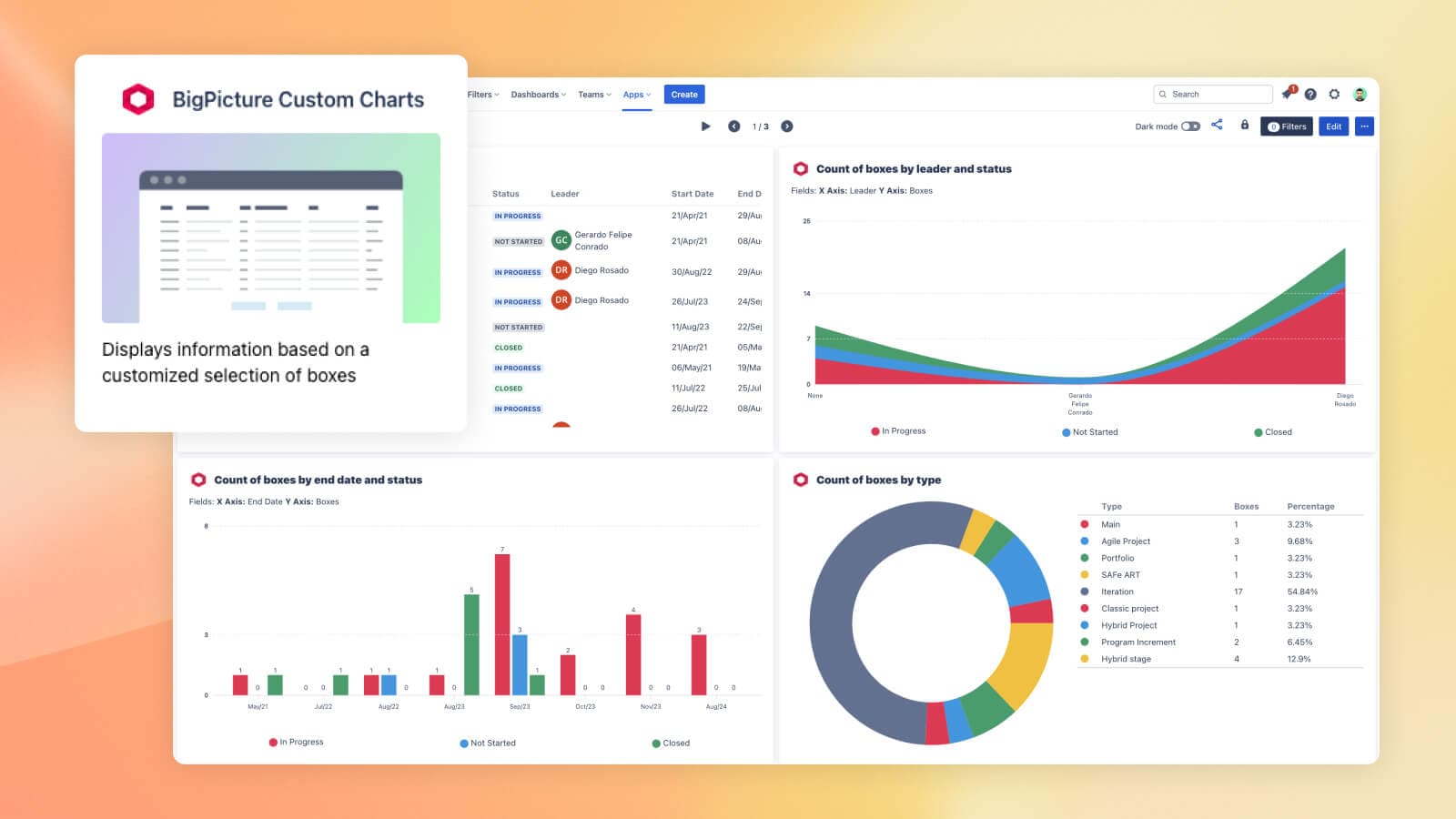

Stop juggling screenshots and spreadsheets. Use BigPicture and Dashboard Hub Pro to turn live project data into decision-ready reports.
TL;DR
- Static Jira reports fall behind fast — and waste valuable time
- BigPicture + Dashboard Hub Pro lets you build real-time dashboards from live Jira project data
- No more exporting to spreadsheets or copying into slides
- Track timelines, resources, and risks with prebuilt gadgets and live charts
- Share updates automatically in Confluence or Jira — no refresh needed
Why disconnected Jira reporting slows down project success
If you manage complex projects in Jira, you know the struggle. Your plans live in BigPicture. Your reports live… somewhere else.
Maybe it’s screenshots pasted into Confluence. Maybe it’s a spreadsheet you update every Friday. Either way, it’s out of date the moment you share it. By Monday, your Friday report is already out of date.
You’re:
- Pulling reports from different projects manually
- Reformatting slides or Confluence pages for every update
- Spending hours each week just to present the same information in a different way
It adds up — in time, in effort, and in clarity lost.
And the kicker? Static reports lose value as soon as your data changes.
For PMs and portfolio leads managing complex initiatives, disconnected reporting isn’t just a hassle — it’s a blocker. Decisions get delayed. Teams stay misaligned. Confidence slips.
But what if your Jira reporting could be as real-time, automated, and trustworthy as the data already living in your instance?
That’s where the integration between BigPicture and Dashboard Hub Pro comes in.
How the BigPicture + Dashboard Hub Pro integration works
Think of it as the missing link between project management and reporting inside Jira.
- BigPicture gives you the tools to plan and manage work across multiple teams — Gantt charts, resource allocation, risk tracking, and program-level timelines, all within Jira.
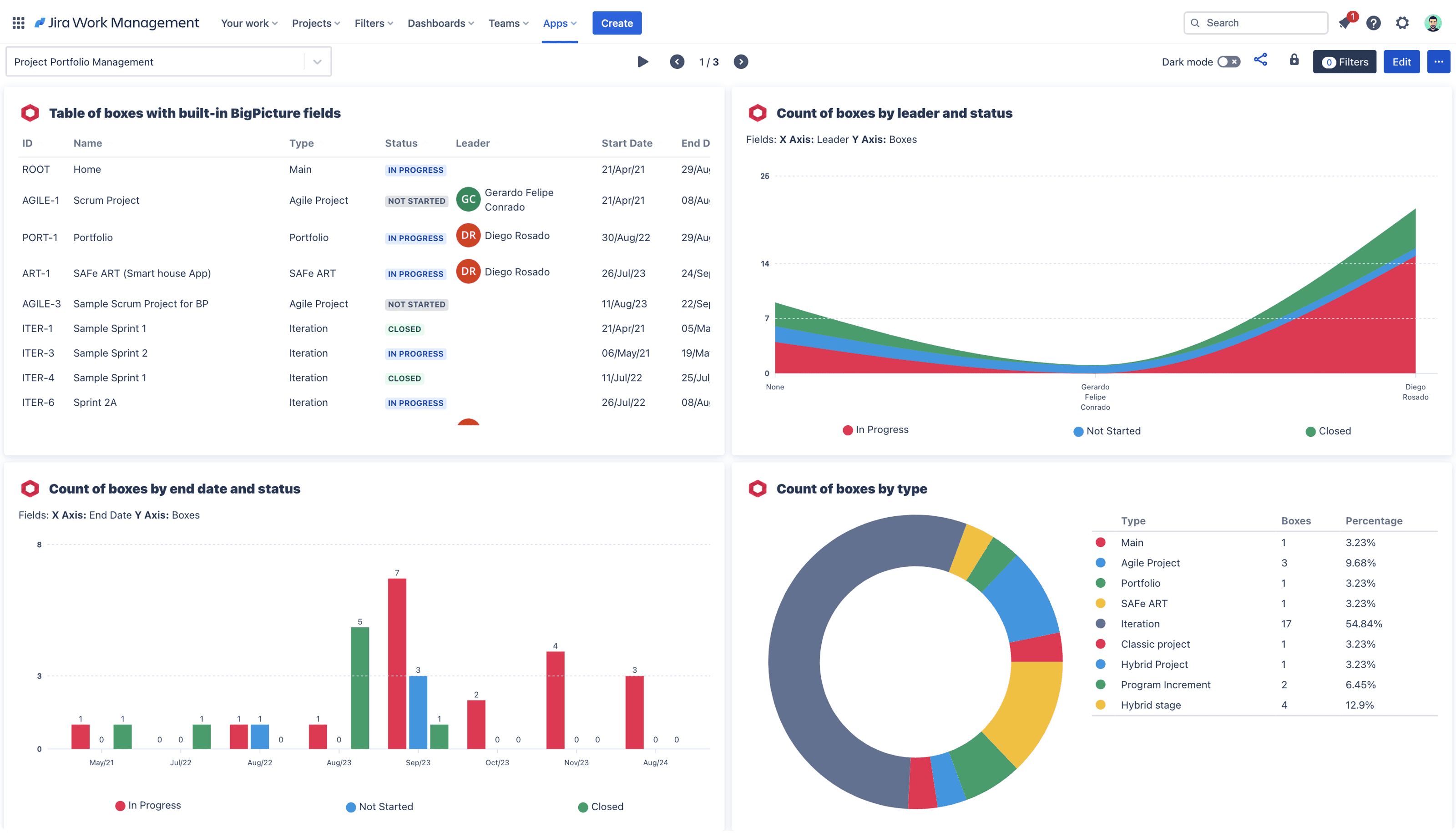
- Dashboard Hub Pro brings those insights to life. It lets you create real-time, interactive dashboards using the data flowing through BigPicture, and display it in the exact format your team or stakeholders need.
This integration means:
- No more exporting to spreadsheets
- No rebuilding charts in PowerPoint
- No waiting for someone to “pull the latest numbers”
Instead, you get:
- Live dashboards that update automatically
- Pre-built gadgets designed for BigPicture data (think resource heatmaps, timeline overviews, risk indicators)
- Shareable views for execs, teams, and cross-functional partners — right in Jira or embedded in Confluence
Why real-time Jira reporting with BigPicture + Dashboard Hub works better
If you’ve ever stitched together a project update from a half-dozen Jira exports and screenshots, you already know the pain. Even when the data is solid, the delivery slows everything down.
Before:
- Export data from Jira
- Clean it up in Excel
- Create custom charts for each audience
- Paste screenshots into Confluence or slides
- Repeat next week
After:
- Connect BigPicture and Dashboard Hub Pro
- Build dashboards once
- Share live views that update automatically
- Keep execs, teams, and stakeholders aligned — in real time
According to the Project Management Institute, ineffective communication is a primary factor in project failure, contributing to one out of five unsuccessful projects.
With this integration, you’re not just reporting faster — you’re reporting smarter.
You get:
- Real-time visibility across programs and teams
- Less manual work recreating charts and status updates
- More trust from stakeholders who can self-serve the insights they need
- Cleaner storytelling, tailored for each audience
Real-world examples: how teams report in Jira with BigPicture and Dashboard Hub Pro
This integration isn’t just about making dashboards — it’s about making project data actionable. Here’s how different teams are putting it to work in Jira:
PMO leaders
- Manage portfolios at scale and report with confidence
- Use BigPicture to track timelines, resources, and dependencies
- Create high-level dashboards that surface project health and progress
- Share live views in Confluence for exec reviews and cross-team alignment
Scrum teams
- Keep sprints on track and make retrospectives easier
- Display real-time burndown, velocity, and team workload charts
- Replace screenshots with live dashboards that evolve with the sprint
- Give stakeholders self-serve access to track status in Jira or Confluence
Product managers
- Tell a complete product story — from roadmap to release metrics
- Visualize timelines alongside delivery progress and blockers
- Combine BigPicture structure with Jira issue data and risk indicators
- Deliver always-current updates without copying into slides or docs
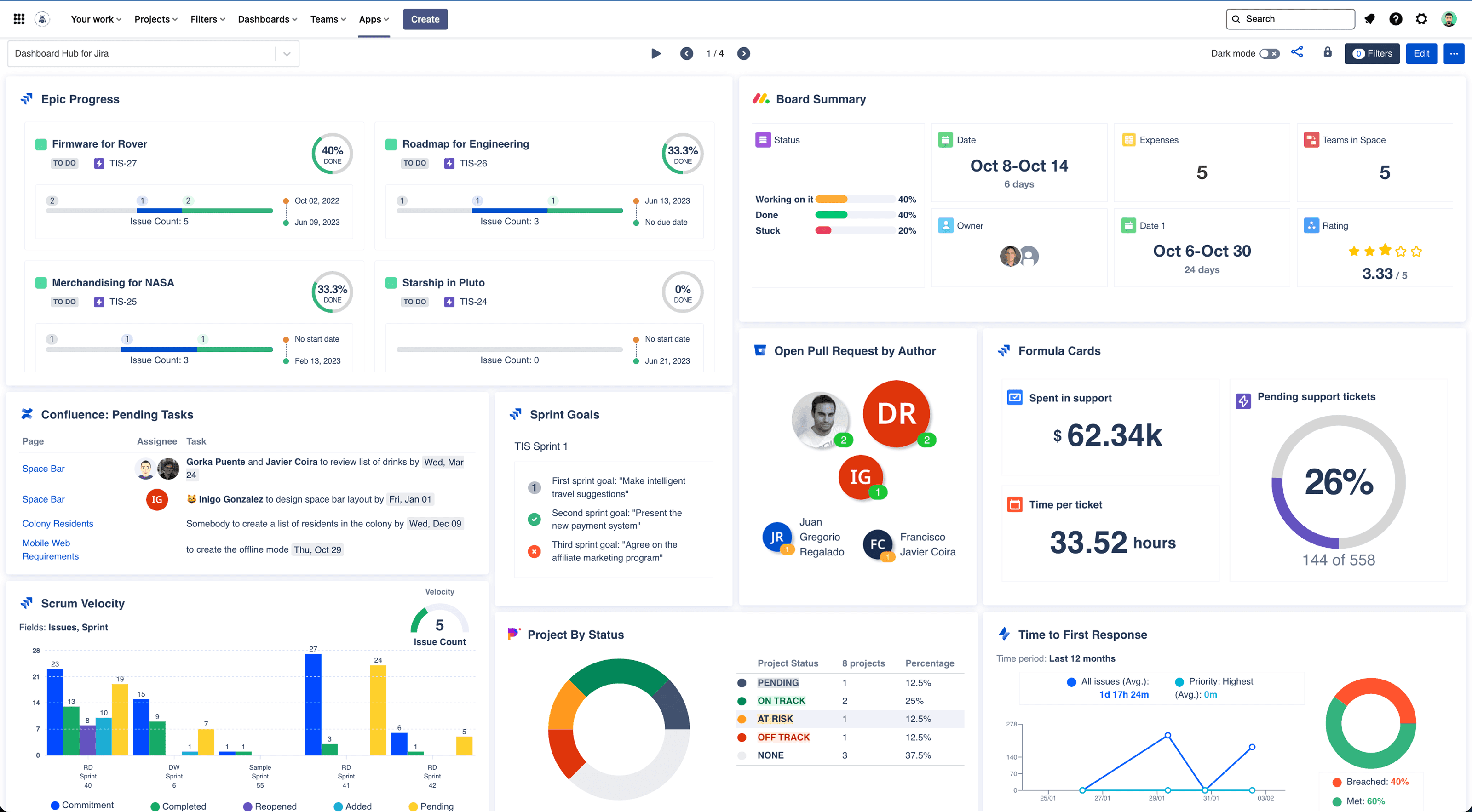
When your dashboards pull directly from BigPicture and Jira, updates aren’t just easier — they’re automatic.
Rollout tips for BigPicture + Dashboard Hub in Jira
Not all dashboards are created equal — especially when you're reporting on complex, cross-team work. If you're evaluating options, here’s what a truly effective Jira reporting solution should offer:
- Built for Jira: Native integration means no syncing delays, broken charts, or exporting headaches.
- Compatible with BigPicture: Dashboards should reflect timelines, resources, risks, and structures directly from BigPicture.
- Real-time updates: A good solution shows the latest status, always, without weekly refreshes.
- Easy to use and customize: Drag-and-drop dashboards, flexible layouts, and templates help everyone move faster.
- Shareable and secure: Dashboards should be easy to share in Confluence or via link, and secure enough for enterprise needs.
Dashboard Hub Pro checks every box. It’s Jira-native, deeply integrated with BigPicture, and designed to give every team (from execs to sprint squads) the visibility they need without extra effort.
Want to learn more? Explore a variety of customer stories about how different customers have achieved their project management goals with BigPicture.
Rollout tips for BigPicture + Dashboard Hub in Jira
A successful start builds buy-in fast. These quick wins will help you build momentum:
- Start with a high-impact use case: Automate one recurring dashboard, like weekly updates or sprint tracking.
- Use a pre-built template: Dashboard Hub Pro includes gadgets built for BigPicture data. Start there, then customize.
- Embed dashboards where people already look: Add to Confluence pages or Jira dashboards — no new tools to learn.
- Define your BigPicture structure early: Clean hierarchies and consistent data make reporting faster and more accurate.
- Get feedback and iterate: Build fast, share early, and refine based on what your team needs to see.
Turn your Jira dashboards into real-time reporting power
When you combine BigPicture’s structured planning with Dashboard Hub Pro’s real-time reporting, project updates stop being a chore and start becoming a competitive advantage.
- No more status pings
- No more outdated slides
- No more guesswork about where things stand
Just live dashboards that reflect your work as it happens, shared where your team already collaborates.
Dashboard Hub Pro turns your Jira data into decision-ready insights, automatically.
Try Dashboard Hub Pro — bring your BigPicture reporting to life
Try Dashboard Hub Pro for free