Live Fields for Jira Cloud
Take control of
your Jira fields like never before
Take control of
your Jira fields like never before
Use Live Fields together with JMWE or Power Scripts for powerful control and customization of fields in Jira Cloud.
Key benefits 01
Customize fields dynamically
Get full control: show, hide, or make fields mandatory. Say goodbye to one-size-fits-all. Customize field behaviors to match your specific needs.
Reinforce business operations
Ensure data integrity and consistency. Catch errors early and control field access to keep reports and processes reliable.
Improve the user experience
Automate routine field actions and validations to speed up processes, reduce manual steps, and simplify Jira for everyone.
Customers 02
Teams who trust us
Key features 03
Control how fields behave and unlock powerful customization
Available exclusively for JMWE and Power Scripts Cloud users, Live Fields enables you to work with the apps you already know and trust.
Auto-fill fields for improved processes
Auto-populate fields to improve data quality and streamline data entry — such as pre-filling the Summary or Description fields with editable templates.
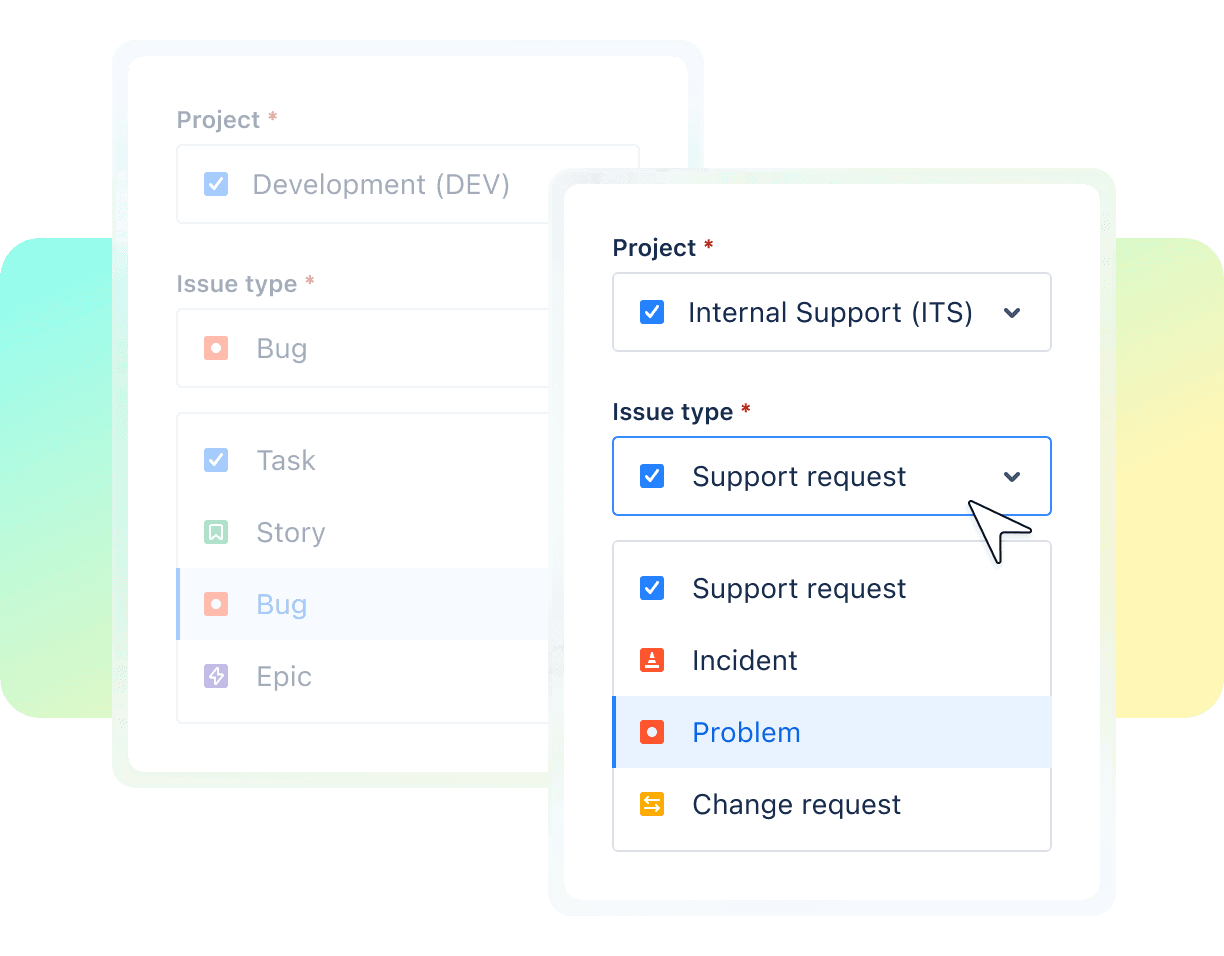
Show/Hide fields based on other fields
Dynamically show or hide fields depending on what’s selected in another field to keep processes relevant and streamlined.

Make fields mandatory to keep data accurate
Set fields as required only when necessary. For example, set "Severity" as mandatory for production bugs but optional for development.
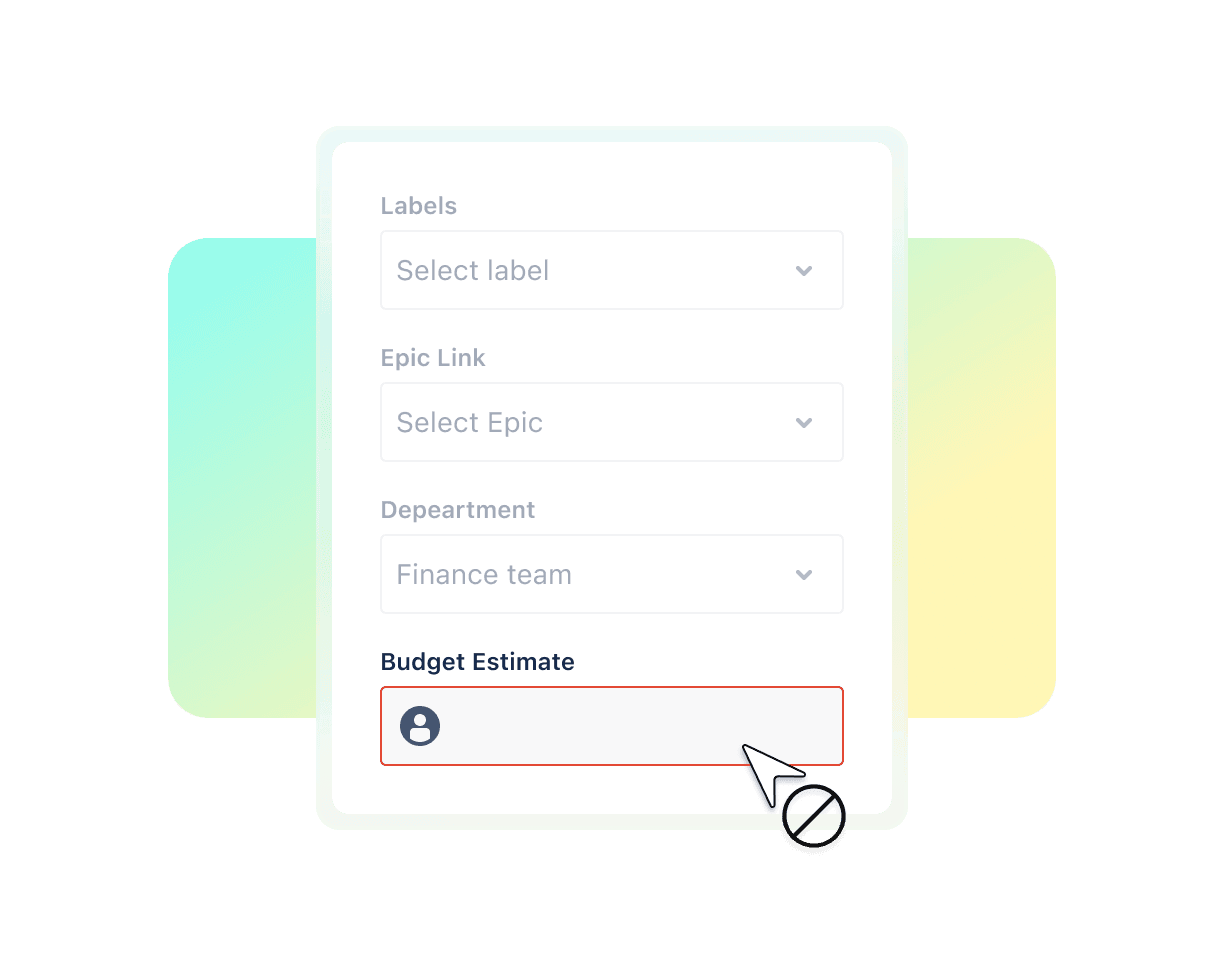
Make fields read-only to control access
Restrict fields to view-only mode for certain users, to allow visibility of important details without unauthorized changes.

More features
Adjust the Create, Issue, or Transition View
Dynamically control fields throughout the entire lifecycle of your Jira issues. (Transition View is coming soon!)
Easy-to-use interface
The if-then UI with checkmarks and ready-made script templates makes configuration simple.
Custom scripts for field interactions
Use JavaScript (or Typescript) to create advanced field behaviors based on logic to fully fit your team’s needs.
Dynamic UI modification
Update fields in real time as users make selections to create a responsive experience.
Live Fields in DC
In the Data Center, Live Fields is directly integrated into Power Scripts for Jira.
"When a customer says ‘hide a field for certain users’ – Live Fields immediately comes to mind."
Lindsey N.
Praecipio
"We love Live Fields! It helps us customize projects based on user role, or hide or edit fields."
Fabian L.
Contegix
"Live Fields helps us enforce behaviors and set guardrails so users aren’t transitioning when they shouldn’t and input the right data."
Mark M.
Lenovo
"Live Fields has helped us massively during our migration."
Jeya
Supporting apps 04
Pair with one of the below apps to unlock full features
JMWE
Use Live Fields with JMWE to customize field behaviors in addition to setting up workflow automations with a mix of no-code and low-code.
Learn morePower Scripts
Use Live Fields with Power Scripts to customize field behaviors in addition to customizing and automating any other elements of Jira with simple Jira-version-consistent scripts.
Learn moreFAQ’s 05
FAQ's
No, Live Fields is included with JMWE and Power Scripts for Jira Cloud at no extra cost. If you're already using JMWE or Power Scripts, you can install and start using Live Fields right away.
Live Fields is a companion app that needs JMWE or Power Scripts to work-it's not a standalone app.
This requirement exists because of platform differences: JMWE and Power Scripts are built on Atlassian's Connect platform, while Live Fields uses the newer Forge platform.
No, Live Fields requires JMWE or Power Scripts to function. If you're a new user, you can install Live Fields first and then add JMWE or Power Scripts as prompted within the Live Fields app.
Live Fields scripts can be written in JavaScript (or TypeScript).
- For JMWE, you can work with no-code options or use Nunjucks for scripting.
- Power Scripts uses SIL, a JavaScript-like language that doesn't break across Jira versions.
Not yet. Live Fields isn't currently compatible with JSM, as the Atlassian API doesn't support it. We collaborate closely with Atlassian to make this available in the future. You can vote on FRGE-774 to show your support and share your use case in the comments.
In the meantime, refer to the Live Fields documentation for information on all currently supported features.
You'll find a full list of supported fields, methods, views, and platforms in the Live Fields documentation. These are made possible by Atlassian's Ul Modifications API, which Live Fields relies on.
If a specific capability isn't supported yet, it's likely because:
- It isn't supported by Atlassian's API.
- It was recently added to the Ul Modifications API and will be available in Live Fields soon.
Live Fields is a standalone app in the Cloud but integrated within Power Scripts in the Data Center.
Due to Atlassian platform differences, the Cloud version doesn't yet match Data Center's full feature set because it relies on Atlassian's evolving Forge platform and Ul Modifications API. As Atlassian expands these APls, we'll add more features to bring Cloud functionality closer to the Data Center version.
Visit our documentation for up-to-date information on feature parity.
Currently, there's no automated process to migrate Live Fields from DC/Server to Cloud. If you'd like assistance with the migration, please reach out to our support team. We'll track your request and provide ad hoc guidance to facilitate the process.
Bigger teams? We got you.
Give your team the choices they need to do their best work. Our partners help us get the right solutions into the right hands.