Switch to CMJ and elevate your Jira administration
Compared to Project Configurator, CMJ delivers faster imports, stronger safeguards, better error resolutions, and more.

Customers 01
Trusted by thousands of teams
Features 02
Why choose CMJ?
10x faster deployments
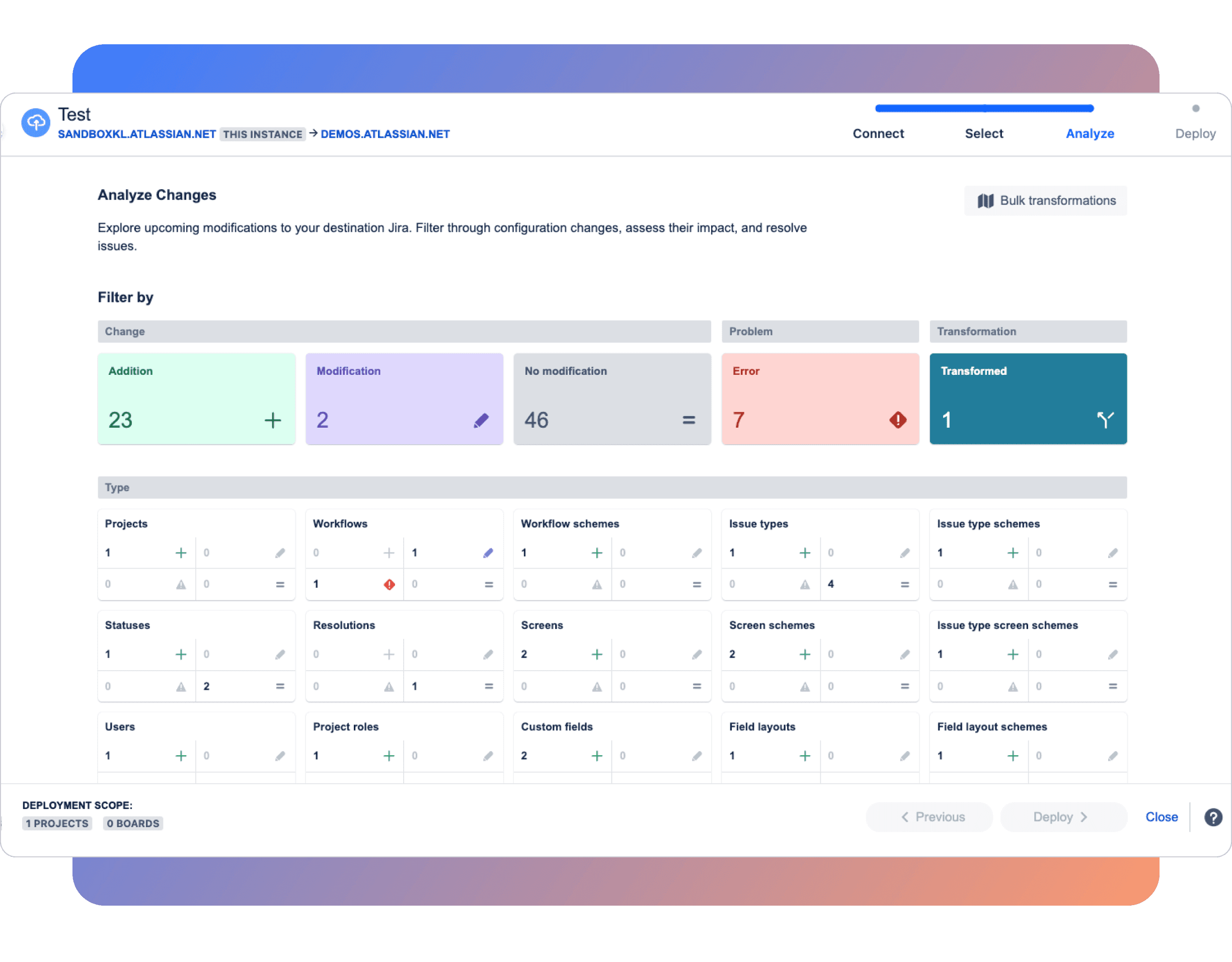
CMJ’s enterprise-grade architecture dramatically outpaces Project Configurator for quicker, smoother data handling.
In-app safeguards
Feel secure with CMJ’s automatic rollback feature, which instantly reverts changes if errors occur—no partial deployments, no headaches.
Better error resolution
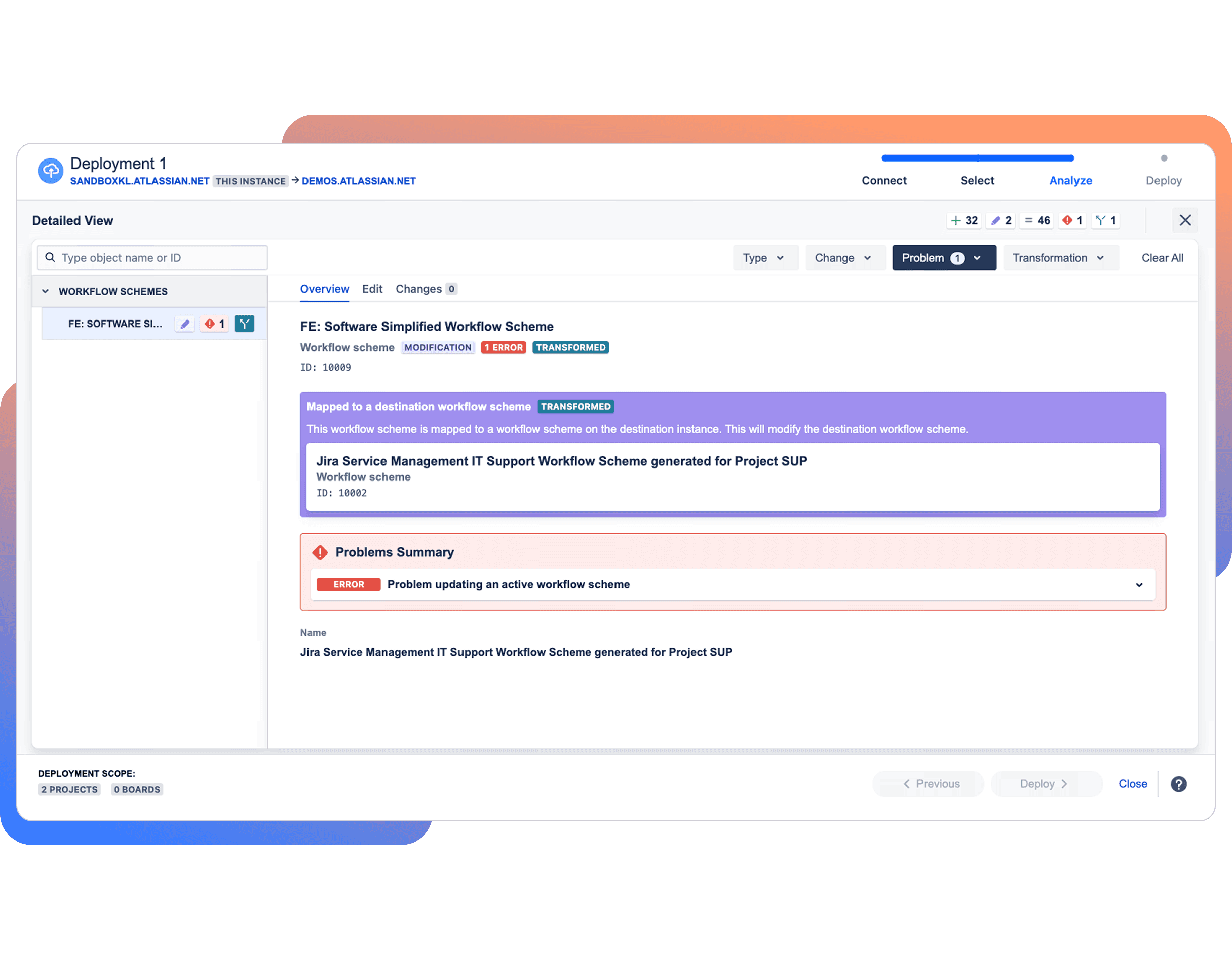
Resolve configuration issues instantly with CMJ’s Integrity Check, replacing basic warnings with actionable fixes.
Third-party app support
CMJ supports 40+ third-party apps and remains compatible with updates, unlike Project Configurator’s limited app compatibility.
Easy dependency management
CMJ offers an interactive UI for viewing and managing dependencies by configuration name or type, unlike Project Configurator, which requires running exhaustive system-wide reports.
Comprehensive project archiving
Easily archive projects with CMJ to free up resources and keep your Jira environment clean and efficient, without losing access to important data.
Seamless migrations and beyond
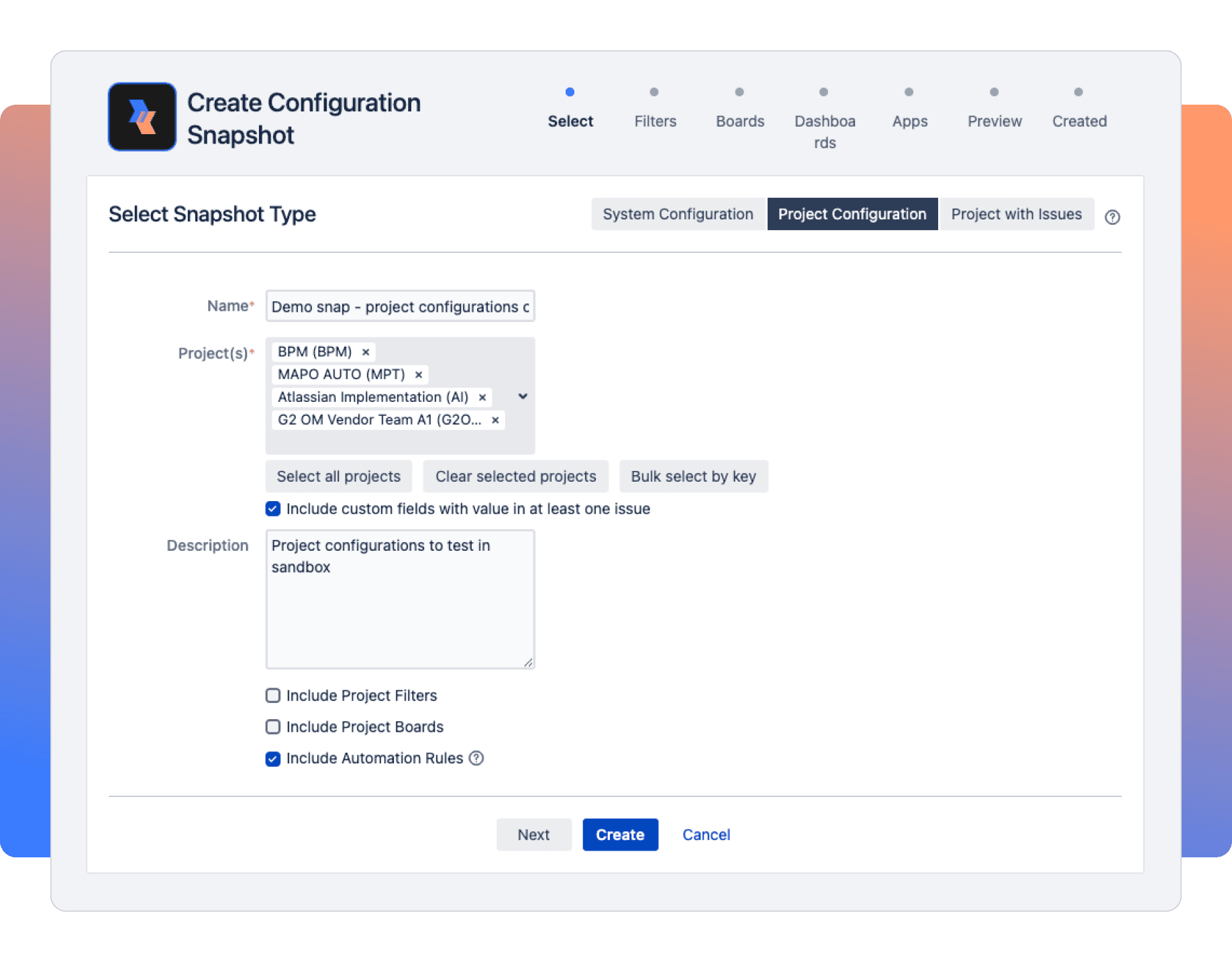
CMJ isn’t just for moving configurations between environments—it’s a powerful app for merging instances, migrating systems, archiving projects, cloning Jira, and improving performance. Manage your Jira environment with confidence, knowing CMJ is built to handle a wide range of critical tasks with ease.

Start your CMJ journey today
Switching to CMJ is easier than you might think. If you like to manage things yourself, our step-by-step article will guide you through the process. Or, if you'd prefer a more hands-on experience, fill out the form below to request a demo and see how CMJ can fit your unique needs and simplify your Jira environment.

FAQs 04
Your questions answered
This app is still available for customers who choose to use it. However, we will not be investing in a Cloud version or new features for this app. Project Configurator will continue to receive maintenance updates and bug fixes.
Configuration Manager for Jira (CMJ) serves very similar use cases and has higher demand, larger market share, and more advanced functionality than Project Configurator (PCJ). In order to deliver the best product that serves our growing customer base and their needs, we need to streamline our investments into a single change management app.
For customers of Project Configurator, know that you may continue using this app moving forward. However, if you are looking for new features and a Cloud option, we recommend switching to Configuration Manager for Jira. Atlassian has recognized Configuration Manager for Jira for its robustness and stability, even for large enterprises. CMJ handles the complexity and data volumes of large Jira instances with ease so teams can manage them effectively and execute successful large-scale migrations.
When your Project Configurator license is up for renewal, make the switch by canceling your Project Configurator license and adding on Configuration Manager for Jira (CMJ) in the Atlassian Marketplace. There is no app data to be migrated from one tool to another when you switch, making the transition simple and straightforward. We’ve created a simple guide with instructions on how to get set up quickly in CMJ.
We welcome any and all questions and want to support you as much as possible through this journey. Our Customer Success team would be happy to chat with you and address any questions over phone or email.
CMJ’s pricing is based on your Jira user tier, similar to Project Configurator, but CMJ is priced slightly higher due to its expanded features and the value it delivers.
To estimate your organization’s cost to switch, visit the CMJ marketplace listing and click on the Pricing tab. We also offer a free 30-day trial, so you can explore CMJ’s features before committing.
Interested in a demo?
Please provide your details to be invited to a demo.