
Tired of “all-in-one” work applications that force you and your team to conform to their rigid functionality?
As a product manager, you need tools that allow you to launch new features on a strict budget and timeline, drive more user adoption every quarter, and keep various product teams in sync. A singular platform often isn’t enough.
That’s why we’ve put together this list of diverse applications you can use together to find success across every element of the product lifecycle.
What are product planning apps?
A product planning app is designed to assist teams through the complex process of creating products.
These apps are critical for facilitating team-wide collaboration, maintaining accurate timelines for product development, and eventually bringing a product or feature to market. Post-launch, product planning software continues to offer a singular space where product upgrades and sunsetting can be managed.
You can see why fitting every capability into a single platform is a tall order.
As we’ll cover in more depth in the next section, product planning apps are pivotal to processes such as:
- Product roadmapping
- Prototyping
- Project management
- Task management
- Team communication
- Product analytics
- User research
- Industry research
17 helpful product planning apps
Ready to streamline the various stages of product development, from ideation to launch and beyond?
This list of the best product management apps will help you get started. It narrows down the top choices across functions.
We’ve suggested several options in each key product planning stage, so you can choose the one that aligns with your product, team needs, and workflow.
Product roadmapping
Product roadmapping software helps product managers plan, visualize, and communicate the strategic direction and timeline for a product's development. For development team leads, product roadmapping is critical to backlog management, sprint planning, and resource allocation.
Aha!
Aha! is a great roadmapping and product management app that helps businesses plan, develop, and launch products. It focuses on assisting teams in creating “lovable” software that delivers customer value.
Aha! does this with a suite of features that include a roadmap app, a wide product overview capability, a unique “ideas” element for crowdsourcing user feedback, notebooks for creating docs, an academy specializing in certification, and more.
Prototyping
A product prototyping application is used in the product development process to create virtual or interactive representations of a product's design.
This category of software helps designers and product developers visualize, test, and refine their ideas before moving forward with full-scale production.
Figma
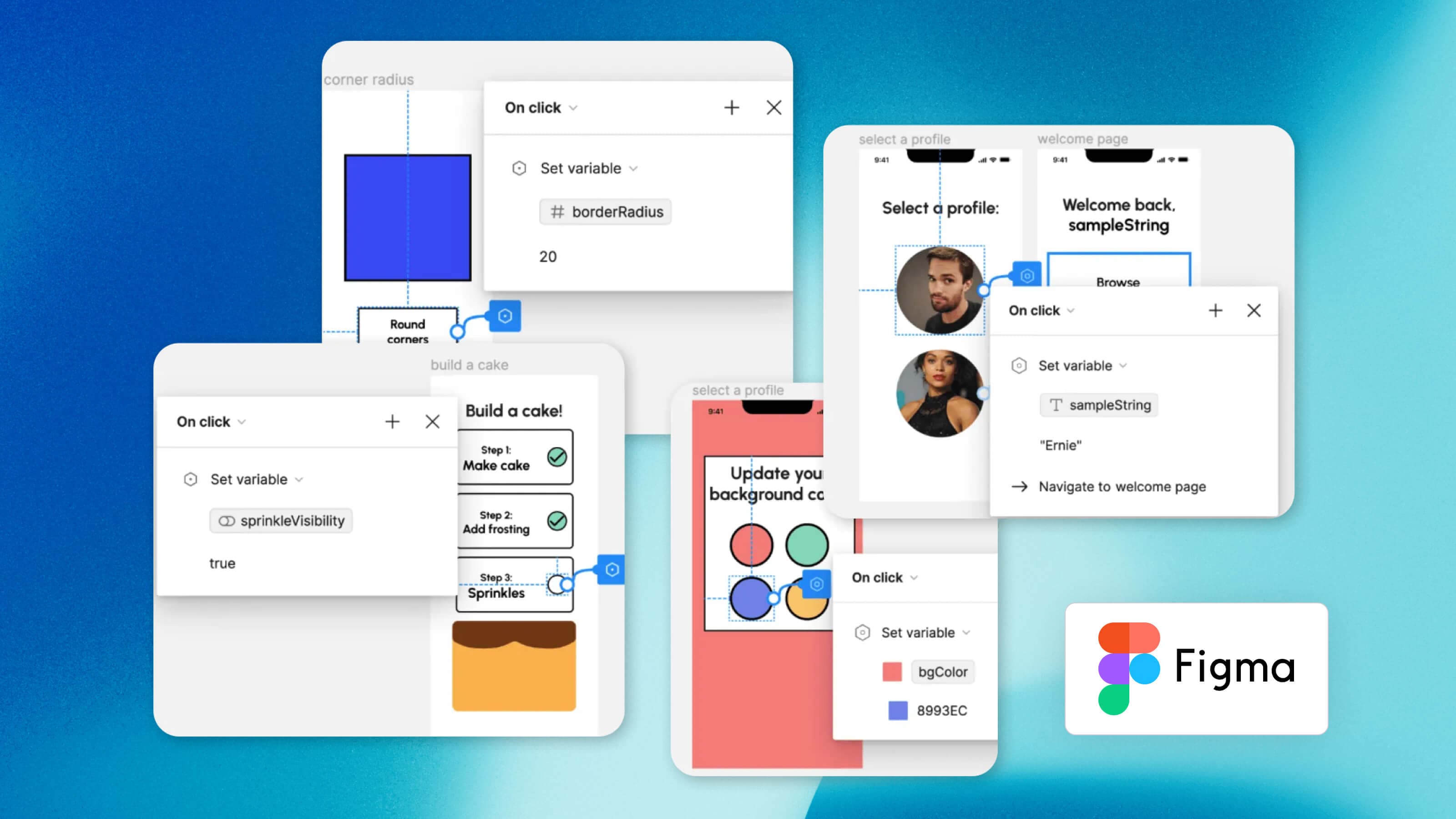
Figma is a cloud-based product design and prototyping app widely adopted by user interface (UI) and user experience (UX) designers.
With Figma, designers can build asset libraries and collaborate in real time to create wireframes and interactive experiences that bring ideas to life for more effective testing and feedback.
Figma even has a “Dev Mode” where developers can translate designs into actual code, helping them build faster and more accurately.
Miro
Miro calls itself a “visual workspace.” As part of that, its prototyping feature allows you to visualize product concepts with easy-to-create click-through prototypes for both web and mobile apps.
Miro’s prototypes are designed to facilitate fast feedback, so you can spend less time on estimates and more time on impactful iteration.
Project management
Project management platforms have replaced complicated spreadsheets as the centralized place for managing tasks, resources, budgets, and communications related to a project. These apps provide clear visibility into project success for business stakeholders.
Monday.com
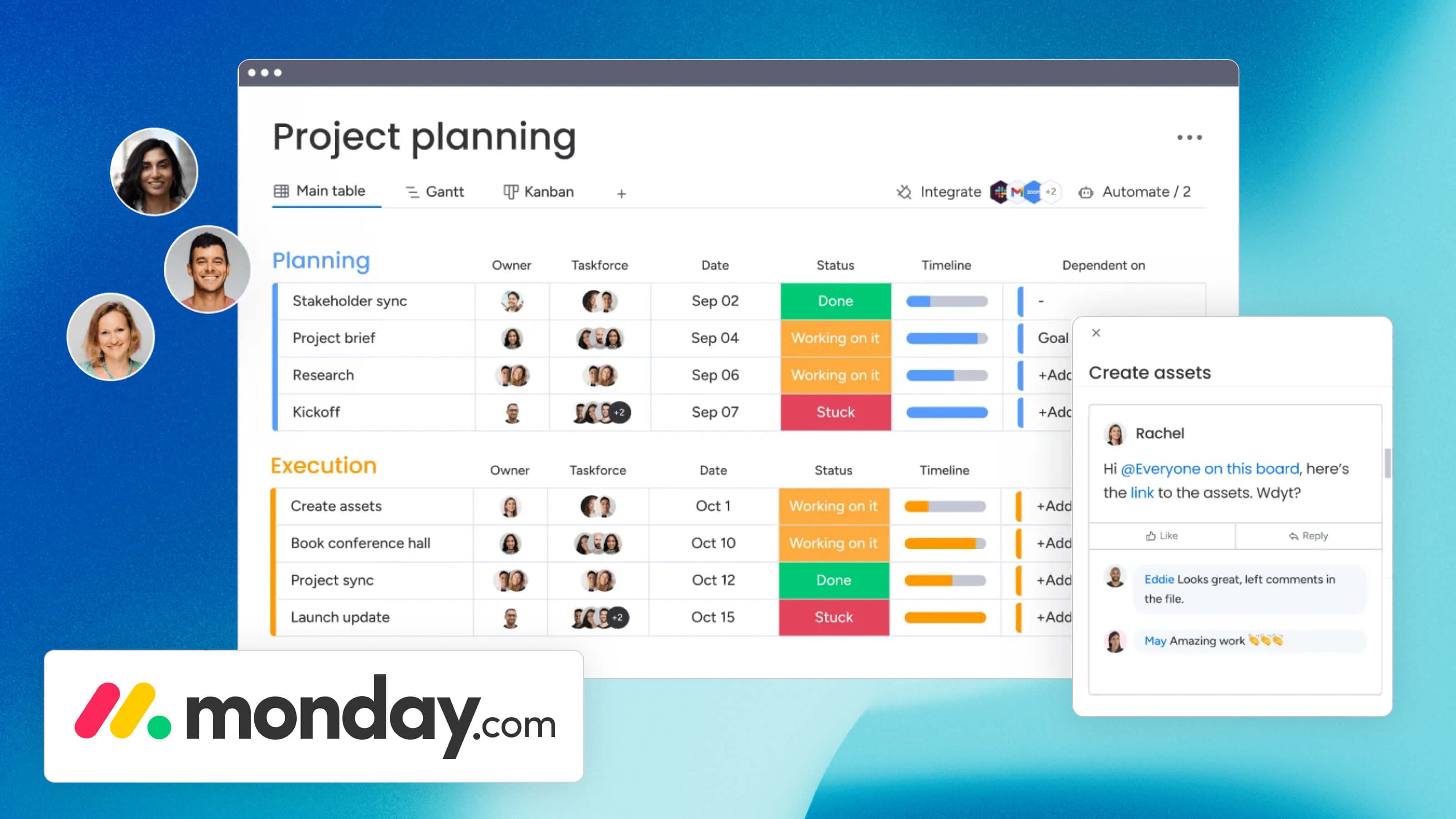
monday.com was originally a project management platform that has grown into an entire work operating system (aka work OS).
With what it now calls its work management platform, monday.com helps teams organize tasks, track work progress, and collaborate on projects — as well as oversee all projects and tasks from a singular place. This makes it easy for product and project managers to communicate at the business level about the state of ongoing projects, better informing company-wide decisions.
Wrike
Wrike’s project management platform is designed with a simple goal in mind — streamlining workflows to drive efficiency.
It provides a centralized workspace where teams can plan, track, manage, and collaborate on projects of various sizes and complexities. Within this workspace, Wrike offers helpful features like resource planning, automation, tagging, Gantt charts, Kanban boards, approval flows, dashboards, integrations, and more.
Productboard
Productboard challenges product teams to make what matters.
As a project and product management platform, it enables product teams to fully align on the same product strategy and prioritize the most important tasks — leading to real, commercial results.
Productboard features an AI tool that uses your data to help analyze feedback at scale, work more quickly, and focus on what consumers truly need.
Task management
Task management software helps product teams plan, track, and manage the specific day-to-day activities associated with developing and launching a product. The clarity these platforms provide is crucial for maintaining progress across distributed teams.
Trello
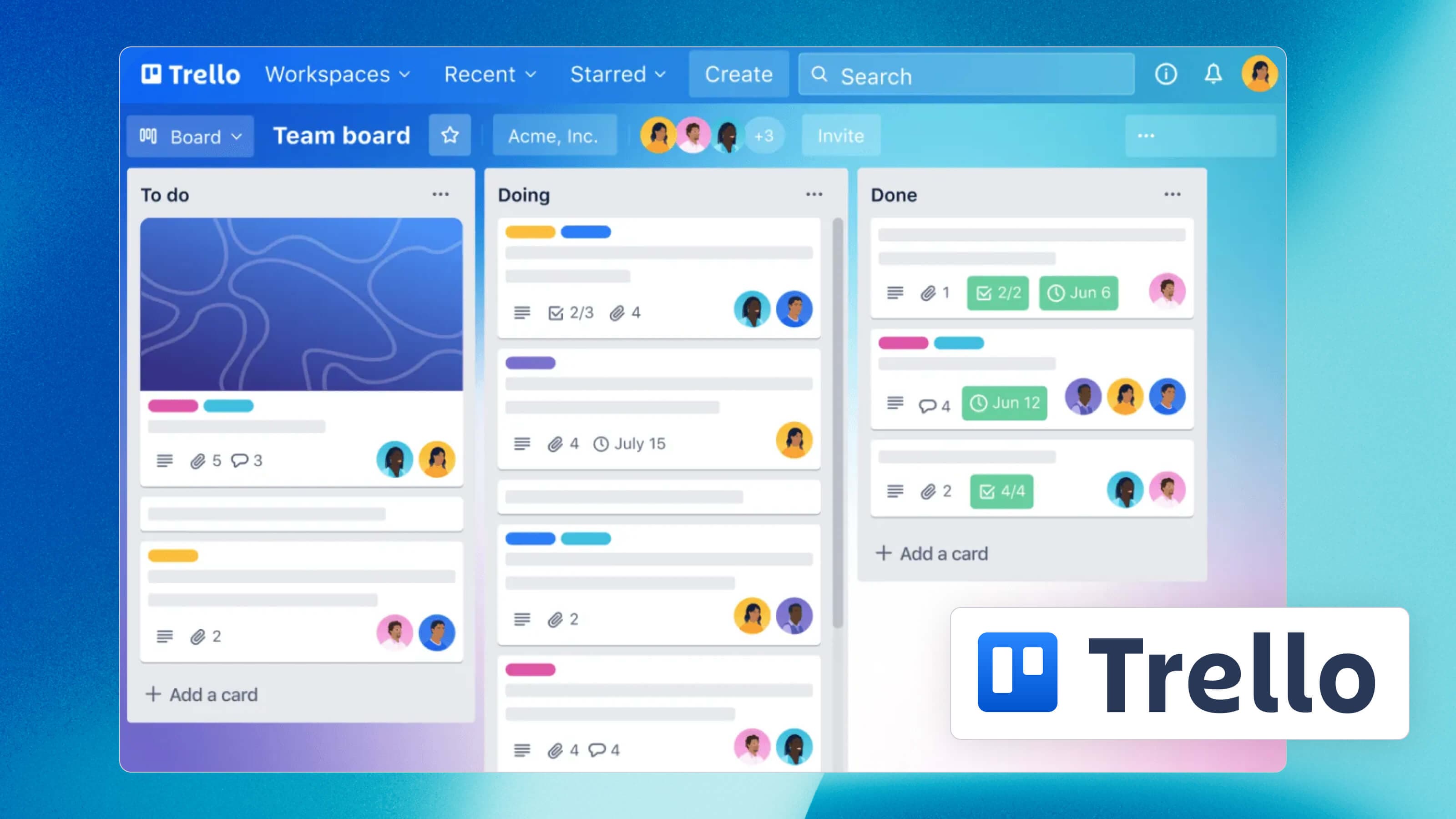
Trello is a very popular task management app you’ve likely heard of.
Trello’s main draw is the simplicity of its list-based layout that makes jobs to be done and project progress clear for all to see. But as simple as it is, Trello is still a powerful system that enables assignees, attachments, links, due dates, and comments to be added to each card so no detail is lost.
Boost Trello’s usability with templates, automation, integrations, and what it calls “power-ups.”
Asana
Speaking of popular, we have to mention Asana.
Asana is a fully-featured task management software product managers can use to organize the most complex projects. It’s a space for centralizing and automating the management of tasks, but Asana can also help project leaders better understand task dependency, project progress, resource allocation, budget use, and impact on business goals.
Team communication
Team communication software, which includes collaboration and messaging platforms, helps facilitate conversations and information sharing among people within an organization — and sometimes outside of it (clients, customers, etc.).
Slack
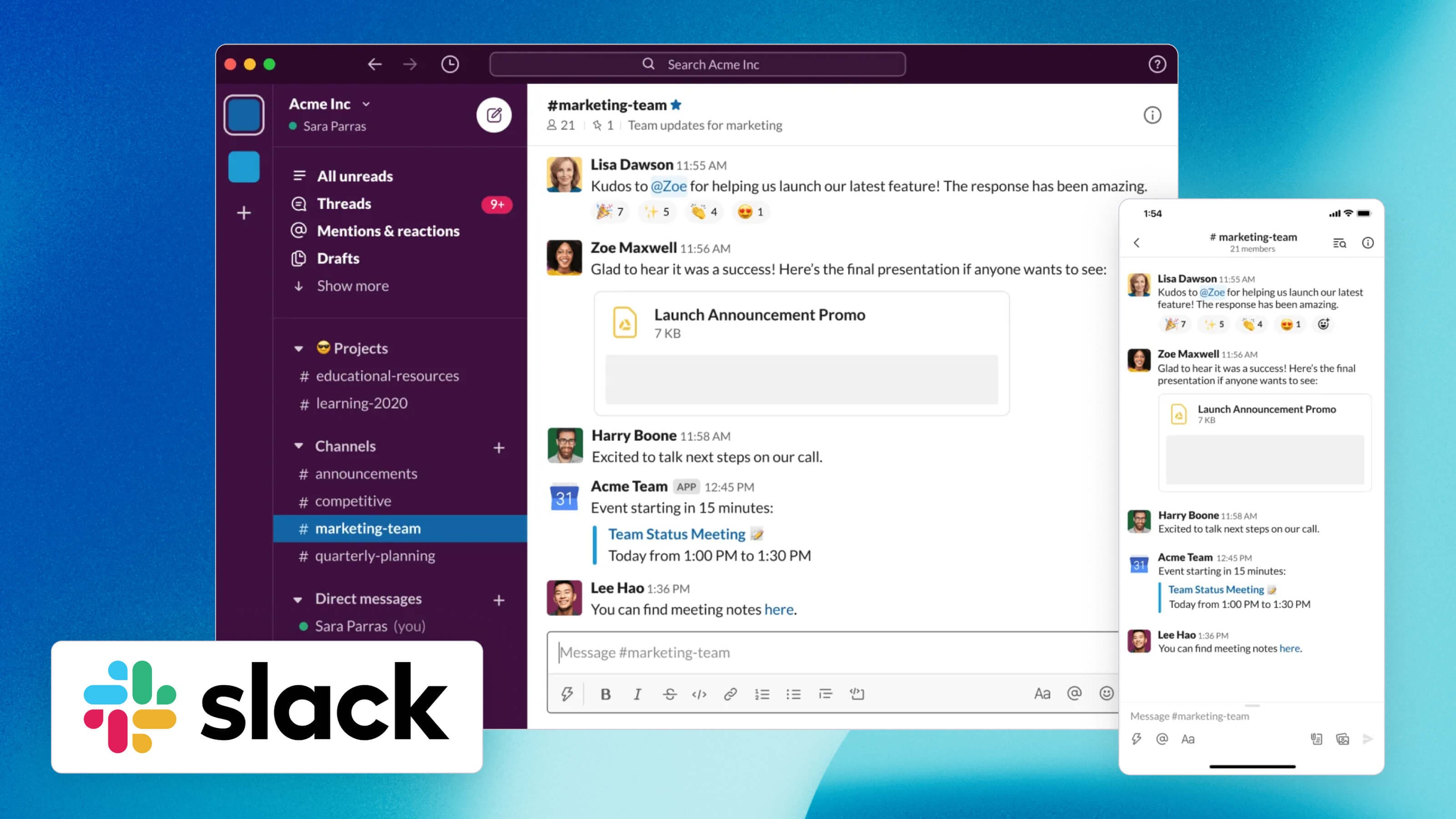
Slack is team communication software that took the world by storm with a clean interface that facilitates both internal and external teamwork.
The Slack app centralizes communication, file sharing, and even meetings and client interactions through its channels and integrations.
And if you use an app to connect Slack to your Jira instance, the two-way sync can elevate your team’s productivity to a whole new level.
Microsoft Teams
Microsoft Teams is a collaboration app developed by Microsoft as part of the Microsoft 365 suite.
Much like Slack, it’s designed to facilitate communication among team members. But, its focus is solely on organizations that are part of the Microsoft ecosystem.
Microsoft Teams has a robust range of features that go beyond messaging to host video conferencing, file sharing, and integrations with all the other Microsoft applications.
And speaking of integrations, you can integrate Microsoft Teams with Jira and Slack to streamline your IT support.
Product analytics
Businesses use product analytics apps to collect and study data related to their products or services.
With an analytics application, product managers and teams can evaluate the effectiveness of the digital experiences they create. Product analytics provide vital data for identifying issues and improving performance to grow customer conversions and retention.
Amplitude
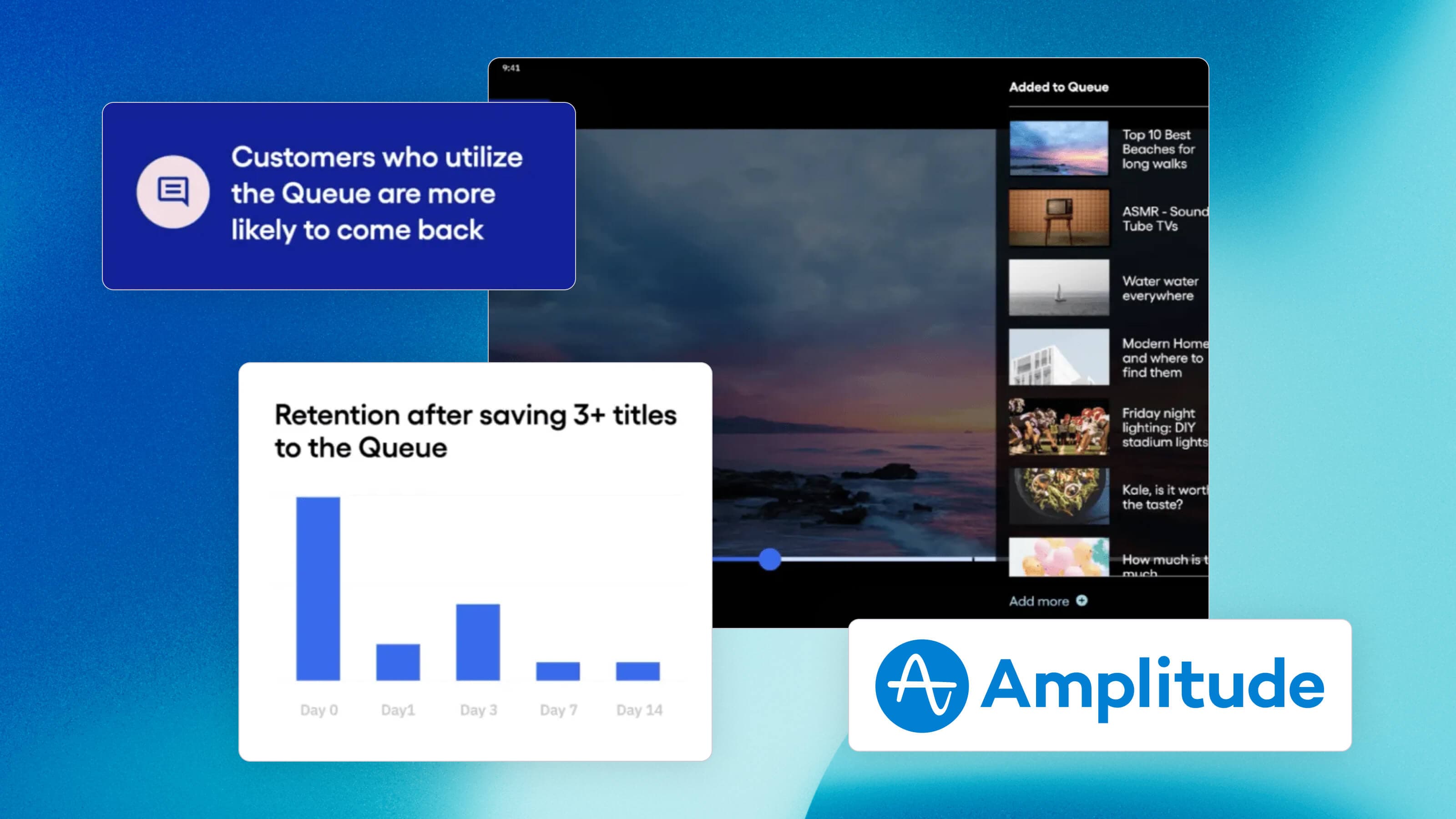
Amplitude brings together three very powerful elements — your product usage data, behavioral analytics, and AI automation — to help product owners make well-informed product decisions that will drive growth.
Take advantage of Amplitude’s automated reports for a quick understanding of your user path and trustworthy insights that will help you improve that path. The reports even call out actionable items, so you always know where to focus next to build a better product and better business results.
Mixpanel
Mixpanel’s interface enables product teams to posit a new product or feature idea, validate it through testing, then follow it through launch to monitor outcomes and make tweaks.
With a focus on making product analytics accessible to everyone, Mixpanel makes it approachable to understand what’s going on in your product without diving into code. Use the platform to measure growth and retention, visualize product usage trends, and even watch how folks use your technology in real time.
Smartlook
We wanted to add Smartlook to this list as it offers an interesting feature that the other product analytics platforms don’t — heatmaps.
Smartlook's heatmaps record user interactions so you can see what your actual visitors are doing, where they spend the most time, where they tend to bounce, and so on. This visual take on studying user engagement is a fresh perspective that many product managers may welcome.
User research
User research software includes applications designed to facilitate the process of gathering, analyzing, and interpreting data about user behavior, preferences, and experiences. It helps businesses and product teams gain insights into their users' needs, motivations, and pain points — in turn informing software development and design decisions.
Typeform
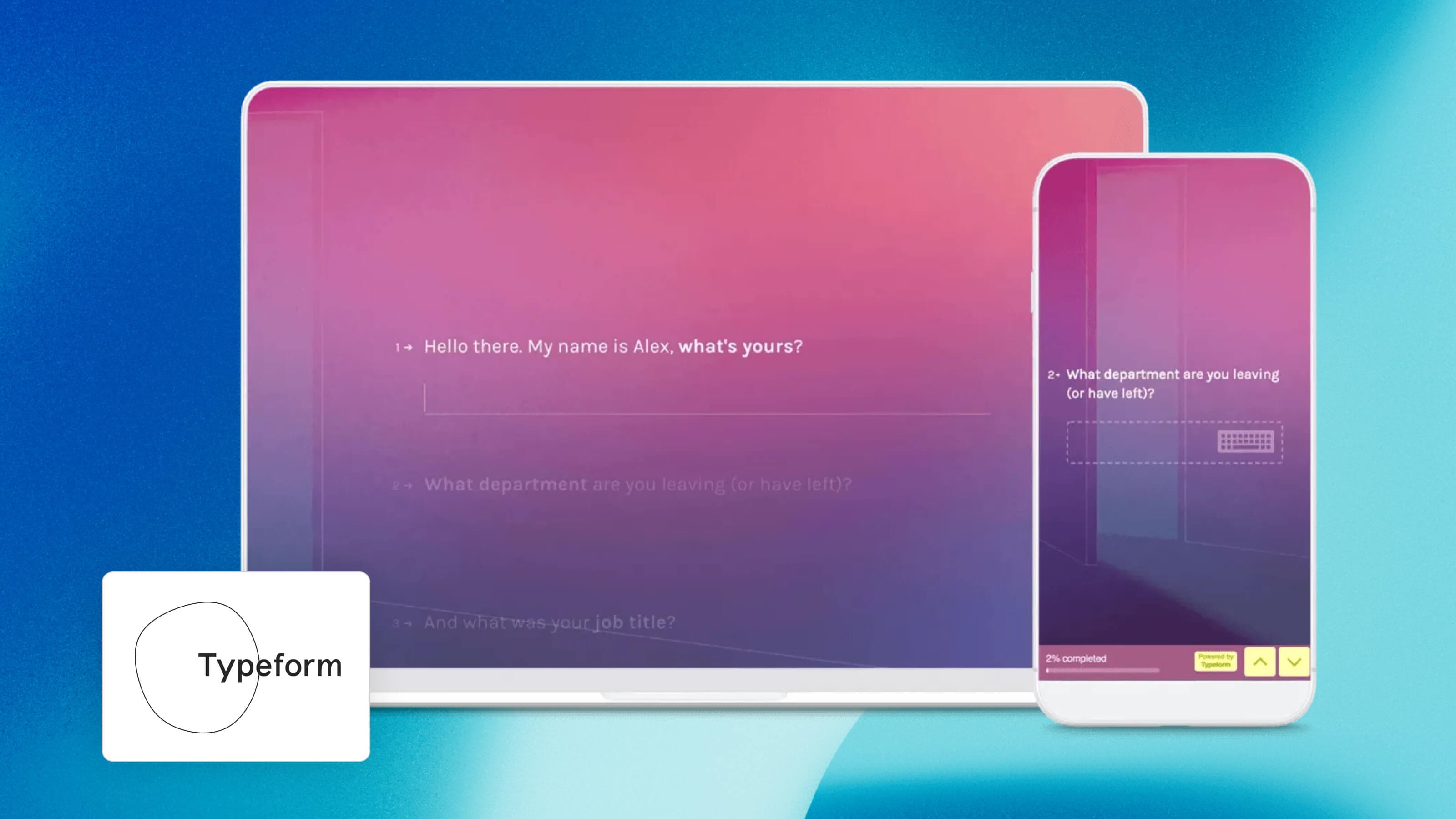
Typeform is a versatile builder that allows its users to create engaging and interactive forms, surveys, quizzes, and questionnaires. All of which can be applied to conduct user research.
Typeform’s goal is to “break the norm” with forms that feel different and refreshing. They believe this is an effective way to help businesses get more of the data types they need.
With embedding capabilities and more than 100 integrations, product managers should be able to find a way to apply Typeform for their user research needs.
SurveyMonkey
A staggering 20 million questions are answered every day through SurveyMonkey.
This survey app streamlines the process of creating, distributing, and understanding questionnaires. Product owners can use it to monitor customer satisfaction, continually gather customer feedback, and boost user happiness just by regularly asking for their opinions.
Intercom
Intercom is an AI-powered customer service platform that features a help desk and chatbot so your product can deliver proactive support.
Although it's not specifically designed for user research, the reporting capabilities of Intercom make it a powerful application for gaining insight into customer behavior and desires.
Bonus: industry research
Though it’s not usually delivered in the software format — which is why this category is in the bonus section — an industry research resource will give product managers access to comprehensive information and analytics about their industry and market. This enables you to gather insights, monitor trends, and make informed decisions.
Gartner

Gartner is a leading research and advisory firm that publishes technology-focused analysis across tons of different industries.
Since Gartner is well-known for its in-depth research, analysis, and insights, it’s a great place for product people to go when figuring out where gaps exist in the market and how to design products that meet a specific demand.
Gartner’s famous market guides and magic quadrant rankings are also useful for competitive analysis.
How will you tackle your product planning initiative?
If you’ve found yourself in a state of analysis paralysis thanks to the hundreds of product and project planning platforms on the market, we hope this guide will assist you in narrowing down your choices and putting together your best product planning methodology.
To get a head start on seamless product planning by taking the stress out of the product roadmapping process, try one of the above-mentioned apps. And explore Appfire apps when you’re ready to get more from your Jira instance or make monday.com work harder for you.