

AI adoption is moving fast, but many teams feel stuck in the middle. Generative AI (genAI) tools for software development promise speed and productivity, yet most leaders still wrestle with real concerns — security gaps, fuzzy ROI, and code that may not hold up over time. Excitement is high. Confidence? Not always.
AI in software development is no longer about trying cool demos on a Friday afternoon. It’s about deciding what actually helps your teams ship better software without creating future messes.
Explore some of the best generative AI tools for software development, how to evaluate them, where they deliver high-leverage outcomes, and when you should slow down before hitting "deploy.”
How can generative AI be used in software development and coding?
GenAI in software development shines when tasks are repetitive, pattern-based, or time-consuming. It helps you move faster, but it doesn’t replace good judgment, system thinking, or deep domain knowledge.
Here’s where AI helps — and where it taps out:
- Code generation: Great for scaffolding, boilerplate, and common patterns. Weak at complex architecture and business-specific logic.
- Debugging: Helpful for spotting obvious errors and suggesting fixes. Not reliable for tracing subtle, system-wide issues.
- Code documentation: Strong at summarizing functions and APIs. Falls short when context or intent matters.
- QA and test generation: Fast at producing basic test cases and edge scenarios. Needs humans to define what actually matters.
- Refactoring and cleanup: Useful for consistency and style updates. Risky without review when behavior must stay exact.
Used well, AI development tools support developers, testers, product teams, and even non-technical roles across industries like fintech, SaaS, healthcare, and e-commerce. Used poorly, they create noise, brittle code, and misleading software engineering metrics.
Top 15 GenAI tools for software development
Here's a quick look at the 15 best AI tools for software development that can simplify the process and boost productivity:
AI tool | Best for* | Key features | Works on the web? | Mobile app? | Starting price |
|---|---|---|---|---|---|
Claude Code | Fast, hands-on coding help | Terminal-driven agent, edits real files, runs commands, refactors boilerplate, multi-step tasks | Yes | Just on iOS | Free |
Gemini Code Assist | Cloud-native development | Inline completions, GCP-aware guidance, Firebase Studio integration, testing/refactors | No | No | Free |
ChatGPT | Broad coding + AI assistance | Natural-language to code, bug fixes, tests, agent workflows, IDE/CLI/web | Yes | Yes | $20/mo |
Amazon Q Developer | AWS-centric IDE help | CodeWhisperer lineage, IDE chat, bug detection, AWS context & scanning | No | No | Free |
GitHub Copilot | Real-time coding assistance | Predictive completions, IDE chat, PR & issue context, multi-language | Partial | Yes | Free |
GitLab Duo | AI inside GitLab workflows | In-MR suggestions, auto-docs, test help, pipeline context | Partial | No | Included in GitLab Premium & Ultimate |
Cursor | Free browser coding help | Web-based editor, NL > code, quick drafts, no installation | Yes | Yes | Free |
Qodo | Code review & quality insights | PR/IDE review, bug detection, tests & docs, governance | Partial | No | Free |
Tabnine | Predictive IDE completions | Repo-aware autocomplete, team models, local/cloud options | No | No | $39/user/mo |
Cline | Context-aware planning & execution | Deep repo analysis, plan/act modes, IDE + terminal, open source | No | No | Free |
Windsurf | Unified AI-augmented IDE | Cascade agent, inline refactors, previews & deploys | No | No | Free |
Bolt | Browser full-stack prototyping | Prompt-to-app, live IDE, preview & deploy, built-in infra | Yes | No | Free |
Zed | Ultra-fast AI editing | Inline AI, smart refactors, real-time collaboration | No | No | Free |
Replit | Browser-first coding & learning | Cloud IDE, AI suggestions, hosting, collaboration | Yes | Yes | Free |
JetBrains AI | AI inside JetBrains IDEs | Context-aware suggestions, refactors, explanations | No | No | $51/mo |
*"Best for" reflects team-level outcomes — like flow, quality, and delivery impact. It doesn't reflect individual productivity hacks or one-off coding shortcuts.
1. Claude Code
Best for: Fast, hands-on coding help
SDLC phase: Build and test
Claude Code is Anthropic’s coding agent that works close to your codebase, often from the terminal. It can edit files, write functions, and even run commands. It’s strong at scaffolding features, cleaning up repetitive code, and helping you move through tickets faster without context-switching all day.
Claude Code is great at patterns and repetition. But it’s weaker at system design, deep domain logic, and anything that depends on unwritten rules.
Autonomous setups (like the Ralph Wiggum Bash-driven agent loop that keeps running tasks until a goal is met) can boost speed, but also magnify mistakes if prompts are vague or guardrails are loose. Human review isn’t optional here.
Teams working on highly regulated systems, safety-critical software, or fragile legacy code should be careful. If your environment can’t tolerate “almost right” changes, or you expect AI to own architecture decisions, this tool might frustrate you fast.
Key features:
- Works directly with your codebase
- Terminal and command execution support
- Multi-step task handling
- Strong at refactoring and boilerplates
- Easy to get started, low setup friction
Pricing
Here's what Claude Code’s pricing looks like:
- Free: Limited access, light experimentation
- Pro: $20/month (or $17/month if billed annually)
- Max: From $100/person
- Team: $28/standard seat; $125/premium seat (or $20/standard seat; $100 premium seat if billed annually)
- Enterprise: Custom pricing
- API: Usage-based pricing for integrating Claude into custom workflows
2. Gemini Code Assist
Best for: Cloud-native development
SDLC phase: Build, test, and optimize
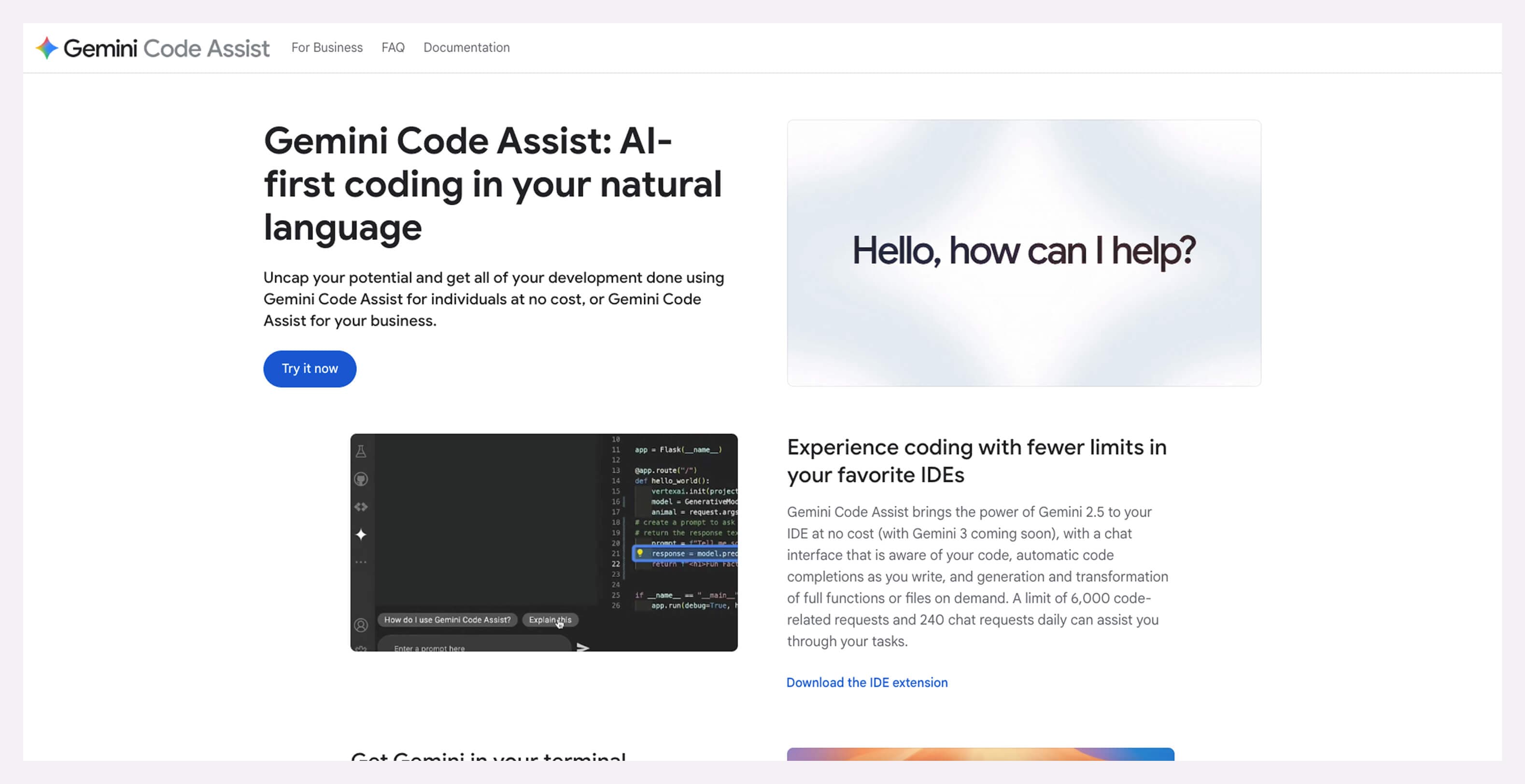
Code Assist is one of Google’s AI software development tools built for teams already living in the Google ecosystem. It helps developers write, review, and understand code faster, especially when working with cloud services.
The tight connection with tools like Google Firebase Studio makes it useful for quickly spinning up backends, wiring APIs, and moving from idea to running app without opening 10 browser tabs.
Code Assist is strongest when your stack runs on the Google Cloud Platform (GCP). Outside that bubble, its suggestions get thinner and less reliable. Experimental efforts like Google Antigravity show promise for predictive workflows and software development forecasting, but they’re still early and not something you’d bet a roadmap on.
Teams that aren’t on GCP, or don’t plan to be, will see limited value. It’s also not a great fit for engineers who need deep architectural reasoning or long-term system planning from an AI assistant.
Key features:
- Code completion and inline suggestions
- Cloud-aware guidance for Google services
- Integrates with Google Firebase Studio
- Supports testing and refactoring workflows
- Low friction for teams already on GCP
Pricing
Code Assist follows this pricing structure:
- Gemini Code Assist for individuals: Free
- Gemini Code Assist Standard: $19/user/month
- Gemini Code Assist Enterprise: $45/user/month
3. ChatGPT
Best for: Broad coding and AI-assisted development
SDLC phase: Build, test, review, and optimize
ChatGPT with OpenAI Codex blends general conversation with a powerful coding partner that can generate, explain, and fix code on demand. Codex goes far beyond autocomplete by translating plain English prompts to write functions, review pull requests (PRs), diagnose bugs, and suggest tests. It can even run multiple code execution tasks sequentially.
This tool quickly turns natural language into working snippets while handling pattern-based fixes. But it’s weak where deep system context, business logic nuance, or critical design decisions are involved. The AI sometimes misses edge cases or produces technically sound, but semantically wrong, output.
If your team needs airtight performance determinism, handles extremely sensitive data, or works in safety-critical domains, Codex isn’t a great fit. It’s also not ideal where compliance mandates traceable code changes, such as in environments governed by SOC 2, ISO 27001, HIPAA, or FDA software validation requirements.
Key features:
- Natural-language-to-code generation
- Bug fixes and test case suggestions
- Multi-task agent workflows
- Integrated development environment (IDE) and web interfaces
- Parallel task execution in cloud sandboxes
Pricing
Codex is part of paid ChatGPT plans:
- Plus: $20/month
- Pro: $200/month
- Business: $30/user/month
- Enterprise & Edu: Custom
4. Amazon Q Developer
Best for: IDE-centric AI help and cloud-aware coding
SDLC phase: Build, debug, refactor, and Amazon Web Services (AWS) resource ops
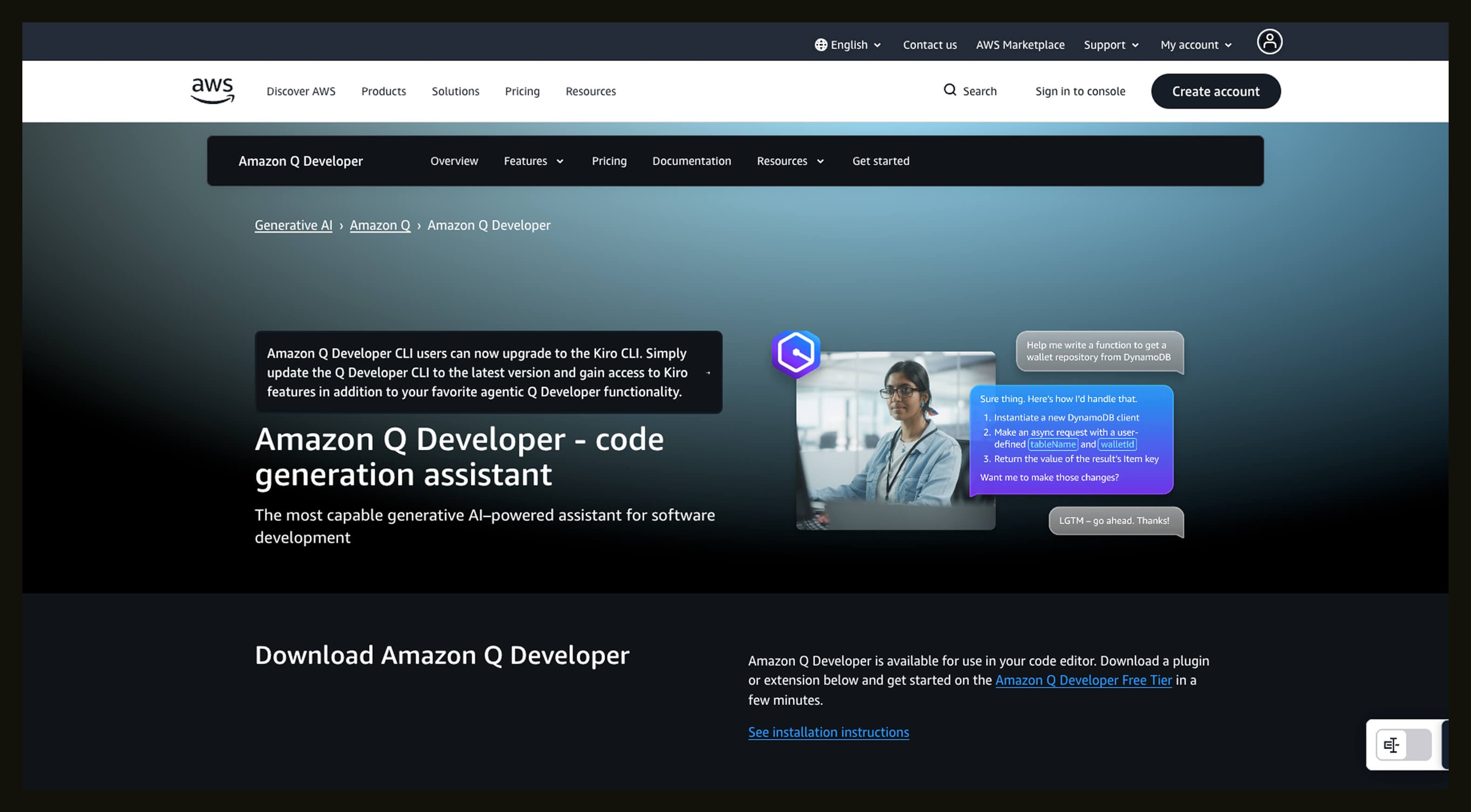
Amazon Q Developer is AWS’s evolution of Amazon CodeWhisperer AI code assistant. It lives right inside IDEs like VS Code or JetBrains and offers code suggestions, explanations, debugging help, and even conversational queries about your AWS resources.
Q Developer is strongest when you’re deeply in the AWS ecosystem. Outside that, its cloud-aware capabilities lose context and become less useful. It also struggles with deep architectural guidance. Even inside AWS-heavy projects, it’s less reliable when designing complex multi-service systems or handling tricky edge cases beyond common cloud patterns.
Plus, integrations like IDE extensions have had hiccups in the past, including a 2025 incident where a compromised Amazon Q Developer VS Code extension (v1.84.0) was pulled and patched after they discovered injected malicious code. Data privacy matters too: AWS offers controls to opt out of AI training and protect code from reuse by generative AI.
If you’re cloud-agnostic, building outside AWS, or require full on-prem isolation and self-hosting for data privacy or compliance, Amazon Q Developer isn’t a natural fit. It’s also less compelling for teams that already use other AI code assistants with strong cross-platform or self-hosted support.
Key features:
- Inline code suggestions from its CodeWhisperer heritage
- Chat interface for code help and cloud ops queries
- Bug detection and simple refactors
- IDE integration — VS Code, JetBrains, and Visual Studio
- AWS-context awareness and security scanning
Pricing
Amazon Q Developer offers two main tiers:
- Free tier with monthly limits, like a set number of agent interactions and basic autocomplete
- Pro tier ($19 per user/month) that expands usage caps and adds enhanced features like centralized controls
5. GitHub Copilot
Best for: Real-time coding assistance
SDLC phase: Build, review, and refactor
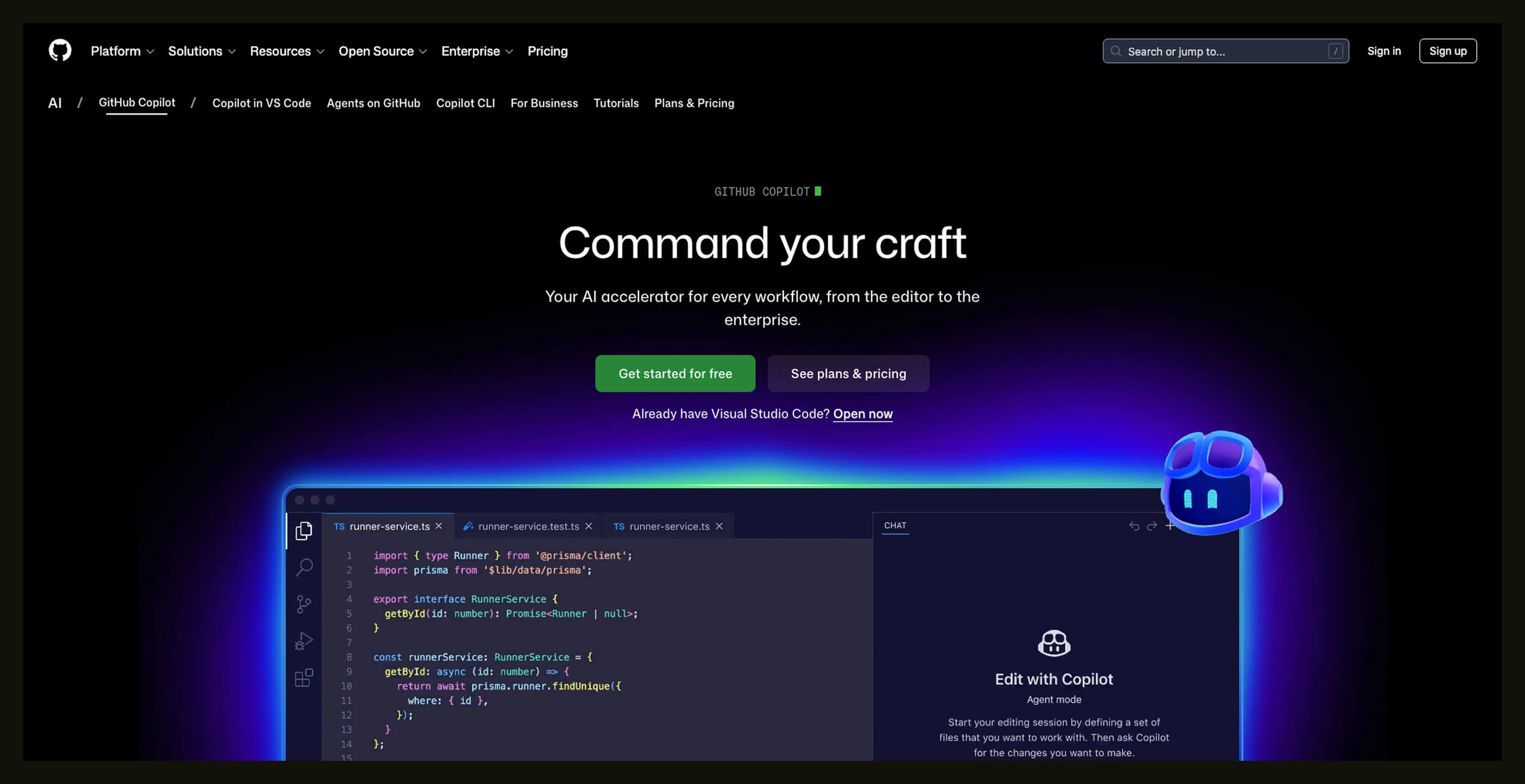
GitHub Copilot earns its reputation as one of the best generative AIs for coding by reducing friction inside the tools developers already use. It acts like a smart programmer that sits inside your IDE and predicts or completes whole lines and functions as you type.
Copilot cuts down time on repetitive tasks, boilerplate, and simple logic, so you spend more energy on product decisions and creative problem-solving. It does this by analyzing your current file, related code in the repo, comments, and even open pull requests to generate context-aware suggestions in real time.
Copilot’s suggestions can be technically valid but semantically wrong, and sometimes miss business logic entirely. It also nudges you toward workflows that might not be your team's preferences or product planning apps outside GitHub.
If your priority is ultra-strict isolation from cloud services or you’re building in an environment where AI-generated suggestions can’t be vetted reliably, Copilot’s inline suggestions can introduce noise more than value.
Key features:
- Predictive code completions based on repo context
- “AI pair programmer” experiences in IDEs
- Inline suggestions and chat within the editor
- Support for many languages and frameworks
- Works with issues and PRs inside GitHub
Pricing
Copilot offers a range of plans:
- Free: Basic access with limited completions and chat requests per month
- Pro: $10/month or $100/year
- Pro+: $39/month or $390/year
- Business: $19/user/month
- Enterprise tiers: $39/user/month
6. GitLab Duo
Best for: AI-assisted coding inside GitLab
SDLC phase: Build, review, and quality checks
GitLab Duo lives right in your merge requests and pipelines. It helps you write code suggestions, clean up commits, and generate documentation without leaving GitLab.
Because it understands project history and branch context, it can cut down on back-and-forth in code reviews and keep work flowing with fewer blockers.
Duo works best within the boundaries of your existing repo and workflow rules, but it doesn’t replace architectural judgment or deep code reviews. AI-generated changes still need human eyes, especially when you’re trying to improve software development quality metrics or meet strict compliance standards.
Teams that don't use GitLab as their main platform won’t get much from Duo. It isn’t a good fit if your process demands airtight performance guarantees or completely isolated workflows with no third-party touchpoints.
Key features:
- In-merge request (MR) code suggestions
- Auto-docs and summaries
- Test suggestion help
- Context-aware based on repo history
- Works with pipelines and review workflows
Pricing
GitLab Duo capabilities are included within GitLab’s paid tiers:
- Free: Base GitLab features, limited AI access
- Premium and Ultimate: Custom
7. Cursor
Best for: Free coding help in the browser
SDLC phase: Build and explore
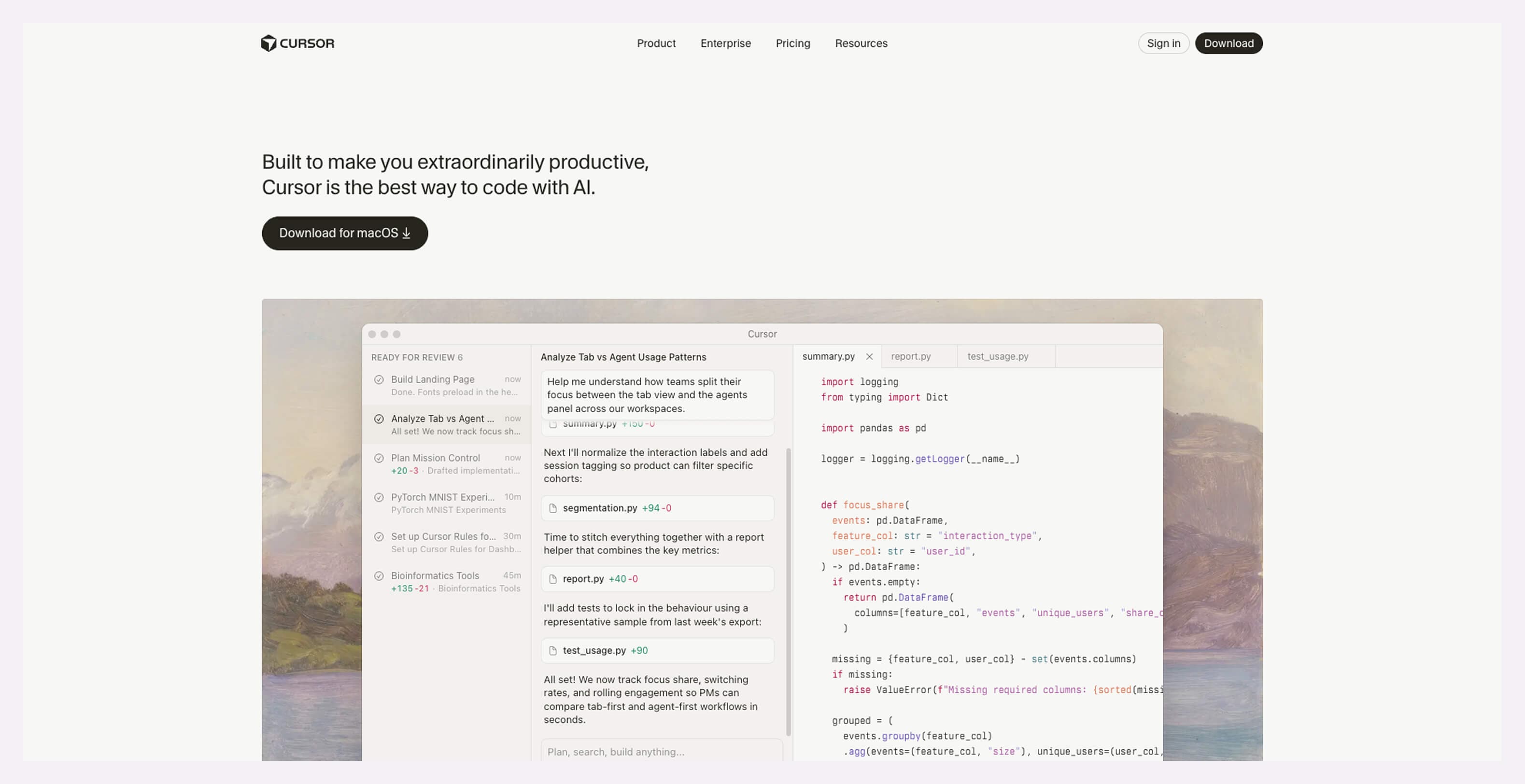
Cursor is a free AI tool for web development that turns plain language into code snippets for various projects. It’s browser-based, so you don’t need to install heavy IDEs when writing HTML, CSS, JavaScript, or backend bits.
For developers juggling meetings and tickets, Cursor adds quick support without slowing down your flow. It can help improve developer productivity metrics by reducing friction in early drafts and fixes.
Cursor isn’t as deep or customizable as integrated IDE assistants. It’s great for small tasks, prototyping, and simple logic, but it struggles with large repositories, deep architecture questions, or advanced debugging.
If you’re working on complex, enterprise-scale codebases or need tight version control and review workflows, Cursor’s lightweight design won’t cut it. It’s more of a quick help tool than a full-time coding partner.
Key features:
- Browser-based coding assistance
- Works with web stacks like HTML, CSS, and JS
- Instant suggestions from natural language
- Simple copy-paste workflows
- No install needed
Pricing
Cursor has a generous free tier (called Hobby) with basic access and limits on request volume. Paid plans unlock higher usage and priority processing:
- Pro: $20 /month (or $16 /month when paying annually)
- Pro+: $60 /month (or $48 /month when paying annually)
- Ultra: $200 /month (or $160 /month when paying annually)
- Teams: $40 /user/month (or $32 user/month when paying annually)
- Enterprise: Custom
8. Qodo
Best for: AI-powered code review and quality insights
SDLC phase: Review, testing, and quality gating
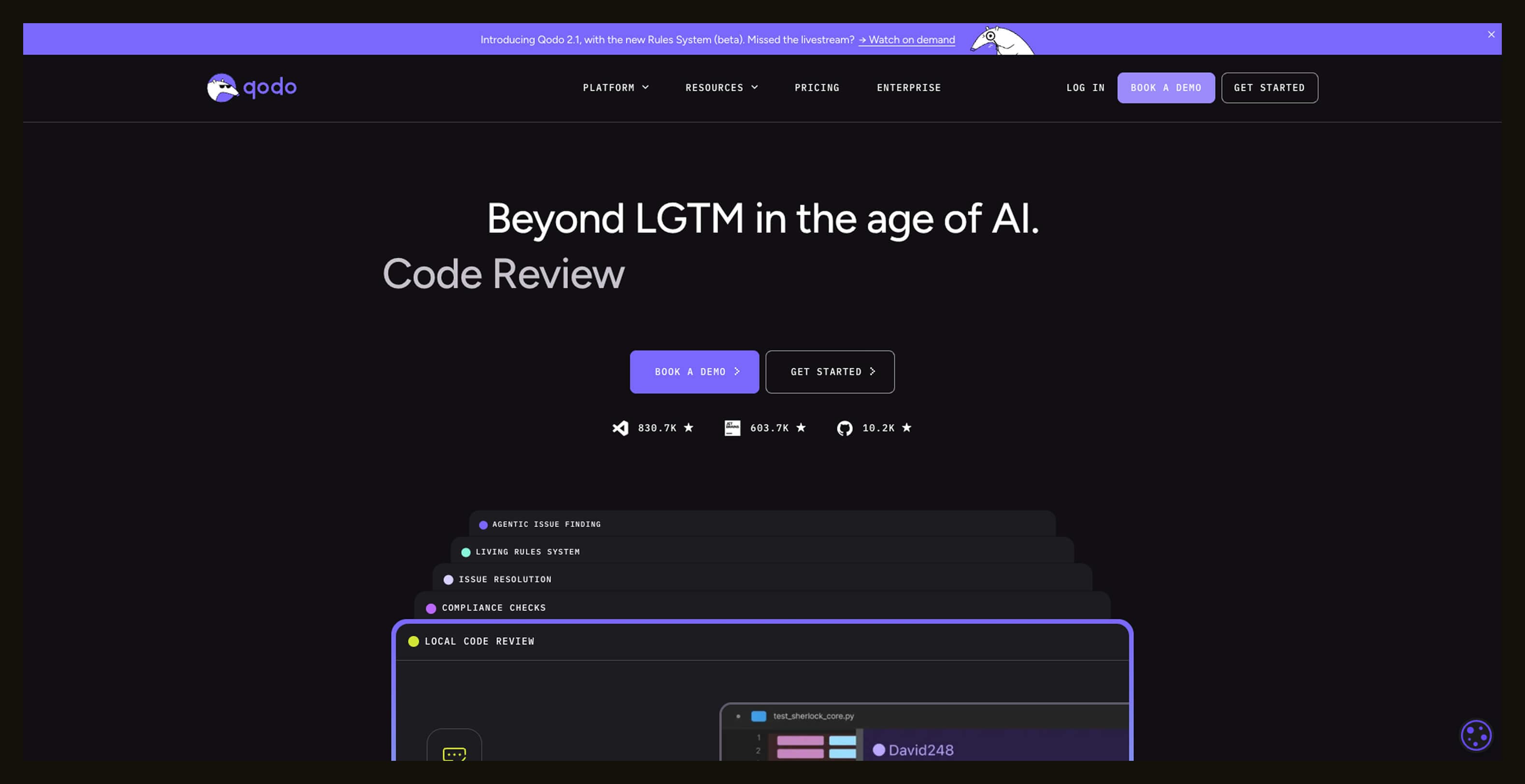
Qodo is another free AI tool for software development with an intelligent review layer for your existing workflows. It runs inside IDEs, PRs, and Git pipelines to catch bugs, enforce standards, and suggest fixes before code merges.
That means less back-and-forth reviewing and clearer feedback on quality, which helps teams ship with more confidence and produce better software development progress reports without manual grind.
Qodo’s strength is review automation, but it can’t replace human engineers. Automated feedback still needs review, especially in complex domains where edge cases matter. It can also miss semantic context or deep design flaws if prompts lack clarity or teams rely on it too much. Also, credit limits on the free tier can slow down heavier use.
A free, credit-capped plan might frustrate your team if they need full, predictable control over AI outputs or if you build safety-critical software. Likewise, teams not using integrated Git or IDEs won’t get much value.
Key features:
- Context-aware code and PR review (IDE + Git)
- Automated bug detection and fix suggestions
- Test generation and documentation help
- Enforces team standards and governance
- Works across major languages and multi-repo codebases
Pricing
Here's what you can expect to pay for Qodo:
- Developer: Free
- Teams: $38/user/month (or $30/user/month for an annual subscription
- Enterprise: Custom
9. Tabnine
Best for: Predictive coding inside your IDE
SDLC phase: Build and refactor
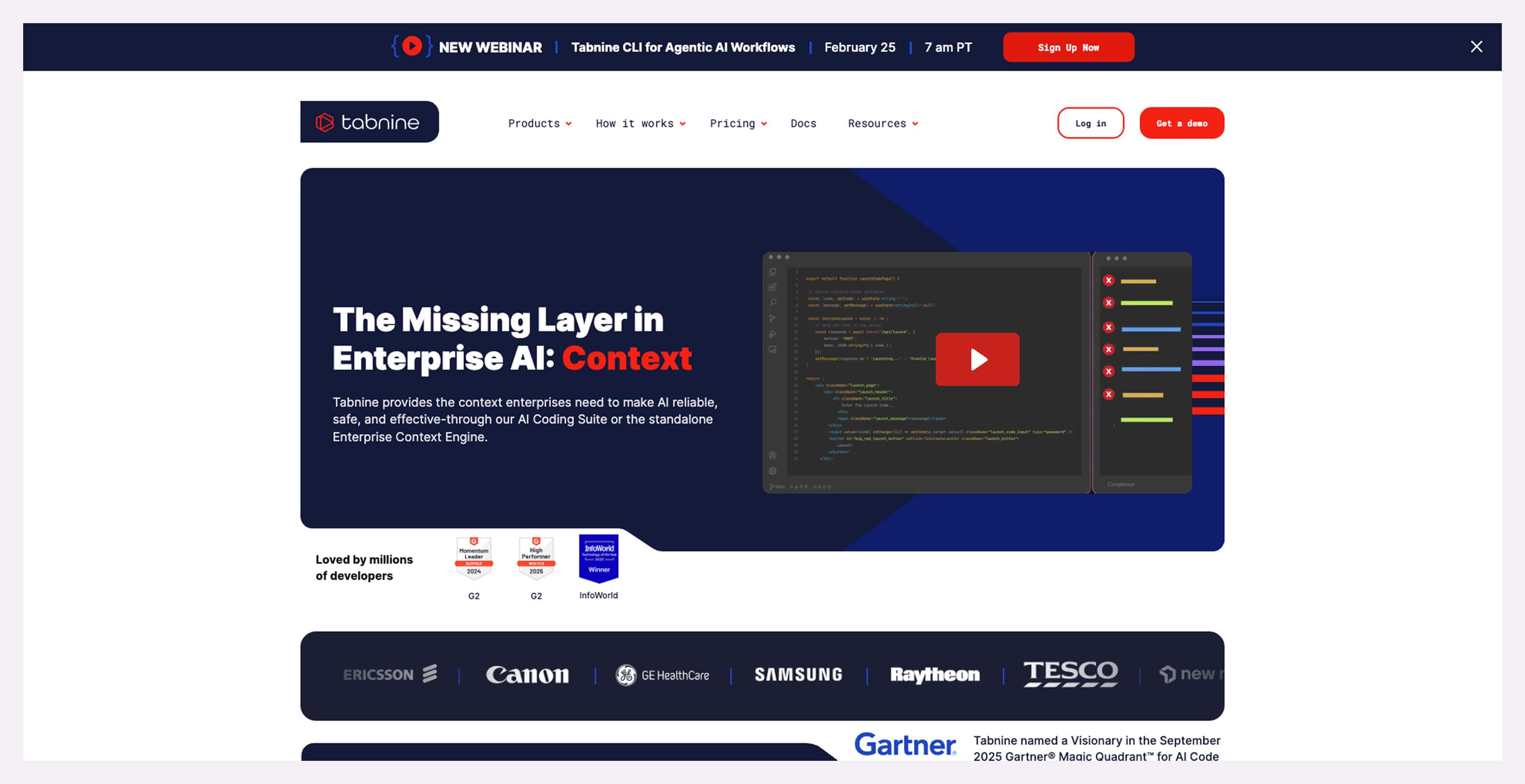
Tabnine is a longer-running player in software developer productivity tools, focused on giving you smarter code completions as you type. It learns from your codebase and offers suggestions that align with your team’s style and patterns.
Instead of hunting through docs or boilerplate, you get relevant lines, function templates, and context-aware options right in your editor. That feels like having an extra teammate who actually reads your code. Tabnine’s strength is in prediction and autocomplete.
But it doesn’t offer deep, task-oriented agents that run multi-step workflows or generate full PRs. For big feature builds, architectural design, or quality gating, it’s not enough on its own. Suggestions can also be too conservative or too generic if the codebase is small or noisy, so vetting remains essential.
If your team expects an AI to generate full features or autonomously handle tasks beyond inline completions, Tabnine will feel limited. Also, projects requiring strict audits of all suggestions for compliance or safety need more heavy-duty tooling alongside Tabnine.
Key features:
- AI-powered code completions
- Context learning from your repo
- Works in major IDEs, including VS Code and JetBrains
- Team models that reflect your style
- Local and cloud model options
Pricing
Tabnine offers two plans:
- Tabnine Code Assistant: $39/user/month (annual subscription)
- The Tabnine Agentic Platform: $59/user/month (annual subscription)
10. Cline
Best for: Context-aware AI coding and planning
SDLC phase: Build, refactor, and quality planning
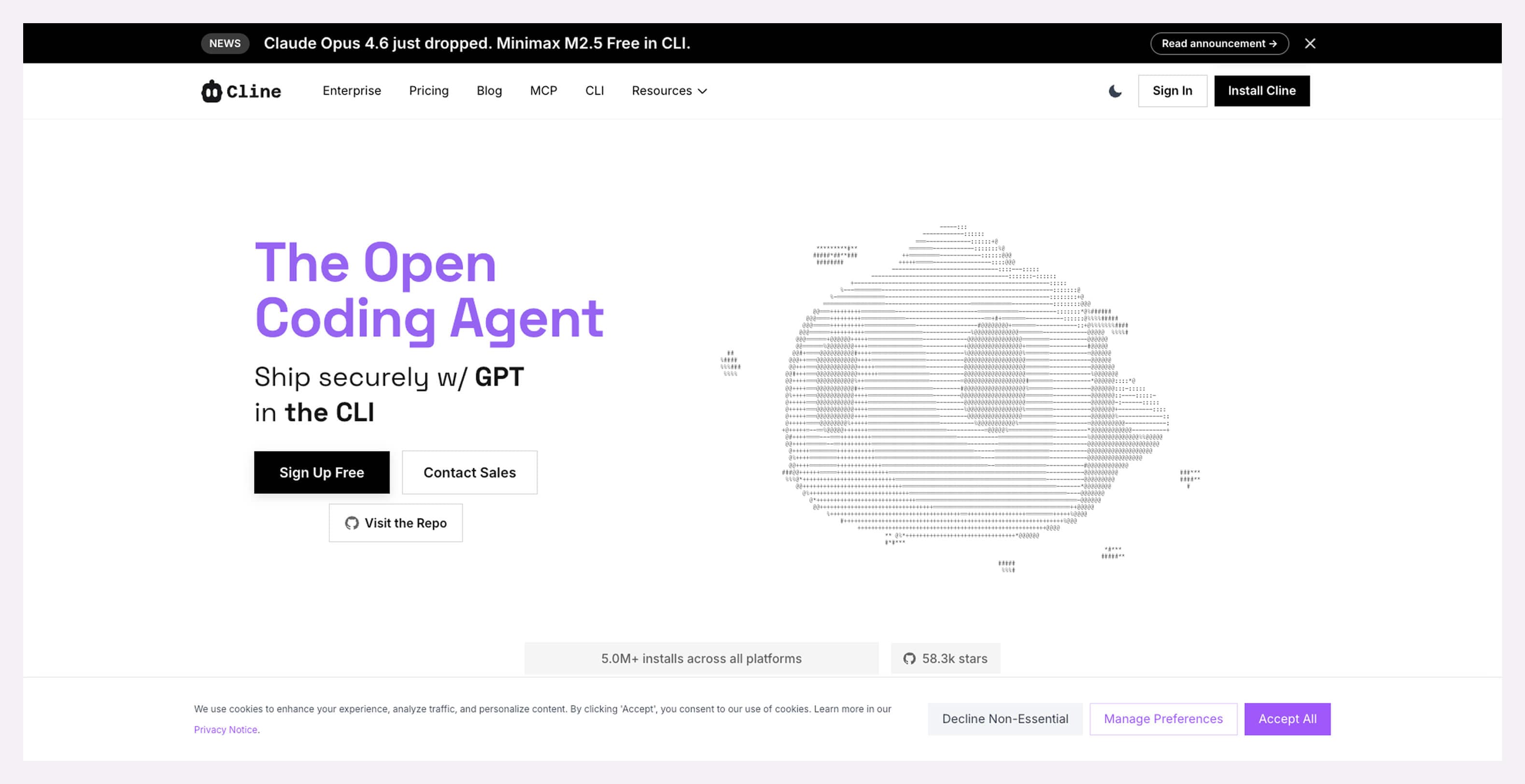
Cline is an open-source AI coding agent that integrates with your codebase and tools to help you plan and execute changes in structured ways. It connects through your IDE or terminal, scans project files, and maps dependencies before suggesting changes.
It reads your entire project, asks clarifying questions, builds an implementation plan, and then performs edits with your approval. This is helpful for teams looking to boost developer productivity and performance beyond one-off snippets.
Cline feels heavier than autocomplete tools because it explores entire codebases before acting. So new users might find it takes time to master. Also, because it uses your API keys to fetch models, it can lead to unpredictable token costs if you’re not careful about how much work you let it tackle.
If you want something ultra-lightweight for small tasks or prototype work, or if you need predictable, flat-fee pricing, Cline may be overkill. It’s built for deeper planning, not quick one-off line completions.
Key features:
- Deep codebase analysis before edits
- Plan and Act modes for controlled execution
- Works with major AI models via your API keys
- Integrates with IDEs and terminals
- Open-source and extensible
Pricing
Cline is free to start and doesn’t lock you into subscriptions. Here are its paid plans:
- Teams: $0/month though Q1 2026; then $20/user/month
- Enterprise: Custom
11. Windsurf
Best for: AI-infused coding in a unified editor
SDLC phase: Build, iterate, debug, and ship
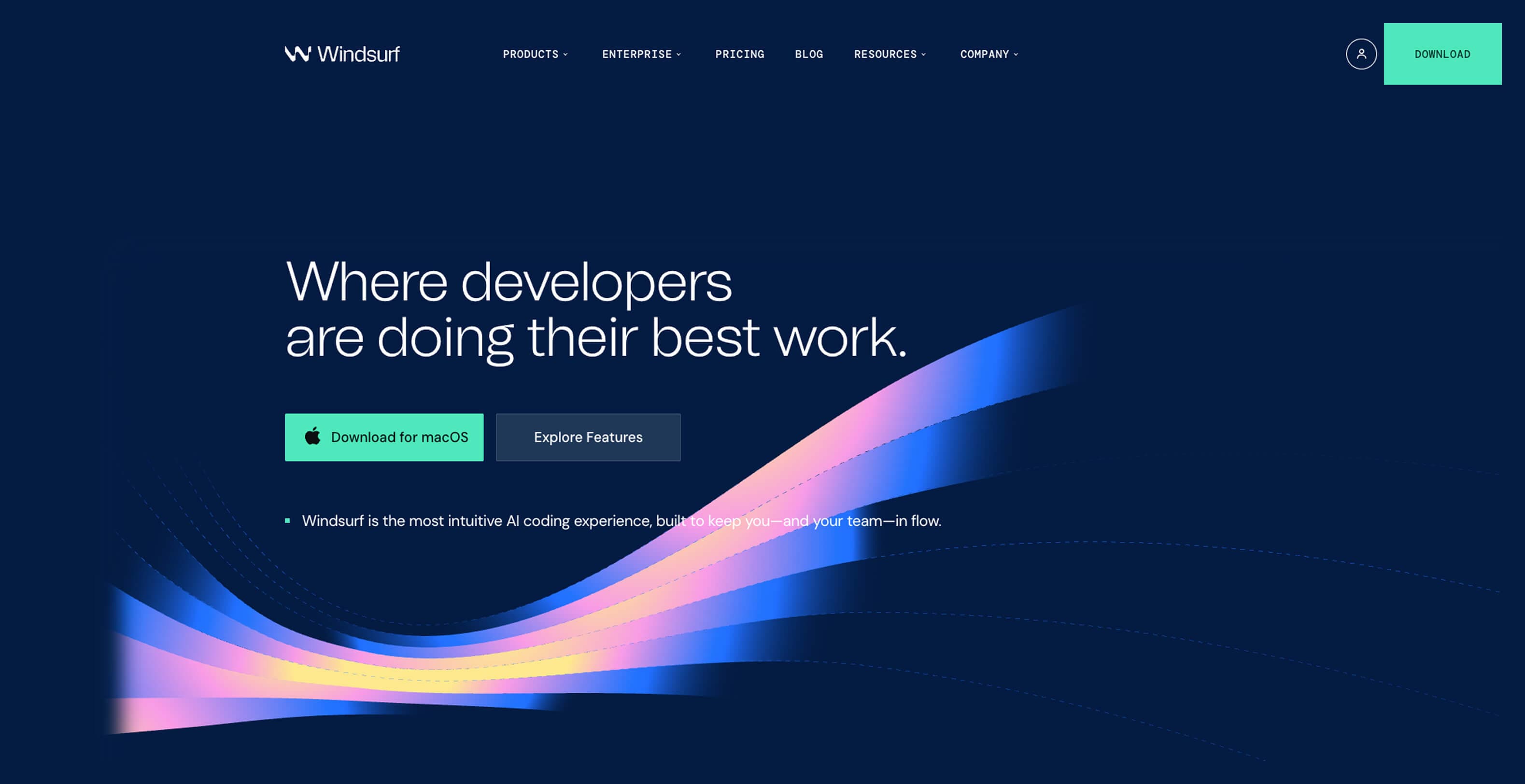
Windsurf is a full AI-augmented IDE that keeps your coding loop tight and context aware. With its Cascade agent, Windsurf reads your project, remembers your actions, and helps you complete tasks, fix errors, preview changes, and even deploy from one place.
That flow helps teams stay focused and can improve software development KPIs, such as cycle time, defect rates, and velocity, compared with jumping between separate tools. It’s powerful for in-editor work, but it isn’t a replacement for design thinking or deep architecture decisions.
Some users note that credit limits on even paid tiers can burn through prompts quickly, leading to unexpected slowdowns if not managed. Plus, its heavy agent features, while impressive, still need human oversight.
Windsurf will feel heavy if you want a lightweight snippet helper or expect an AI to own end-to-end feature design. Teams that need ultra-predictable budgeting or work outside its AI strengths may prefer simpler assistants or deeper continuous integration and continuous deployment (CI/CD) integrations instead.
Key features:
- Cascade agent with project-wide context
- Inline AI edits and refactors
- Previews and deploy tooling
- Smart autocomplete and code understanding
- IDE plugins and cross-platform support
Pricing
Windsurf offers a range of plans based on prompt credits and team scale:
- Free: 25 prompt credits, basic editor, previews, and deploys
- Pro: $15/month for 500 prompt credits
- Teams: $30/user/month for 500 prompt credits and optional add-on credits
- Enterprise: Custom pricing for 500 prompt credits and optional add-on credits
12. Bolt
Best for: Browser-based full-stack app creation
SDLC phase: Early build, prototyping, and deployment
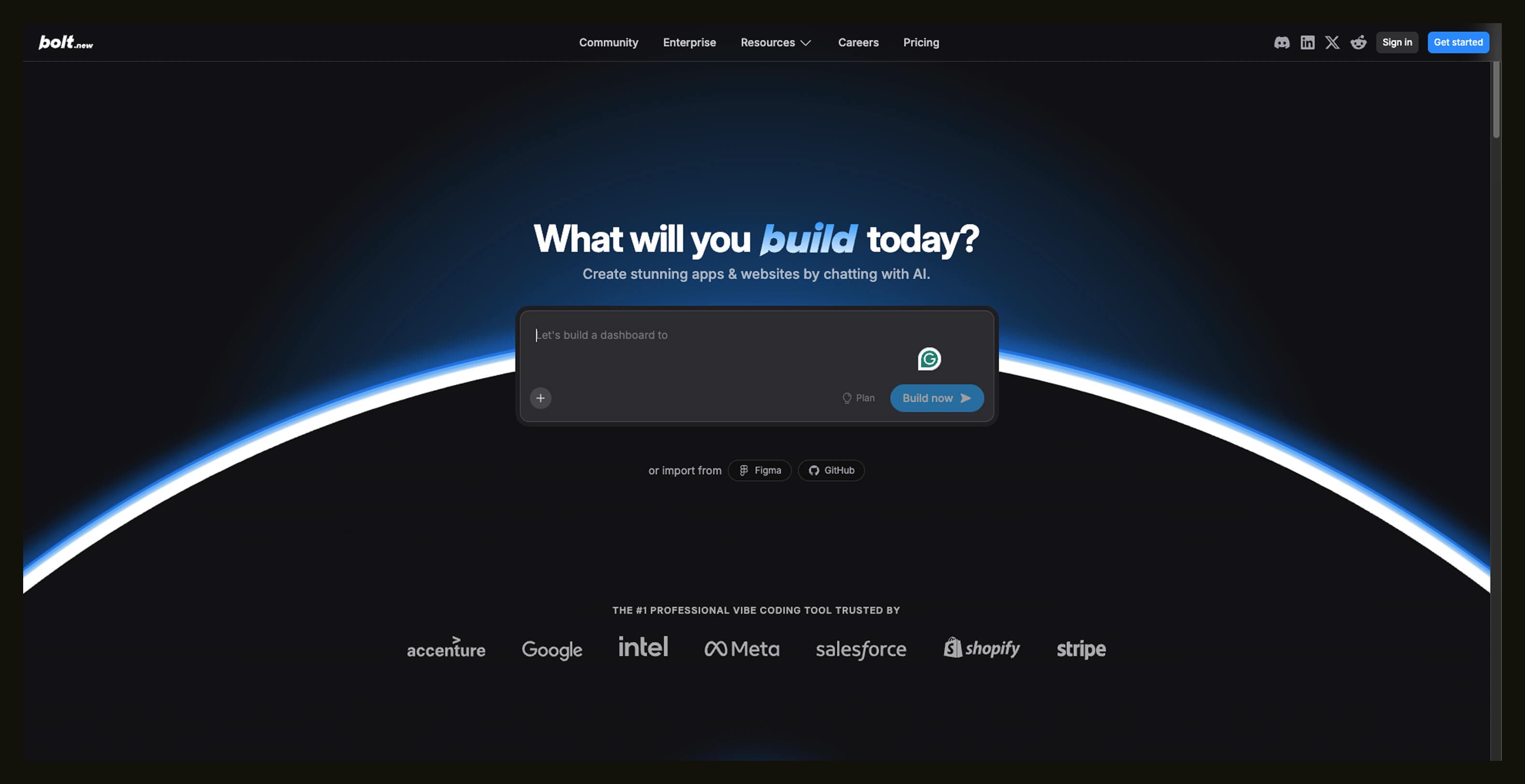
Bolt is a vibe coding platform, meaning you describe the outcome you want in plain language, and the AI generates most of the working application for you. There’s no local installation required. Bolt’s AI builds the front end, back end, database, and even hosting setup inside a live, browser-based IDE.
This shortens the time from idea to working product and aligns with the latest software development trends toward rapid prototyping and low-friction builds, especially for internal tools, MVPs, and product demos. Bolt’s strength is speed and accessibility.
Its AI can spit out a prototype in minutes, but that output still needs careful review and refinement. Complex, enterprise-grade applications often outgrow the “set it and forget it” vibe, and teams may face unexpected token usage or budgeting issues as builds expand.
If your priority is deeply custom architectures or you work outside web stacks, Bolt won’t replace an experienced dev team. Heavy users who need on-prem deployments or strict compliance may prefer more traditional IDE-centric tools.
Key features:
- Prompt-to-app code generation (front end + back end + DB)
- Browser-based IDE (no installation)
- Live preview and deploy workflows
- Built-in hosting, SEO, auth, payments (higher tiers)
- Generates products with real web infrastructure
Pricing
Bolt uses a token-based pricing model rather than fixed usage counts:
- Free: 1M tokens/month
- Pro: $25/month (or $18/user/month with an annual subscription) for 10M tokens/month
- Teams: $30/month (or $27/user/month with an annual subscription) for 10M tokens/month
- Enterprise: Custom
13. Zed
Best for: Super-fast AI-powered code editing
SDLC phase: Build, refactor, and collaboration
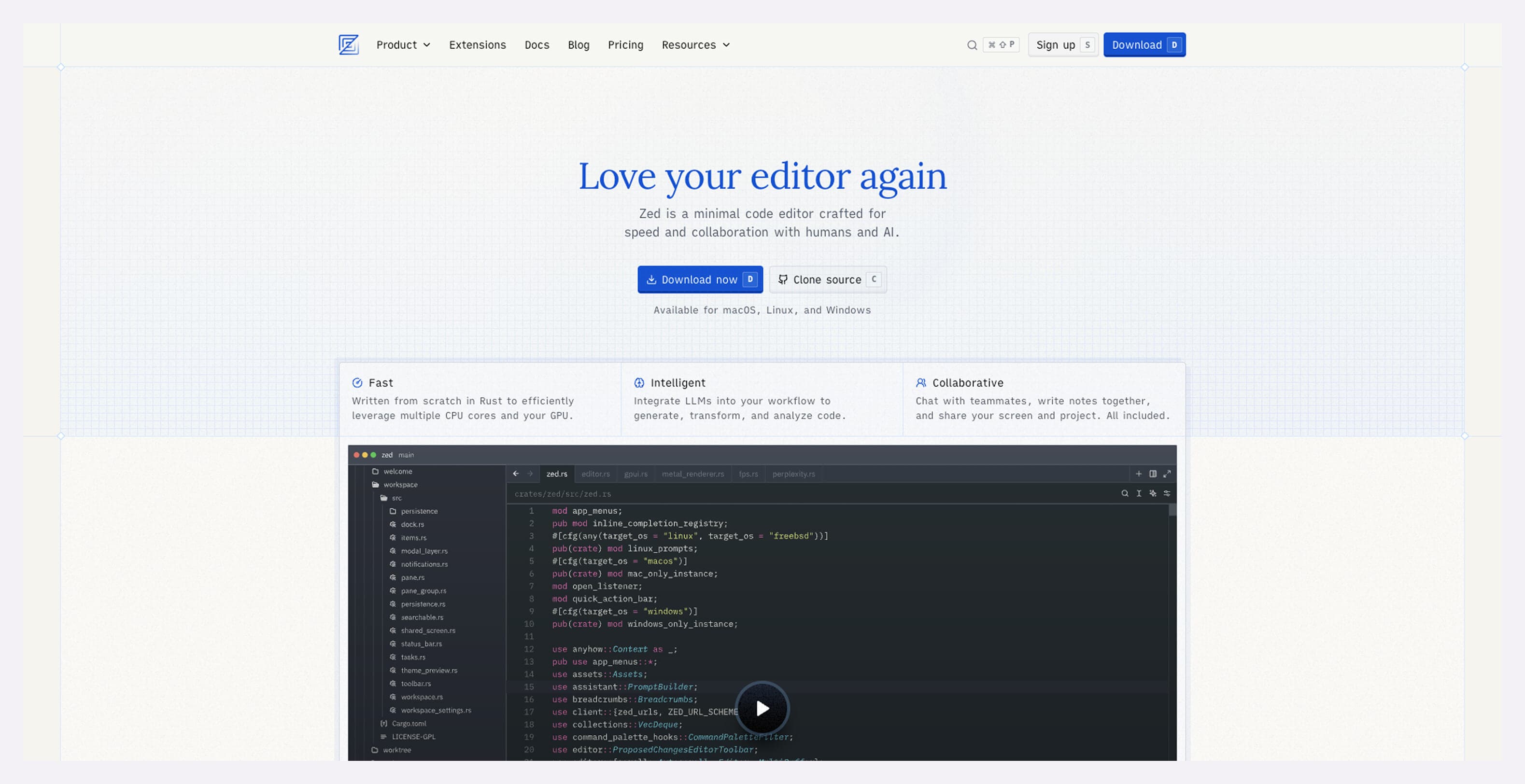
Zed is a modern, high-performance desktop code editor with built-in AI assistance. It’s not a web app or a plugin layered on top of an older IDE. Zed is built from scratch for speed, with native AI features integrated directly into the editor, so suggestions feel fast and tightly connected to your code.
You get instant completions, smart refactors, and contextual help that fits your workflow, which can shave minutes off repetitive tasks and lift developer productivity over time.
Zed AI is not a full agent that plans or executes multi-step tasks like some larger platforms. It can suggest a refactor that’s technically correct but still misses business logic if it doesn’t fully grasp your intent.
If you need heavyweight pipeline automation, quality gating, or deep integration with your entire repo and CI/CD system, Zed by itself won’t cover that. Traditional IDEs with richer plugin ecosystems or dedicated review/reporting tools might better suit larger orgs with heavy compliance demands.
Key features:
- AI-driven inline code suggestions
- Smart refactoring and quick fixes
- Blazing-fast editing and navigation
- Real-time collaboration built in
- Works across major languages
Pricing
Zed offers simple, usage-friendly plans:
- Free: Core editor with basic AI assists
- Pro: $10/month
- Enterprise: Custom
14. Replit
Best for: Browser-first coding and quick prototyping
SDLC phase: Build, learn, and early iterations
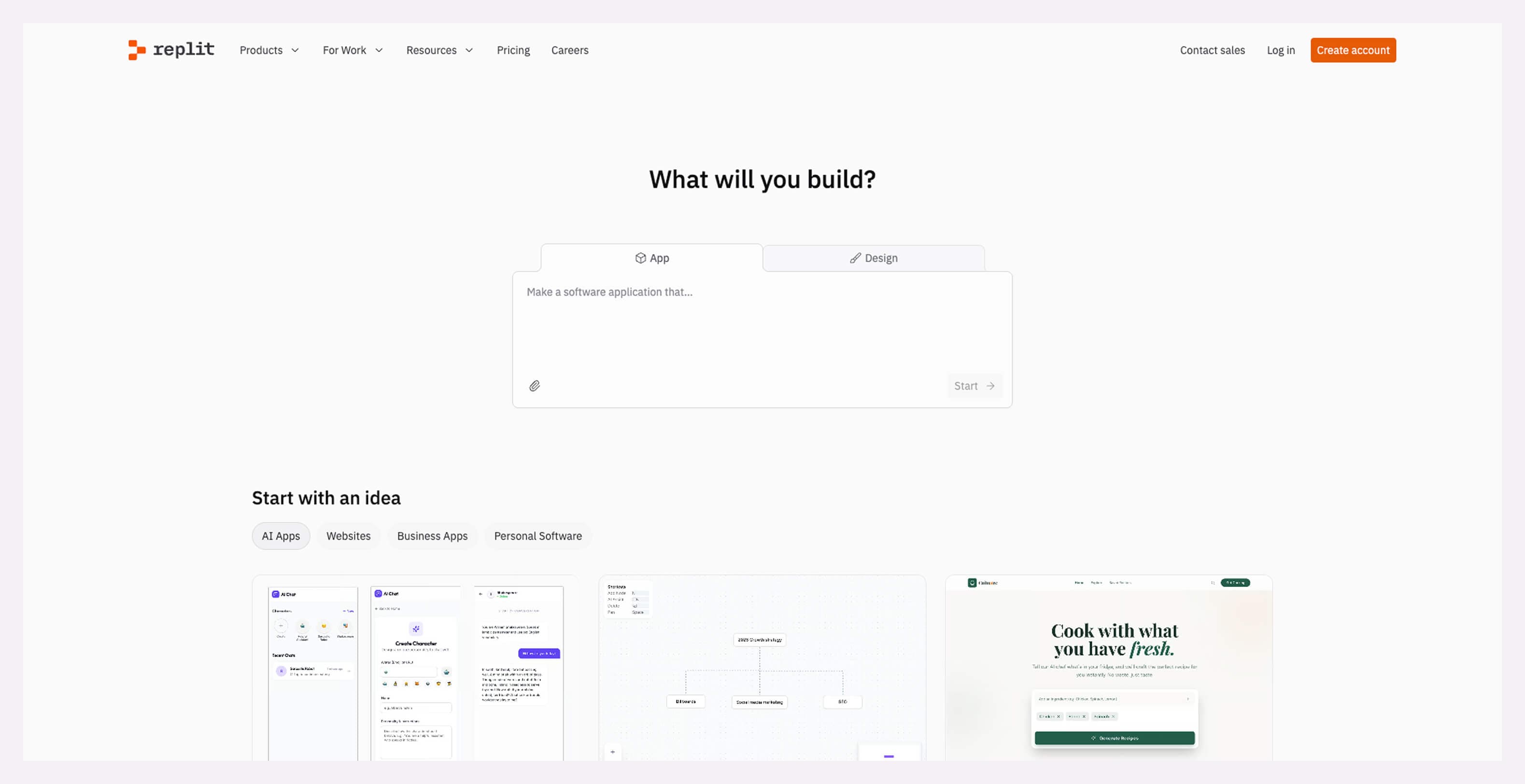
Replit is a cloud IDE where you can write, run, and share code from any browser. It’s great for quick prototypes, learning new languages, or spinning up small apps on the fly.
Its AI features help with code completion, suggestions, and explanations right in the editor, so you spend less time digging through docs and more time actually moving forward. Replit shines at early stages and smaller projects.
That said, it isn’t built for massive enterprise codebases or heavy CI/CD workflows. Everything runs in the browser, so performance can lag with large repos. It’s also not as deep or context-aware as dedicated software development AI tools tied into your full stack or pipelines.
If you need tight integration with enterprise tooling, private networks, or deep security/compliance controls, Replit’s cloud-first model isn’t ideal. Teams requiring full-on-premise isolation or full-scale product planning apps may prefer more traditional IDE setups.
Key features:
- Browser-based IDE with instant environments
- AI-powered code suggestions and reasoning
- Real-time collaboration and shared editors
- Built-in hosting and deployments
- Multiple language support
Pricing
Replit’s plans are tiered by performance and AI usage:
- Starter: Free
- Replit Core: $25/month (or $25/month with an annual subscription)
- Teams: $40/user/month (or $35/user/month with an annual subscription)
- Enterprise: Custom
15. JetBrains AI
Best for: Smart AI help inside JetBrains IDEs
SDLC phase: Build, review, and refactor
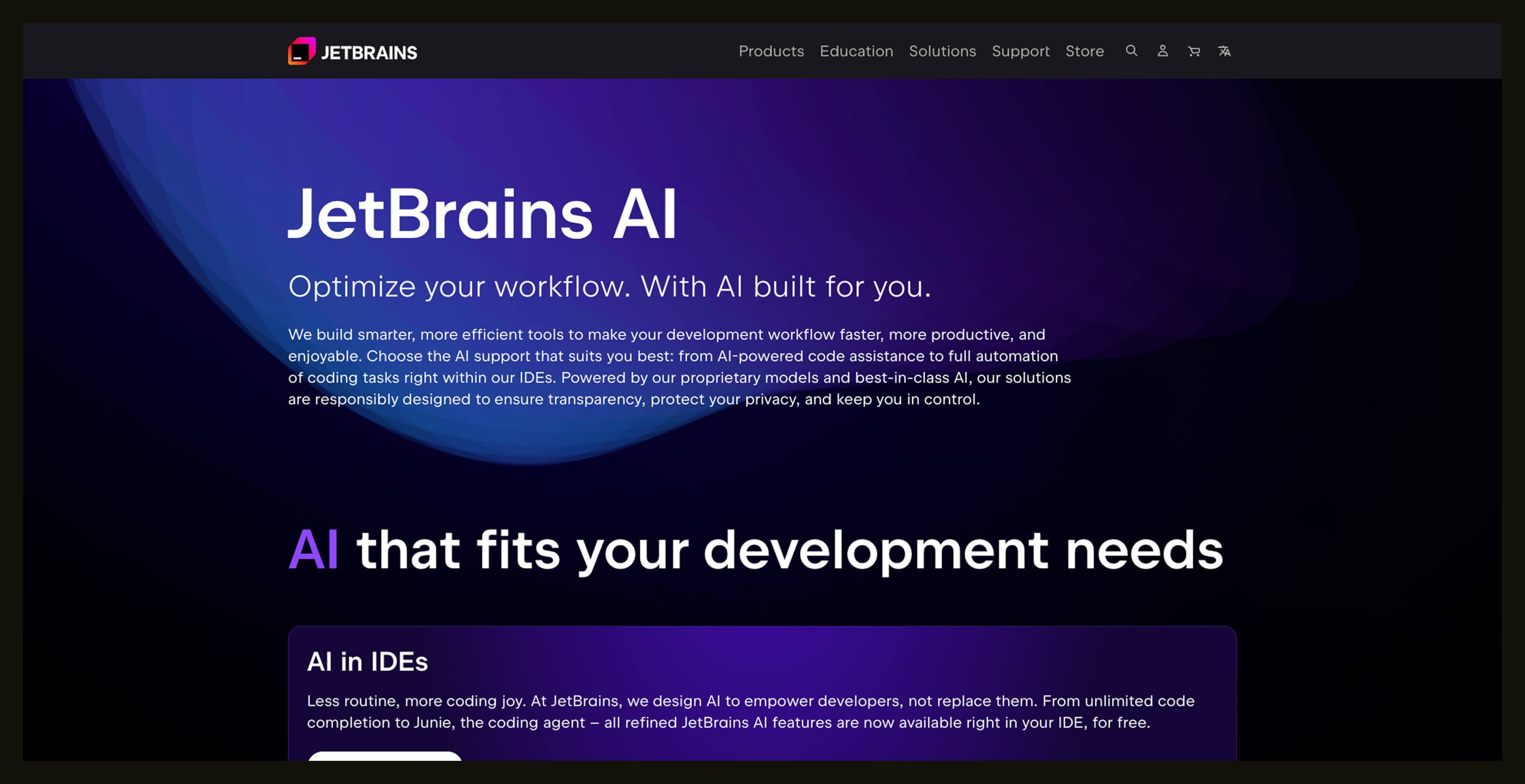
JetBrains AI brings generative assistance right into popular developer IDEs, like IntelliJ IDEA, PyCharm, and WebStorm.
You get smarter completions, instant explanations, and code suggestions without switching tools. This can help cut down context-switching and boost developer productivity throughout feature work and cleanup.
It’s optimized for code guidance inside the IDE, not a full task-executing agent. Big multi-repo planning, pipeline automation, or deep cross-team workflows still need external tools. And like all AI code helpers, it can hallucinate — giving suggestions that look right but miss business logic or edge cases. Always vet before merge.
If your work doesn’t revolve around a JetBrains IDE, this tool won’t help much. Also, teams that need fully cloud-agnostic or on-premises AI capabilities might find it too closely tied to the JetBrains ecosystem.
Key features:
- Context-aware code suggestions
- In-IDE explanations and fixes
- Intelligent refactors
- Multi-language support across JetBrains tools
- Collaborative code suggestions
Pricing
JetBrains AI is offered as an add-on to JetBrains IDE subscriptions:
- dotUltimate: $60.90/user/month (or $50.75/user/month with an annual subscription)
- IntelliJ IDEA Ultimate: $71.90/user/month (or $59.92/user/month with an annual subscription)
- All Products Pack: $97.90 /month (or $81.59/month with an annual subscription)
Key evaluation criteria of generative AI tools for developers
As more teams roll out free AI tools for web development, the hard part isn’t adoption. It’s deciding which tools are safe, sustainable, and worth scaling across the org. This is where you need to think beyond flashy demos and focus on long-term impact.
What separates showy tools from those that survive production:
- Data privacy: Where does your code go, who can see it, and is it used for training by default?
- Training data provenance: Can the vendor clearly explain what the model was trained on — and what it wasn’t?
- Auditability: Are AI-generated changes traceable, reviewable, and explainable after the fact?
- Rollback and control: How easy is it to undo AI-driven changes or turn features off when something goes sideways?
- Org-wide consistency: Do outputs stay aligned across teams, repos, and workflows, or does every dev get a different AI opinion?
- Security and compliance fit: Does the tool support enterprise controls like SSO, permissions, and policy enforcement?
- Impact on engineering outcomes: Can you measure whether it actually improves quality, velocity, or reliability — or just feels fast?
Best practices for incorporating generative AI in software development
Generative AI works best when it’s introduced with intent. Treat your AI development tools list like any other part of the stack: test it, measure it, and earn trust over time. Start small with opt-in experiments and clear guardrails for where AI helps — and where human judgment leads.
Trust is a big deal. According to the latest software development statistics, 67.5% of developers prefer open-source AI models, favoring transparency, flexibility, and cost control.
And speed alone isn’t the win. AI can accelerate coding while quietly increasing review load, rework, or tech debt. Plan for those second-order effects early, or they’ll show up later in a very uncomfortable retro.
Tips to get started:
- Start with experiments instead of mandates. Let teams opt in and share what actually helps.
- Add AI to existing workflows, not parallel ones. Fewer tools, fewer headaches.
- Measure impact on cycle time, review effort, and defect rates rather than just lines of code.
- Set clear rules for where AI can and can’t be used.
- Train developers on prompting, validation, and when to ignore suggestions.
- Revisit guidelines often as tools and usage mature.
Used thoughtfully, generative AI becomes a quiet force multiplier. Used carelessly, it’s just another thing to clean up later, especially when rolling out free AI tools for software development.
Gain visibility into how AI is changing work with Appfire Flow
When teams adopt generative AI for software development, things move fast. But speed without visibility can mean gaps in reviews, quality, and delivery patterns. You need more than gut feel — data that shows what changed, where work queues shifted, and whether gains are real or just noise.
Appfire Flow gives you that clarity. It connects work across tools, highlights bottlenecks, and maps flow metrics to show you how AI is shaping code delivery, handoffs, and outcomes. With interactive dashboards and actionable insights, you understand what’s improving, what’s slowing down, and where to intervene.
GenAI for software development FAQ
These FAQ cover how teams are actually using AI today, who benefits, and what to watch out for as adoption scales.
What are common use cases for AI developer tools?
Common use cases include code generation, refactoring, debugging, test creation, and documentation. AI is especially effective at repetitive, pattern-based work that slows developers down. It’s less reliable for system design and deep domain logic.
Who can benefit from AI developer tools?
Software engineers benefit the most, but they’re not alone. QA teams use AI for test generation, product teams for faster prototyping, and platform teams for code reviews and standardization. Even security and DevOps teams use AI to scan configs and reduce manual checks.
What is the best AI for software developers in 2026?
The strongest teams use a mix of AI assistants depending on context — IDE-level help for coding, agent-style tools for refactors, and analytics tools for workflow insight. Fit to workflow matters more than model hype.
Is there a free AI tool for developers?
Yes, many tools offer free tiers with usage limits, including browser-based IDEs, lightweight code assistants, and open-source AI setups. Free tools are great for learning and small projects, but they usually need guardrails for production work.
Do AI-powered IDEs increase productivity?
They can, when used intentionally. AI-powered IDEs reduce time spent on boilerplate and lookup tasks, but they can also increase review effort if outputs aren’t checked carefully. Productivity gains show up when teams measure workflow impact instead of just speed.
How do I make sure my AI development tool is set up securely?
Start by understanding where your code is sent and whether it’s used for training. Look for controls like data retention policies, opt-out options, access controls, and audit logs. Security reviews should treat AI tools like any other third-party dependency.
What is the 10/20/70 rule for AI?
The 10/20/70 rule suggests that only 10% of success comes from the AI itself, 20% from data and tools, and 70% from people and processes. In software development, this means workflows, reviews, and team habits matter far more than the model you pick.
Book a free demo