
Imagine that you’re looking at a spreadsheet of deployment data, trying to explain to your CTO why releases keep getting delayed.
But the problem isn’t deployment. It’s the data. Teams often rely on outdated vanity metrics that measure activity instead of outcomes.
DORA (DevOps Research and Assessment) metrics help teams connect engineering performance to delivery outcomes, so you know what’s causing delays.
But if you want to improve delivery performance, you need a comprehensive DORA metrics dashboard that highlights bottlenecks so teams can move from visibility to real behavior change.
Let’s dig into how finding the right dashboard helps you take action, common mistakes when using a dashboard, and eight tools that can help.
Check out our expert guide to DORA metrics to learn why they’re the gold standard for measuring delivery performance.
How to take action on the four core DORA metrics
A good DORA dashboard is a diagnostic tool, not a scoreboard. It provides the context you need to act on DevOps metrics with at-a-glance views and segmentation.
These dashboards should provide filtering and segmentation tools so teams can identify the source of delays faster. That way, you can isolate systemic delays and compare contexts across teams and projects to make decisions quickly.
For instance, developers should be able to set up git tags for their hosts to categorize deployments and incidents by their position in the four core DORA metrics on a per-team basis.
Here’s how that works in practice:
Deployment frequency (DF)
DF is a productivity metric that measures how often you ship updates, deploy code, and drive value to your customers. A consistently high frequency signals faster iteration and healthy feedback loops.
Deployment frequency = Number of deployments ÷ number of weeksWhen leaning on AI tools, it’s tempting to push massive, daily releases to look productive. But too many large, frequent deployments could drive up your change failure rate (CFR).
Engineering leaders should focus on small, consistent, sustainable deployments to prevent burnout, balancing speed with stability to improve the developer experience.
- Monitor deployment consistency over time to identify and address "release fear" or process friction, focusing on smaller, sustainable deliveries.
- Check DF against CFR. A high DF coupled with a climbing CFR signals speed without stability, requiring a process review.
- Use high DF alongside low CFR as a positive signal of CI/CD pipeline health and of small-batch-size discipline.
Change failure rate (CFR)
Change failure rate (CFR) tracks how often deployments result in rollbacks or hotfixes. A high CFR signals that your team is fighting fires rather than creating customer value.
CFR = Number of incidents ÷ total deploymentsEngineering leaders often misinterpret this method because they lack a consistent definition of failure. For instance, outages caused by third-party cloud providers or ISPs shouldn’t be considered a failure (even if they delay things)
- Use CFR data in retrospectives and reports to determine whether issues are systemic (organizational or team) or require individual coaching.
- Correlate CFR spikes with changes in process or PR size, as large, infrequent merges often lead to higher failure rates, indicating a need for stricter PR discipline.
- If CFR remains abnormally high (above 15%), start a formal process review to address stability, testing rigor, and release-process maturity.
Mean time to recovery (MTTR)
MTTR (or time to restore service) measures the time it takes to restore services after a failure. It’s a measure of your team’s operational resilience in the face of stressful incidents, helping teams minimize customer impact.
Time to restore service = Time spent on incidents ÷ number of incidentsWhen tracking MTTR, keep the clock running until the incident is fully resolved and documented. Tracking should include a root cause analysis to identify the cause of the failure.
Engineering leaders should address high MTTR by implementing streamlined processes, such as automating tasks or creating incident response playbooks.
- Filter the dashboard by date range to diagnose the longest-running incidents and determine if the issue stems from organizational, team, project, or individual causes.
- Identify patterns in recovery time, such as slower restoration after certain deploys or on specific days, to pinpoint weaknesses in the on-call or incident response process.
- Use MTTR to pursue continuous improvement, focusing on improving runbooks, automated code reviews, and team-wide incident knowledge.
Lead time for changes (LTC)
LTC is a software engineering metric that shows how long it takes for code to go from first commit to successful deployment in production, measuring your team’s delivery speed and pipeline efficiency.
Lead time for changes = Date and time of deployment ÷ Date and time of author commitUnlike the lines of code (LOC) vanity metric, this isn’t a coding speed test. LTC measures the entire process, including time spent in code review, staging, and manual approvals.
Engineering leaders should respond to a high LTC by reviewing processes and prioritizing flow efficiency. If it’s a burnout issue, leaders should address scope creep early and protect teams from unsustainable workloads.
- Use detailed breakdowns to identify lost time across the delivery lifecycle, including PR review lag, slow CI queues, and deployment approvals.
- Compare lead times across teams in multi-team organizations to spot high-level outliers and identify internal best practices.
- If lead time is consistently high, investigate organizational or team bottlenecks that requiree process intervention rather than treating it as an isolated issue.
Appfire Flow tracks this data across different DORA benchmarks to help identify problems present in processes and entire organizations. You can use this data to identify where you need to remove friction and focus on continuous improvement.
Book a demo today to see how it works in action.
Common mistakes when using a DORA metrics tracking dashboard
DORA metrics dashboards can be powerful diagnostic tools if you use them to prioritize delivery health over vanity.
Check out these hard-earned lessons that separate high performers from those just counting numbers:
- Treating it like a scoreboard: Treating DORA metrics like a scorecard encourages your team to pursue volume over stability and game the system. A high DF coupled with a high CFR means you’re rewarding activity over performance.
- Comparing teams or engineers without context: Comparing teams without context ignores differences in project complexity and risk. For instance, your back-end team will almost always have a higher LTC than your front-end team. Without segmentation, these numbers are meaningless.
- Relying on a single data source: If you only track Git code commits, you’re missing the critical time developers spend waiting in Jira for review and approval. DORA metrics reflect the full SDLC, so don’t hide organizational waste with siloed tools.
- Focusing on one metric: You might fix DF, but LTC suddenly can balloon because the team stops prioritizing small batch sizes. DORA metrics must be viewed as a connected system to maintain balance among them. Teams need a complete view of delivery performance, not isolated metrics.
- Focusing on vanity metrics: If you praise your team’s MTTR but have a high CFR, you’re transforming DORA metrics into vanity metrics. This creates unstable pipelines and trains your teams to be reactive problem-solvers instead of value contributors.
- Dashboard sprawl: A single, consistent source of truth saves you the time from needing to learn a new visualization tool for each team. This fragmented view creates unnecessary noise and slows decision-making.
8 DORA metrics tools that work with (or have) an amazing dashboard
Any DORA or DevOps metrics dashboard is as valuable as the action it enables. The best tools move engineering leaders beyond reporting into delivery momentum and behavior change.
Tool | G2 Reviews | Best for | Key features | Free trial | Starting cost |
|---|---|---|---|---|---|
Appfire Flow | Software development organizations looking to shift from metric reporting to systemic behavior change | Root cause analysis; Full SDLC visibility (Git and ticketing); Actionable team health insights | Free guided demo | $50/user/month | |
DX | Enterprise-level SEI focused on Developer Experience (DX) and AI-driven efficiency | Developer Experience Index (DXI); AI adoption tracking; SDLC analysis for process bottlenecks | Guided demo | Custom | |
LinearB | Mid-market companies seeking data integration to scale AI tool use | AI productivity insights; Executive ROI reporting; Automated PR notifications and summaries | Guided demo | Custom | |
Faros AI | Mid-market companies seeking data integration to scale AI tool use | Roadmap delivery forecasting; AI agents for code quality; Tracking KTLO and Unplanned Work | Guided demo | $29/user/month | |
Datadog | Small businesses needing full-stack observability in cloud or hybrid cloud environments | Automatic event detection; Code-level tracing for MTTR breakdown; DORA metrics scorecards | 14 days | $15/user/month | |
Jellyfish | Large enterprises needing to connect software development to business strategy | Allocation and lifecycle tracking; DevFinOps tracking; Predictive delivery tracking | Guided demo | Custom | |
GitHub Actions | Workflow automation and user-supported dashboards to improve DORA metrics | Automated data aggregation; Metric visualizations; Filtering and drill-down analysis | Guided demo | Custom | |
Apache DevLake | N/A | Small organizations that want help with simple data visualization on a cheap platform | Pre-built dashboards; Data integration; Incident mapping | Guided demo | Free |
1. Appfire Flow
- Best for: Software development companies needing to shift from metric reporting to systemic behavior change
- G2 rating: 4.1
- Free trial? Guided demos available
- Starting cost: $50/user/mo
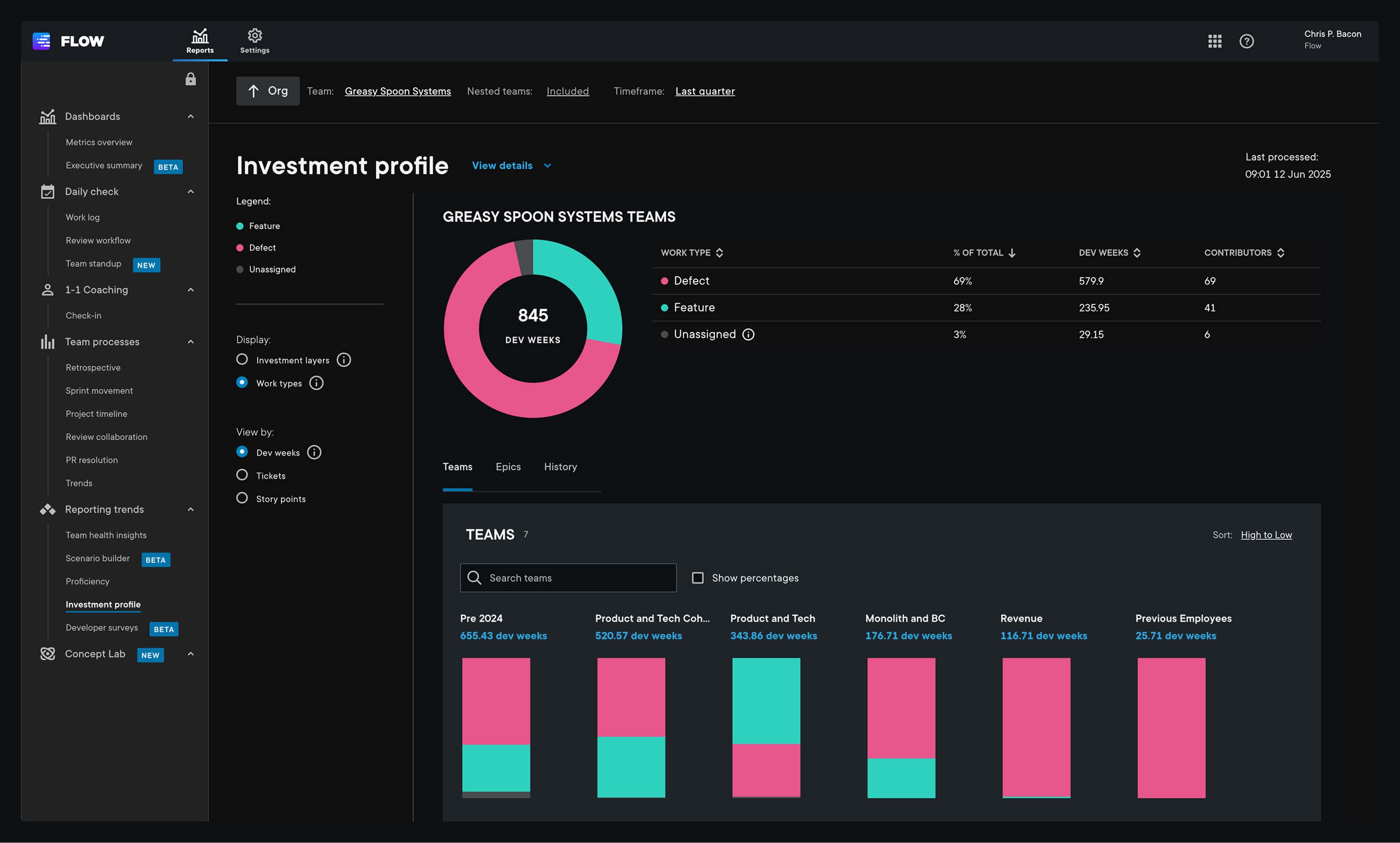
Appfire Flow solves two of the biggest problems with DORA metrics: fragmentation and a lack of actionability. It transforms data into actionable insights that help teams collaborate and ship faster. By integrating with tools like GitHub, Jira, and ADO, Appfire Flow identifies silent blockers and provides context through root-cause analysis to understand the why behind your DORA metrics.
BNY Mellon, a financial services company with approximately 50,000 employees, used insights from Appfire Flow to streamline delivery and move faster as a team. Flow made it easy for them to collect and analyze cycle and PR merge times, demonstrating proven impact on delivery metrics. Like BNY Mellon, you can use Appfire Flow to make smarter, data-driven decisions to drive your strategic goals.
Here’s what one G2 review had to say on how easy the tool was to use:
“I like how Flow helps me manage my tasks and daily work in a more organized way…I appreciate how simple and clean it feels; the interface isn’t overwhelming, allowing me to focus on my work instead of figuring out the tool.”
Appfire Flow supports leadership-level decisions at organizations like NASA, Exness, and Watlow with guided onboarding and role-based training. It comes with expert-led onboarding and role-based training so your entire organization understands how to use it to reduce cycle, PR, and ramp time.
Key features
- Workflow diagnostics: Pinpoint bottlenecks in the delivery pipeline with root cause analysis behind DORA metrics, showing exactly where and why work gets stuck.
- Investment profile: Validate alignment with business goals by tracking over-investment in unplanned or reactive work to support leadership-level decisions.
- Team health insights: Diagnose team collaboration and workflow issues to understand workloads and delivery risks before they affect outcomes.
- Jira, GitHub, and ADO integration: Track data from a single source of truth to provide combined Git and ticketing visibility across the full SDLC, eliminating data silos that hide organizational waste.
2. DX
- Best for: Enterprise-level software engineering companies seeking SDLC improvement tools.
- G2 rating: 4.6
- Free trial? Guided walkthrough available
- Starting cost: Custom
DX is an intelligence tool that helps leaders track productivity issues through their Developer Experience Index (DXI). It uses an AI context engine, known as Fabric, to automate DORA metrics and SDLC tracking. Users can also speak with a conversational AI tool to help understand results.
DX works with major companies like Dropbox, Pfizer, and Uber to help identify friction points. In contrast, customers appreciate the simple user interface and valuable insights. However, some have called out that it can feel overwhelming. Others have found individual breakdowns lacking when they want to know whether someone is contributing less consistently.
Key features
- Developer Experience Index (DXI): A scoring system that helps engineering leaders measure performance and connect delivery to financial impact.
- SDLC analysis: Captures industry-standard metrics and compares them to internal DORA benchmarks on its DX Core 4 system.
- AI detection tools: AI systems flag system bottlenecks, track AI adoption, and capture continuous feedback related to the use of AI agents.
3. LinearB
- Best for: Companies seeking insights on how AI contributes to better efficiency.
- G2 rating: 4.6
- Free trial? Guided walkthrough available
- Starting cost: Custom
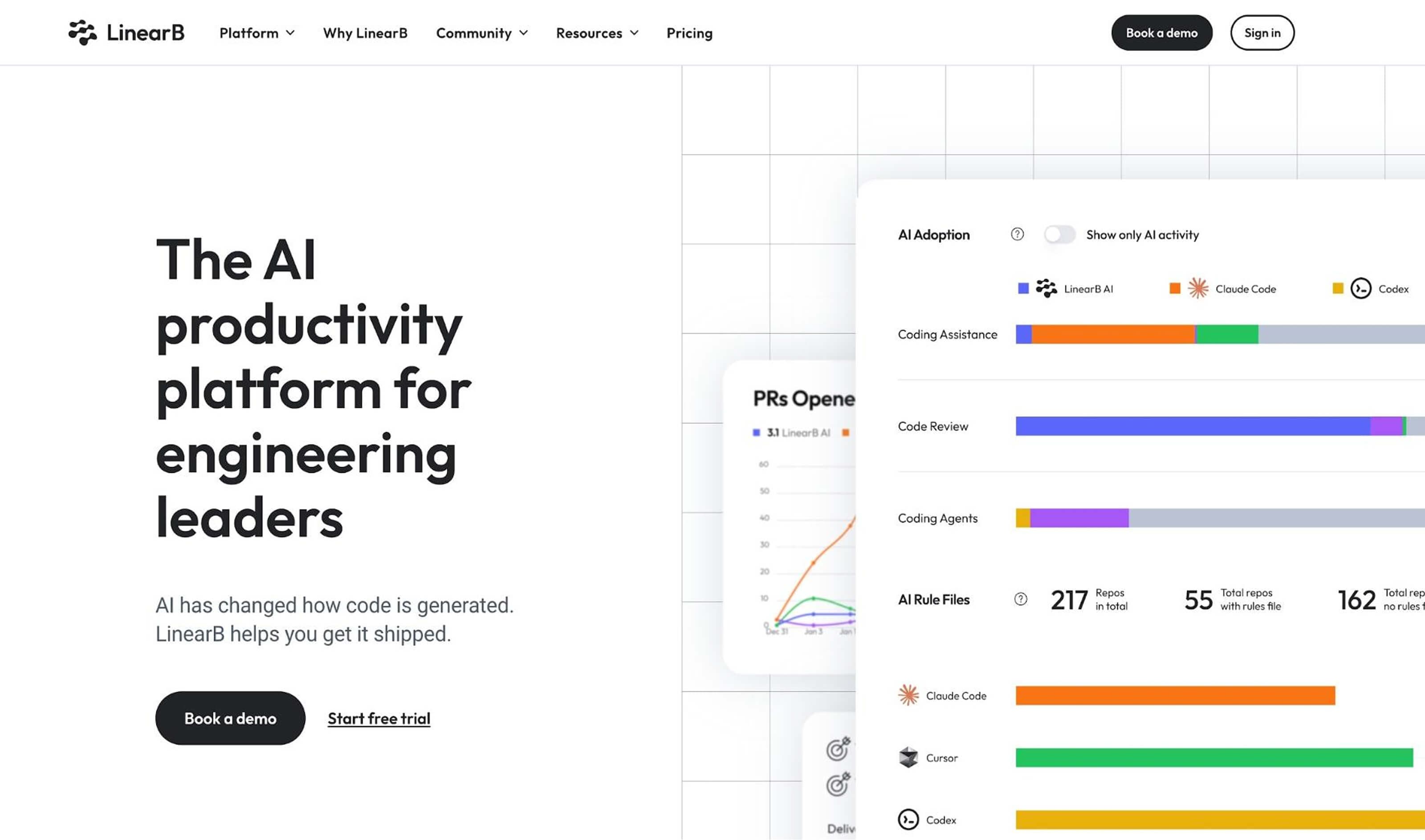
LinearB is an AI-focused software engineering intelligence platform tracking metrics on how artificial intelligence tools affect efficiency and includes built-in AI automation tools to improve your team’s workflows. It also helps teams understand how AI affects their SDLC.
Working with well-known companies like SurveyMonkey and Skeelo, LinearB receives solid marks for its granular stat tracking and user-friendly interface. However, reviewers have found that some metrics require initial training, and custom reporting could be more flexible. Others wish they had a simple scorecard system to make these reports simpler.
Key features
- AI and developer productivity insights: measure AI tool usage and general DORA and productivity metrics like cycle time, coding time, and pickup time.
- Executive and ROI reports: Connect engineering activities to business outcomes, highlighting project costs and benchmarking them against the industry.
- DevOps workflow automation: Automates PR notifications, summaries, and code reviews using AI technology.
4. Faros AI
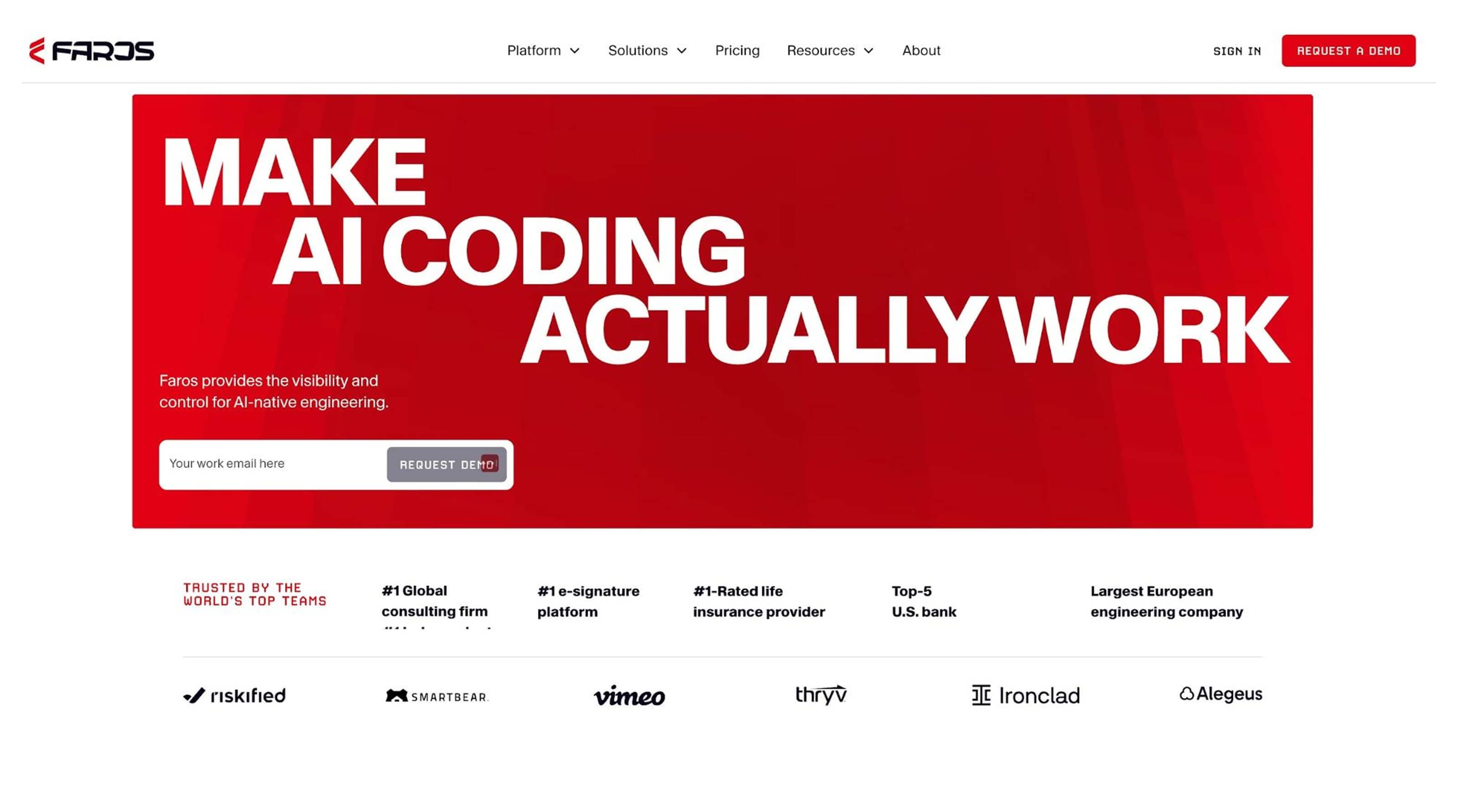
- Best for: Mid-market companies seeking data integration to scale AI tool use.
- G2 rating: 4.8
- Free trial? Guided demo available
- Starting cost: $29/user/month
Faros AI connects data sources such as Jira and GitHub to help engineering leaders identify bottlenecks and demonstrate the effectiveness of AI investments using DORA and other productivity metrics. It does so through a four-step process that starts with a knowledge graph and culminates in continuous measurement to help secure stakeholder buy-in for AI initiatives.
Faros AI works with 22,000 companies, including Vimeo, Coursera, and Autodesk. Some users find it complex to set up new connectors, while others report long dashboard load times.
Key features
- Roadmap delivery: Helps leaders predict SDLC roadmaps and forecast risks using existing data sources.
- AI agents: Clara, Faros’s AI agent, can read organizational context to generate code that aligns with internal standards, helping reduce rework.
- Performance tracking: Monitors DORA metrics, Knowledge Transfer to Operations (KTLO), and Unplanned Work to spot when maintenance overwhelms capacity.
5. Datadog
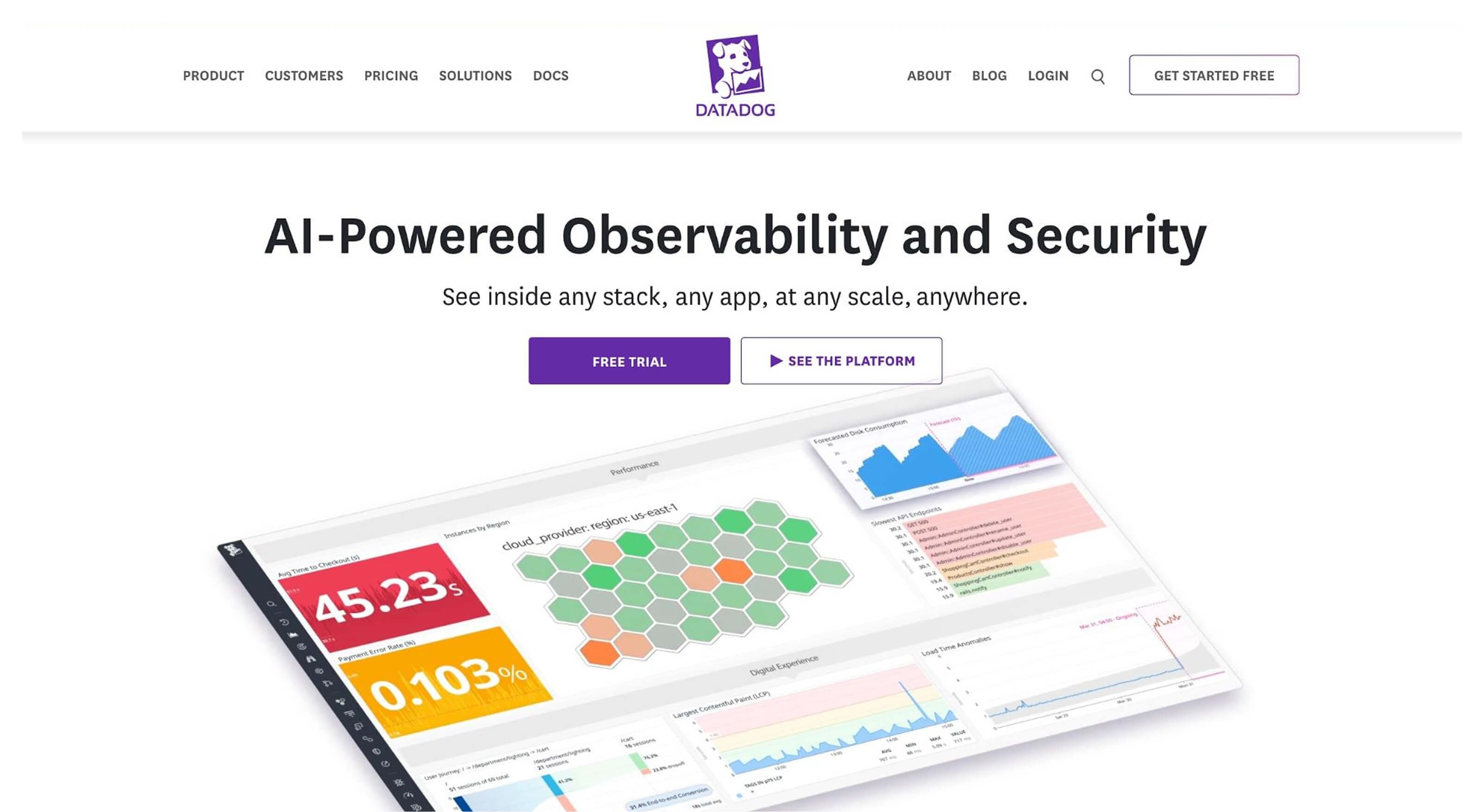
- Best for: Small business full-stack observability in cloud or hybrid cloud environments.
- G2 rating: 4.4
- Free trial? 14 days
- Starting cost: $15/user/month
Datadog is an inexpensive (per-user) infrastructure application performance and log management tool. It provides a single platform for DevOps or DevSecOps teams seeking rapid troubleshooting and automated alerting.
The company works with well-known organizations like Shell, Whole Foods, and Comcast to help them scale and expedite issue resolution. Customers who use Datadog have found it’s a great single source of truth. Still, users have found that the dashboard has become cluttered and overwhelming as they’ve expanded their offerings into new areas, such as security and CI visibility.
Key features
- Automatic event detection: The Watchdog AI engine analyzes telemetry data to detect performance anomalies, such as latency spikes or increased error rates.
- Service analysis breakdown: Code-level tracing that breaks down changes and MTTR rates to provide visualizations that help engineering leaders identify bottlenecks.
- Team performance benchmarking: Organizes and filters data from engineering reports to benchmark findings against industry standards using DORA metric scorecards.
6. Jellyfish
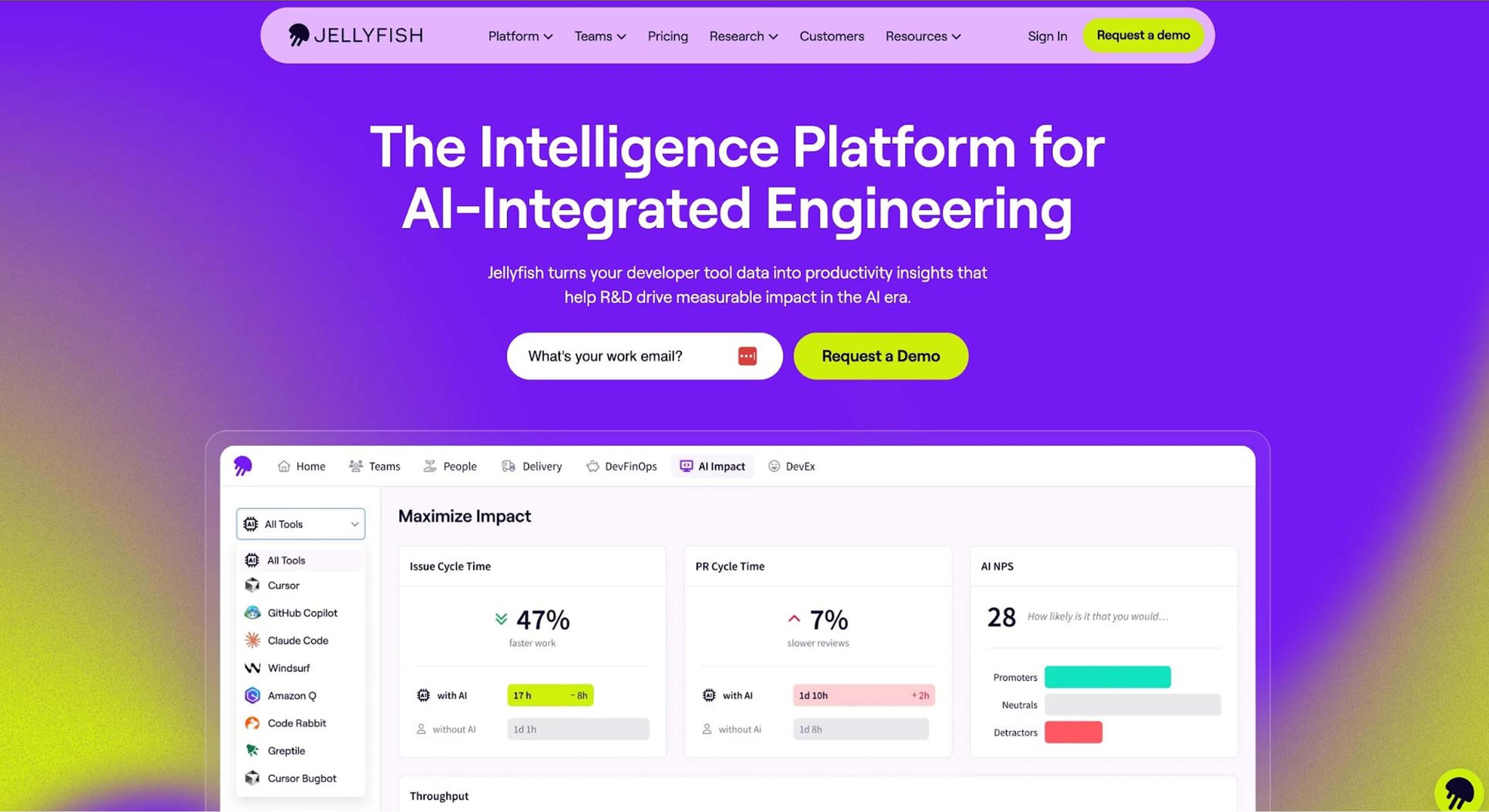
- Best for: Large enterprises needing to connect software development to business strategy.
- G2 rating: 4.5
- Free trial? Guided demo
- Starting cost: Custom
Jellyfish is an engineering intelligence platform with a simple, clean dashboard that focuses on connecting metrics, like DORA, to business outcomes. It automates financial report creation to help large enterprises capitalize on research and development (R&D) tax credits with audit-ready documentation.
User reviews reveal that they appreciate how Jellyfish integrates with existing tools such as Claude, Azure Pipelines, and Cursor to automate tracking and workflows. But some have called out that segmentation can feel “clunky,” and they haven’t spent enough time developing tools that understand AI workflows.
Key features
- Allocation and lifecycle tracking: Breaks down work into innovation and maintenance bug fixes, and creates virtual time cards to track where engineers spend their time.
- DevFinOps tracking: Combines engineering data with employee cost data from HR tools to determine the financial cost behind the metrics.
- Predictive delivery tracking: Models scenarios and identifies risks based on changing DORA metrics before they become critical issues.
7. GitHub Actions
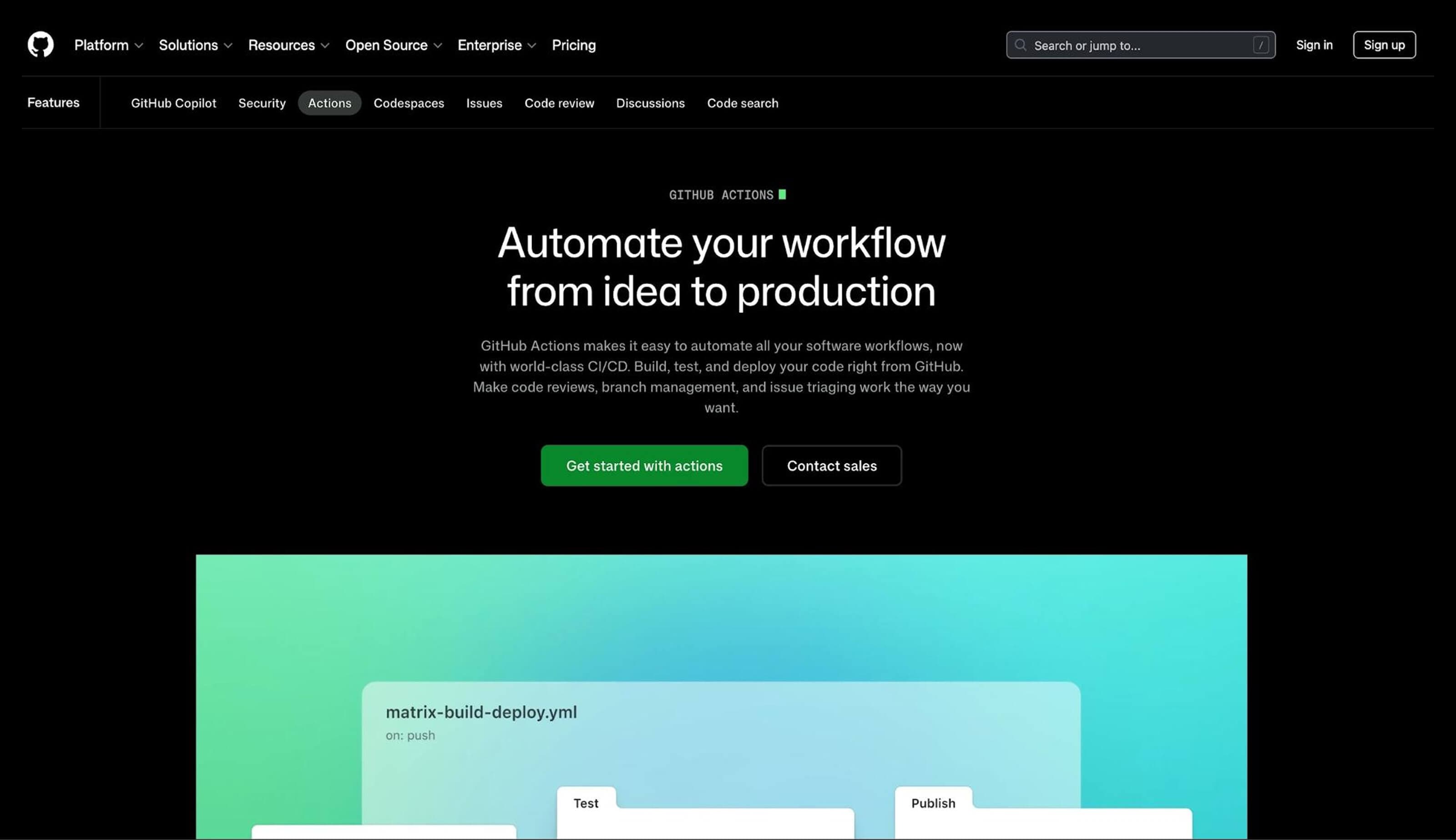
- Best for: Workflow automation and user-supported dashboards to improve DORA metrics
- G2 rating: 4.7
- Free trial? Guided demo
- Starting cost: Custom
GitHub Actions is different because its dashboards are user-created (see GitActionBoard). Instead, it emphasizes workflow automation so engineering teams can deploy and review code directly from GitHub, tracking results and aggregating data across different teams to support your workflow.
Most of the tools on our list work alongside GitHub Actions, including Appfire Flow, DX, and LinearB. Developers who use GitHub Actions find that the tool integrates well with these dashboards, automating workflows to save hours of manual coding.
Key features
- Automated data aggregation: GitHub automatically pulls data from workflow runs, PRs, and repository events to calculate DORA benchmarks.
- Metric visualizations: Provides real-time snapshots of the four-standard DORA metrics for use across any dashboard.
- Filtering and drill down: Filter metrics by repository, team group, time range, and staging or production environments.
8. Apache DevLake
- Best for: Small organizations that want help with simple data visualization on a cheap platform
- G2 rating: N/A
- Free trial? Guided demo
- Starting cost: Free
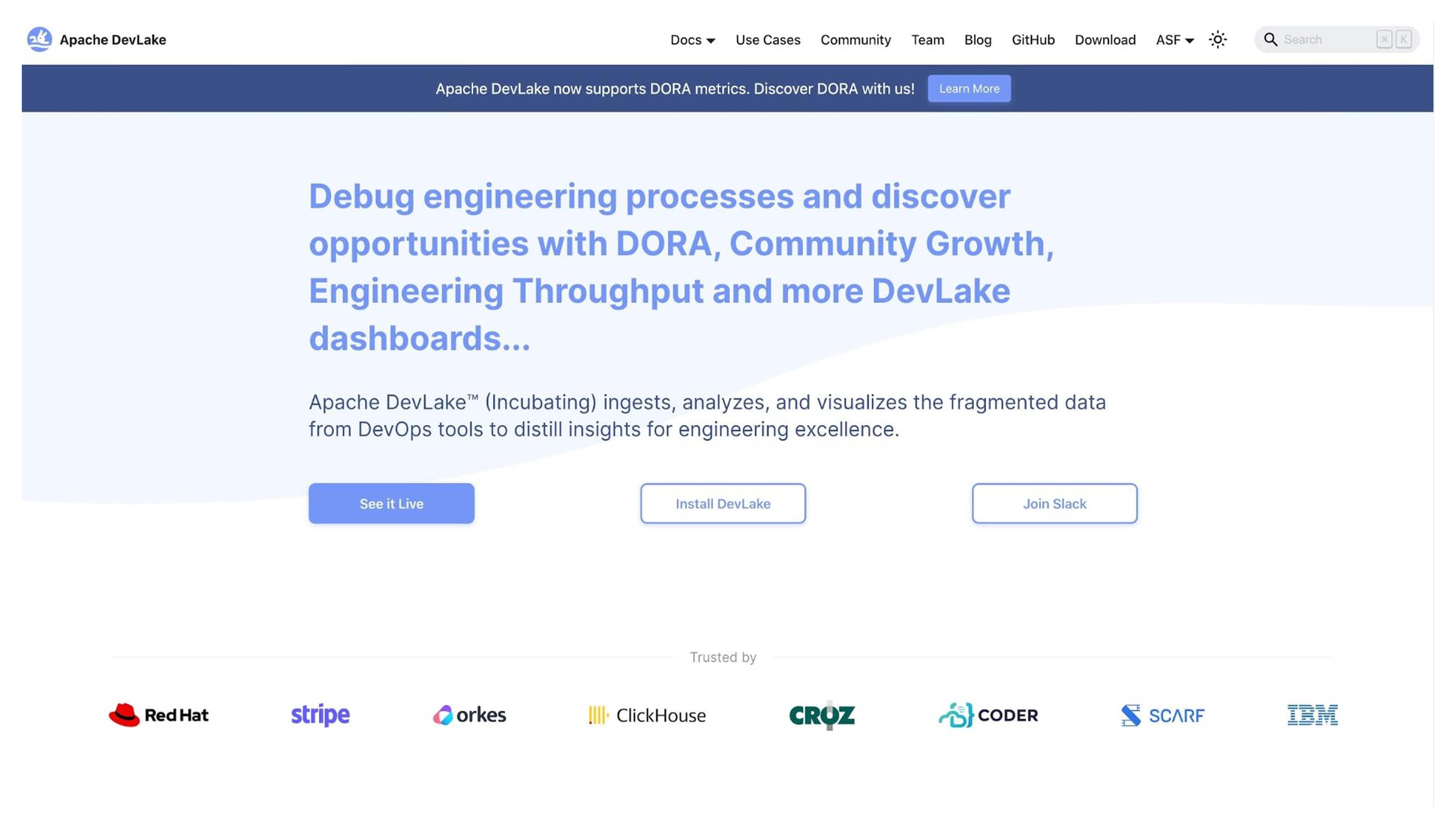
Apache DevLake is a free, open-source development data platform designed to help translate fragmented data from DevOps tools into unified dashboards. Under the Apache License, organizations can modify and distribute software for commercial purposes. However, you need to manage hosting and set things up yourself.
Because Apache DevLake is self-managed, development teams and large organizations may not benefit from Apache’s DIY approach. One Redditor found they couldn’t set up PRs through Gitea. That means you’ll need to assign developers to set them up, and there is no dedicated support team since you aren’t paying for anything. If you’re looking for guidance in your onboarding process, you won’t find it here.
Key features
- Pre-built dashboards: Use Grafana dashboards that display the four key DORA metrics to track performance trends over time.
- Data integration: Connects to a wide range of tools that include Jira, GitHub, GitLab, Jenkins, and more.
- Incident mapping: Maps CI/CD pipelines to help calculate accurate CFR numbers.
Get more from your DORA metrics with Appfire Flow
When tracking DORA metrics, the four key ones you look at don’t change much. A beautiful dashboard can help, but if you’re an engineering leader or VP, you need one that drives action.
Appfire Flow enables this shift from visibility to behavior change by digging into data through root-cause and full SDLC analysis. Teams that rely on Flow have reported measurable productivity gains, as Lightspeed saw a 35% reduction in cycle time and a 14-hour drop in the time to merge PRs.
But don’t just take our word for it. Try a free, guided demo today to find out why engineering teams prefer Flow to support their strategic decisions.
Book a free demo