

AI tools for DevOps have evolved far beyond simple code helpers. Today, they support the entire delivery lifecycle, from planning and building to testing, deploying, and improving. Teams no longer use AI just to write code faster. They use it to handle growing complexity and connect workflows. AI tools also help teams make better decisions with less guesswork.
Modern delivery pipelines move fast, and small inefficiencies quickly add up. AI helps you spot bottlenecks, understand DevOps metrics, and keep work flowing smoothly across tools and teams. This means you can act earlier with clearer visibility into the entire development cycle.
Here are the 18 best AI tools for DevOps that help you manage complexity, improve DevOps metrics, and keep delivery moving:
Tool | Best for | AI intelligence type | Primary DORA impact | Starting price |
|---|---|---|---|---|
Appfire Flow | Predicting workflow bottlenecks to improve delivery results | Predictive/ | Lead time for changes | $50/user/mo |
Atlassian Rovo | Context-aware knowledge automation | Agentic/ | Lead time for changes | $20/ dev/mo |
Harness | Intelligent CI/CD optimization | Predictive | Change failure rate | Free: custom quotes for paid |
GitHub Copilot | AI-assisted coding suggestions | Generative | Lead time for changes | Free; paid: |
Tabnine | Private, secure AI code completion | Generative | Lead time for changes | $39/user/mo |
Cursor | AI-native coding environment | Generative/ | Lead time for changes | Free; paid: |
Applitools | Visual regression detection | Predictive | Change failure rate | Custom |
Mabl | Self-healing automated tests | Predictive | Change failure rate | Custom |
LaunchDarkly | Controlled feature releases | Predictive | Change failure rate | Free; paid: |
Dynatrace | Root cause analysis | Predictive | Mean time to recovery (MTTR) | $7/mo/host |
Datadog | Observability insights via natural language | Generative/ | MTTR | Free; paid: |
Splunk | Large-scale incident analysis | Predictive | MTTR | Custom |
Snyk | Real-time vulnerability fixes | Predictive/ generative | Change failure rate | Free; paid: |
AWS CodeGuru | ML-powered code reviews | Predictive | Change failure rate | Free; paid: |
FortiCNAPP | Cloud misconfiguration detection | Predictive | Change failure rate | Custom |
PagerDuty | Alert grouping and prioritization | Predictive | MTTR | Free; paid: |
Rootly | AI-assisted incident reviews | Generative | MTTR | $20/user/mo |
Sherlocks.ai | Autonomous root cause investigation | Agentic | MTTR | Custom |
The role of AI in modern DevOps
AI in DevOps has matured. What started as a helpful coding sidekick has become a full-lifecycle partner that supports planning, building, testing, deploying, and improving.
Many DevOps AI tools now help you connect the dots across workflows, so work moves forward without constant manual check-ins. It reflects broader software development trends. Teams want speed but also fewer surprises.
A big win is less developer toil. No one enjoys digging through dashboards or chasing updates across tools. DevOps AI tools surface useful signals and highlight risks early. They also help you focus on work that actually moves delivery forward.
AI also helps keep systems steady when complexity increases. Predictive insights can flag slowdowns, help you spot unusual patterns, and suggest where you should focus. The result is a calmer, more resilient workflow. And, of course, fewer last-minute fire drills.
AI-driven workflow orchestration tools
AI tools are powerful on their own, but without coordination, they can create silos that hide your data away from sight. A DevOps orchestration layer acts as a central brain that helps different AI agents work together across the pipeline. This leads to smoother delivery, fewer manual handoffs, and better visibility into what’s happening across your teams.
1. Appfire Flow
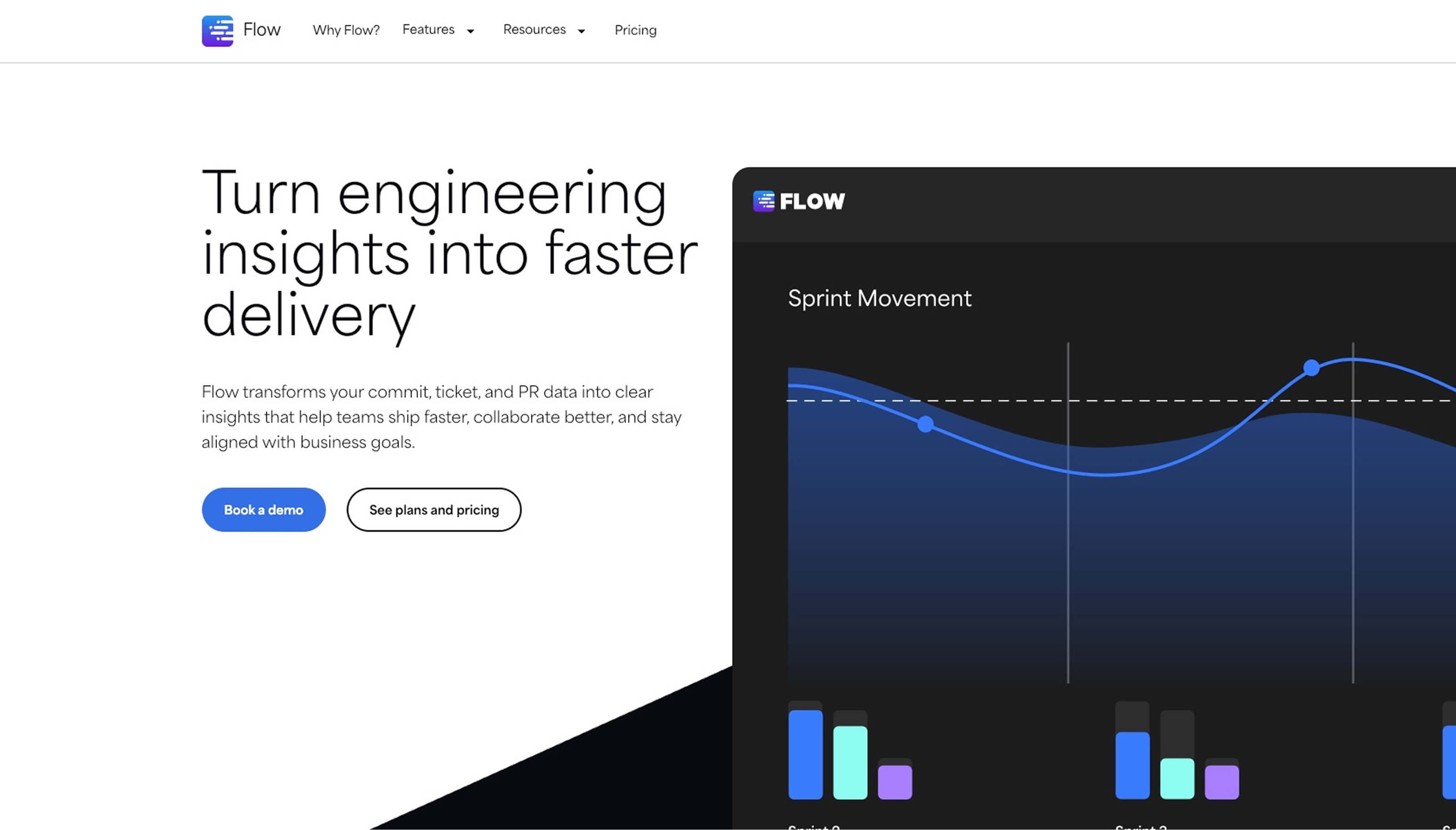
Best for: Predicting workflow bottlenecks to improve delivery results
Appfire Flow brings structure to the growing number of DevOps AI tools teams rely on every day. It connects data across systems and turns scattered signals into clear, useful insights inside Jira. This helps you improve developer experience by reducing manual updates, minimizing context switching, and making work easier to track from idea to release.
Using AI, Appfire Flow identifies workflow bottlenecks early so that your teams can address slowdowns before they affect delivery timelines. It syncs data across GitHub, ADO, and the entire Atlassian ecosystem to reduce friction between development and operations.
Appfire Flow creates a shared, reliable foundation: a single source of truth that supports better quality assurance (QA) in software development and more predictable outcomes. Instead of juggling disconnected tools, you get a unified view of progress, risks, and opportunities to improve flow.
Key features:
- AI-powered workflow bottleneck detection
- Automated data syncing across Jira and connected tools
- Cross-system visibility into delivery pipelines
- Intelligent insights to support planning decisions
- Reduced manual handoffs between teams
- Unified source of truth for development and operations
2. Atlassian Rovo
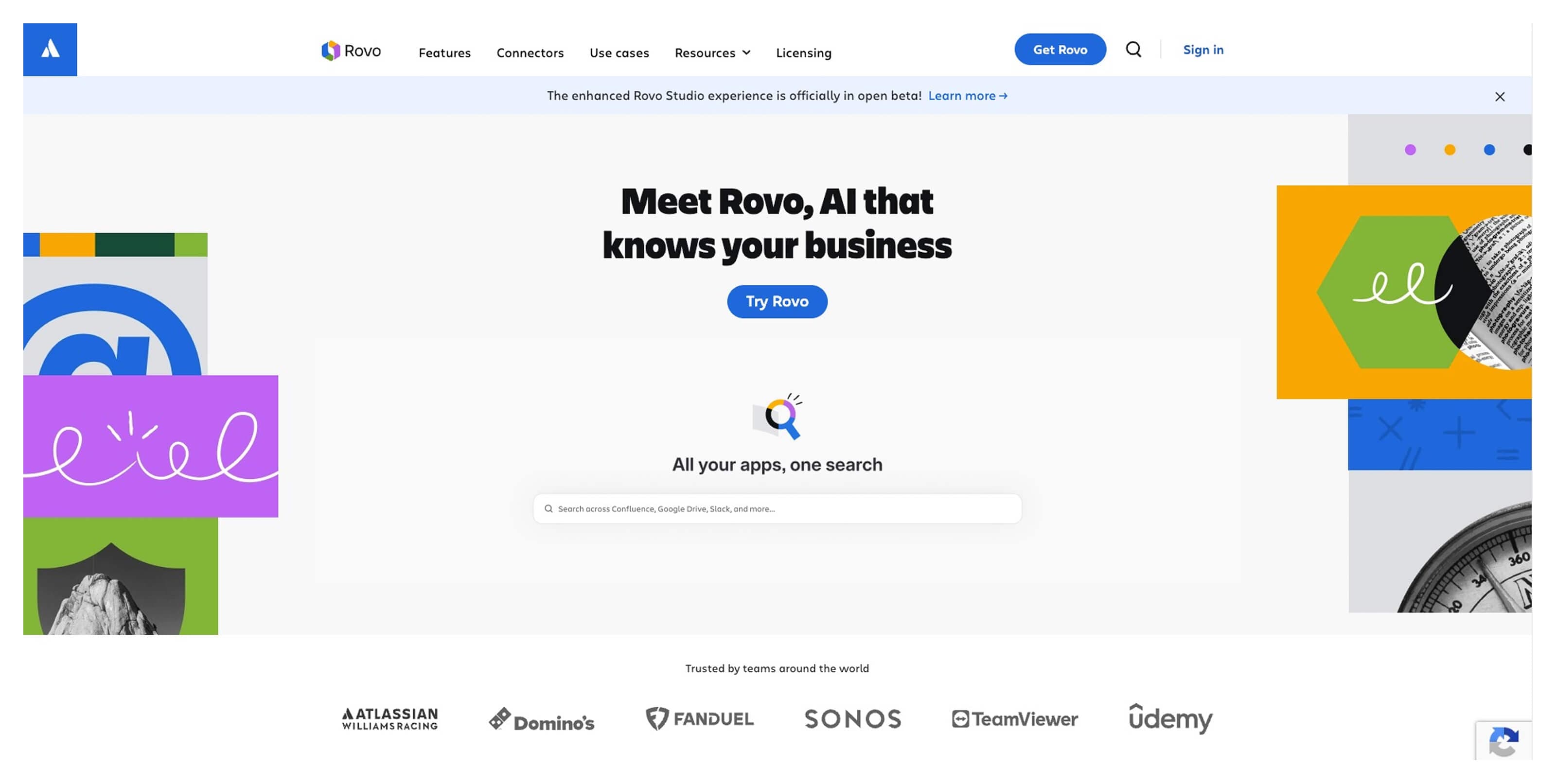
Best for: Context-aware automation across Atlassian tools and connected apps
Atlassian Rovo pulls data together from Jira, Confluence, and Bitbucket to give you a clearer picture of what’s happening across projects. It provides quick summaries and relevant insights directly within their workflow, without needing to dig through tickets, docs, or pull requests (PRs).
Rovo Dev supports AI in software development by helping you automate code reviews and break down complex technical documentation into easier-to-digest summaries. It also introduces AI-powered agents that can help your teams move tasks forward without constant manual input.
Key features:
- Context-aware insights across Jira, Confluence, and Bitbucket
- AI agents that execute tasks across third-party tools
- Automated summaries for technical documentation and code reviews
3. Harness
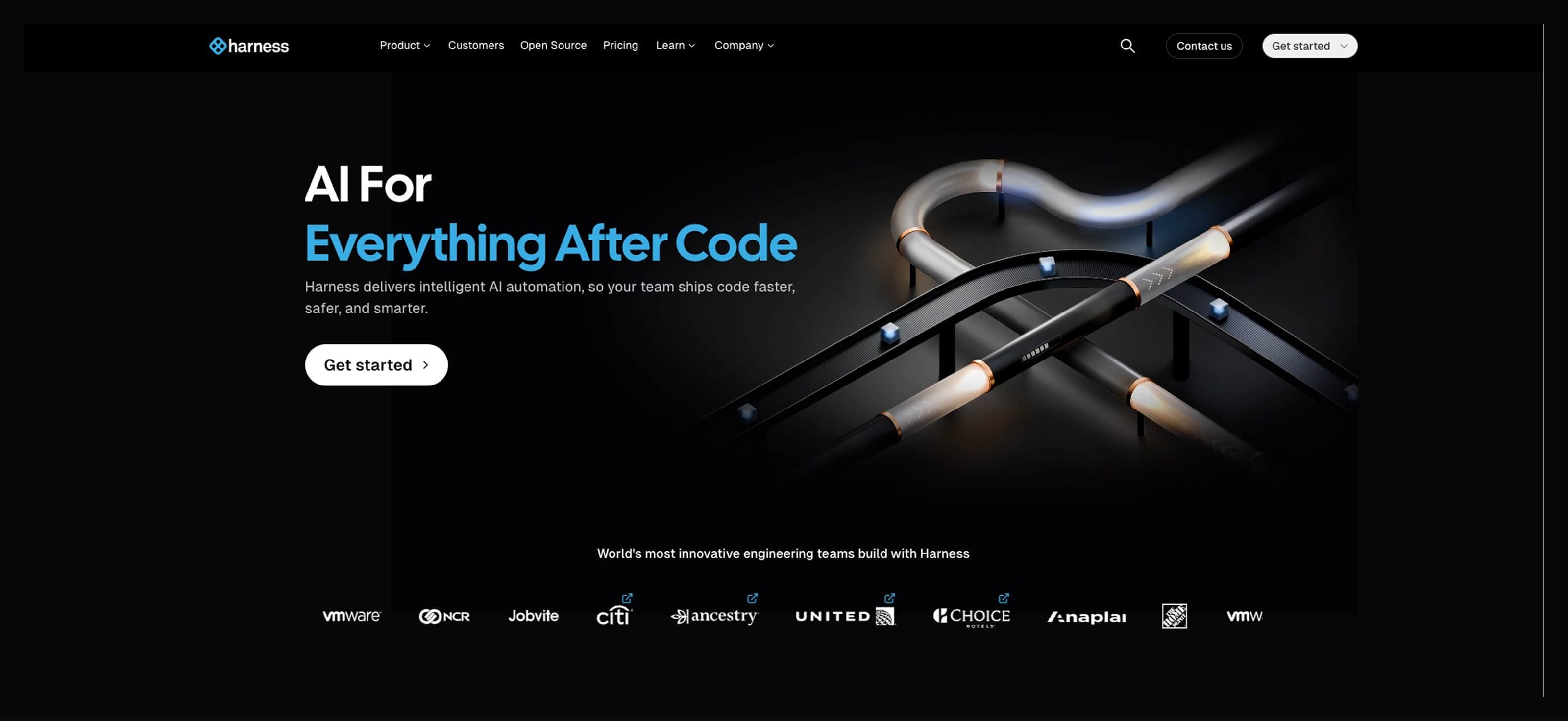
Best for: Intelligent CI/CD automation and safer, faster releases
Harness supports DevOps best practices, such as prioritizing CI/CD delivery, by automating repetitive steps in build, test, and deployment workflows, while continuously learning from past pipeline activity.
Its AI-powered delivery engine detects deployment anomalies, flags unusual behavior, and automatically rolls back changes when needed. That means fewer late-night troubleshooting sessions and more predictable releases.
Harness also helps optimize cloud costs and resource usage, providing better visibility into how infrastructure decisions affect performance through simple dashboards.
Key features:
- AI-assisted CI/CD pipeline optimization
- Automated rollback based on real-time performance signals
- Continuous verification of deployment health
AI tools for engineering and infrastructure
AI coding assistants are now part of everyday work and help you maintain momentum by handling repetitive code, speeding up refactoring, and reducing time spent on boilerplate. This means you can stay focused and keep delivery moving rather than slowing down to search for syntax or rewrite legacy logic.
4. GitHub Copilot
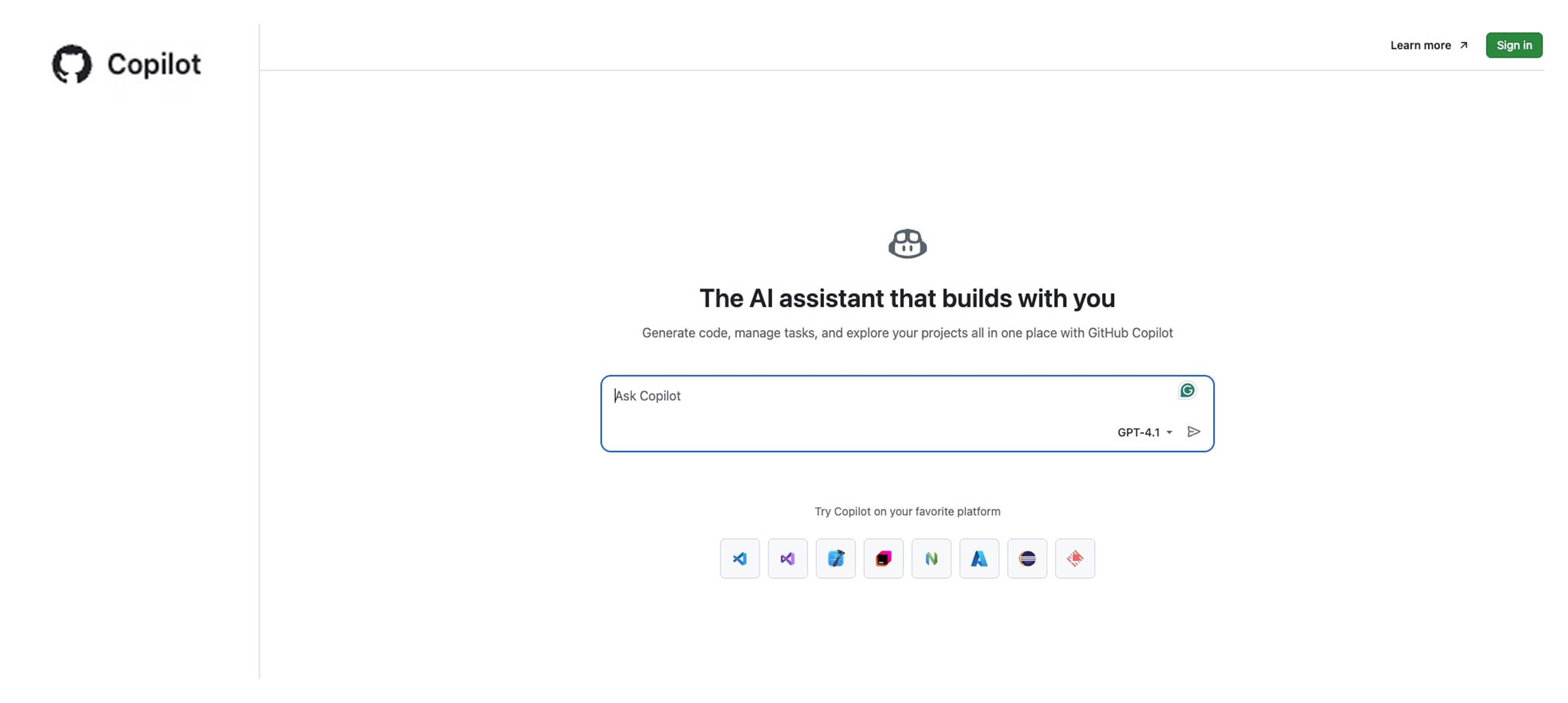
Best for: AI-powered coding support directly inside your integrated development environment (IDE)
GitHub Copilot is often the first tool teams try when adding AI to their engineering workflows. It acts like a real-time coding partner, suggesting lines, functions, and even full blocks of code as you type. This helps your developers move faster and maintain flow, especially when working through repetitive patterns or unfamiliar frameworks.
Copilot Chat expands on this support by explaining code, suggesting improvements, and providing architectural ideas tailored to your project's context. Its integration with popular IDEs means developers can access help without leaving their workspace.
Teams can also use AI metrics to understand how AI-assisted coding impacts productivity and iteration speed. As one of the most widely adopted coding assistants, Copilot has helped normalize AI as part of the everyday development toolkit.
Key features:
- Real-time AI autocomplete for faster coding
- Copilot Chat for explanations and architectural suggestions
- Deep integration with major IDEs
5. Tabnine
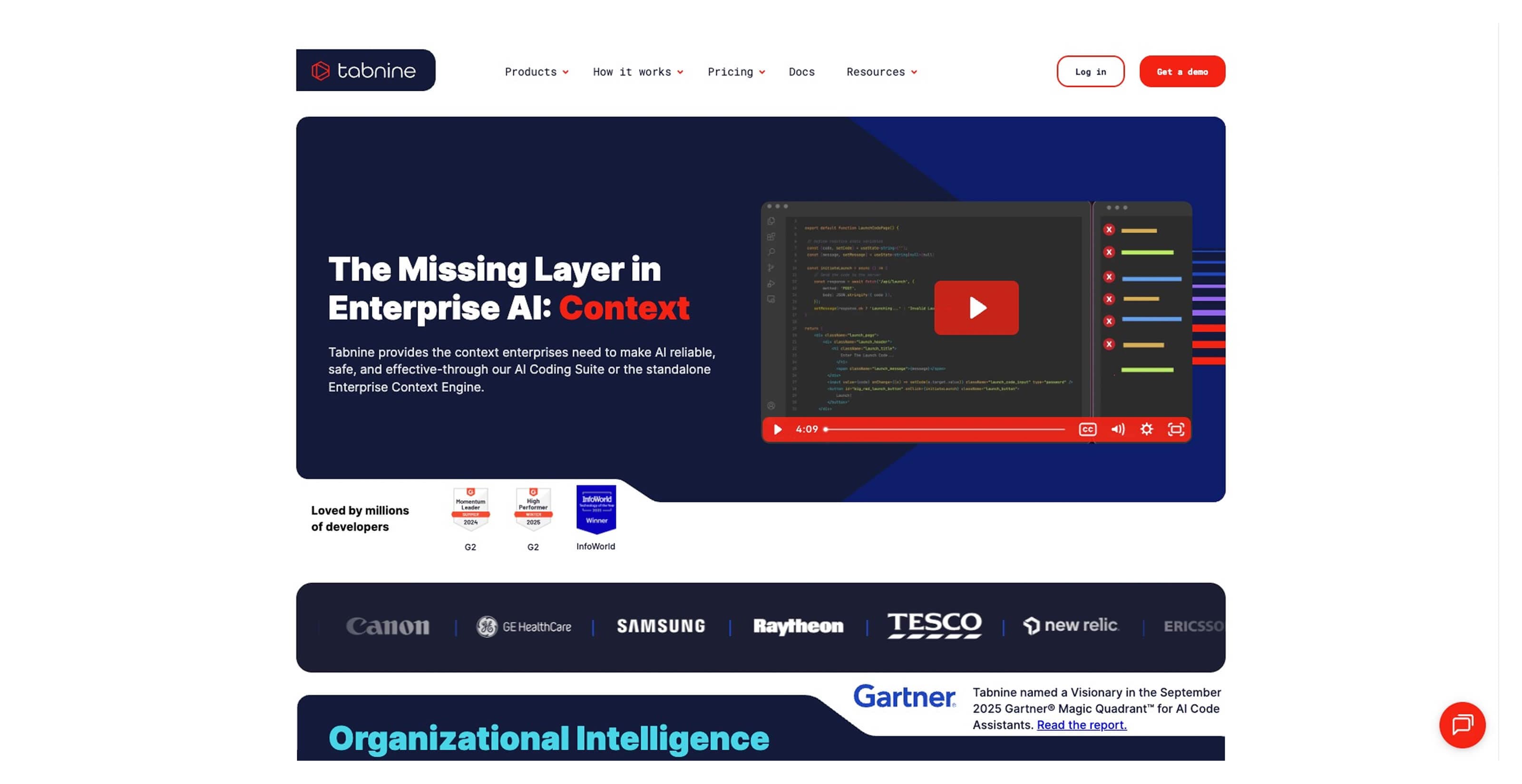
Best for: Secure AI coding assistance for enterprise environments
Tabnine helps you adopt AI while keeping sensitive code protected. Its models run in secure environments, making it valuable for teams working with strict compliance requirements or internal frameworks.
As one of the more security-focused SDLC tools, Tabnine helps developers speed up routine coding tasks while maintaining control over how models interact with internal repositories. You can deploy AI assistance in cloud, on-prem, or hybrid environments, depending on your needs.
The result is faster development cycles without compromising code privacy or governance standards.
Key features:
- Private AI models trained on secure codebases
- Flexible deployment options, including on-prem environments
- Enterprise-grade governance and compliance controls
6. Cursor
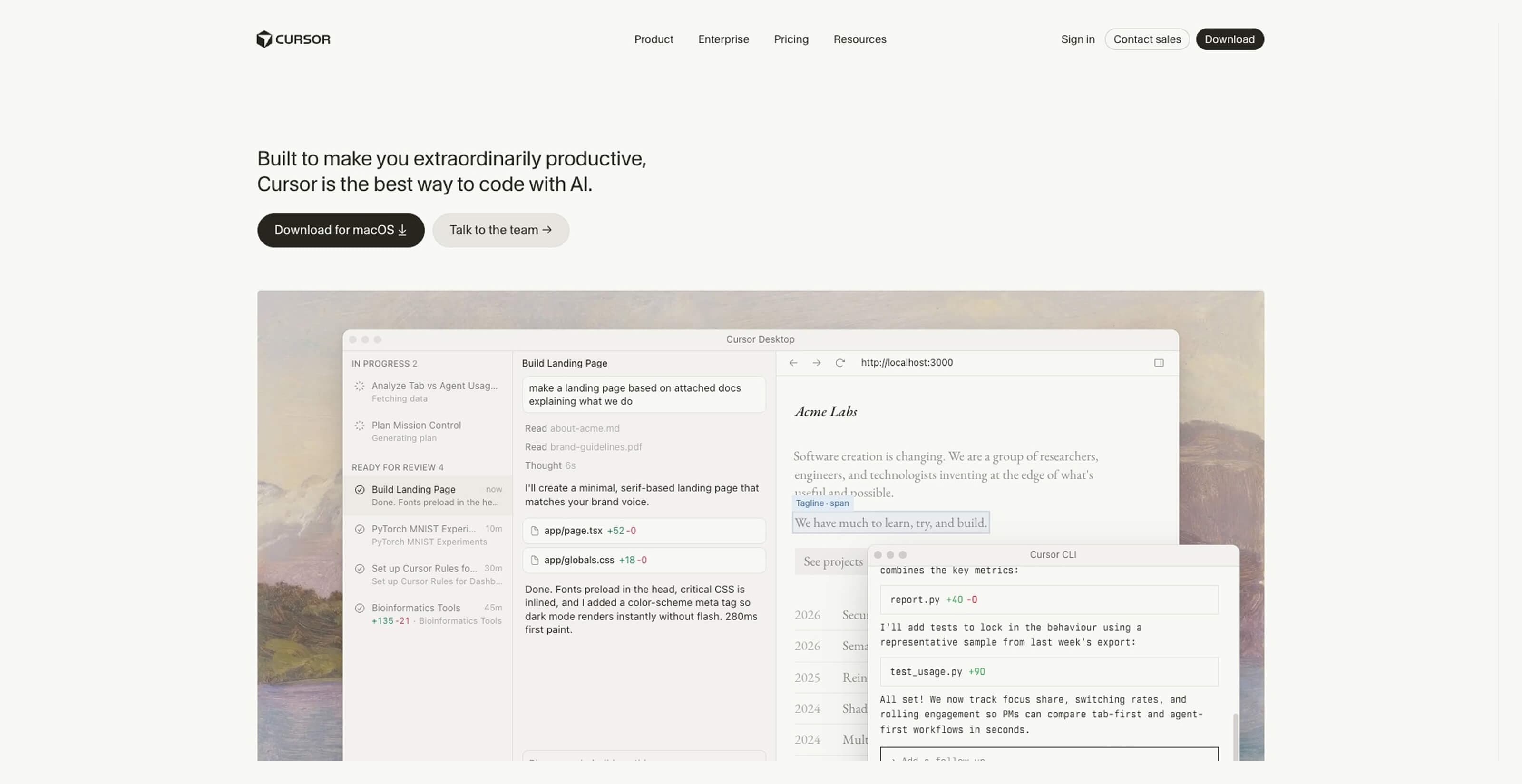
Best for: Fully AI-native coding environment
Cursor takes an AI-first approach to development by building intelligence directly into the editor experience. Through codebase analysis tools, the tool makes it easier to navigate, edit, and improve code without relying on external plugins.
It analyzes large portions of a project at once, helping developers refactor code, identify patterns, and make changes across files with minimal manual effort. This makes it useful for complex projects where maintaining consistency can be challenging.
Developers often choose Cursor for its seamless workflow and support for improvements tied to engineering performance indicators, such as DORA metrics, including deployment frequency and change lead time.
Key features:
- AI-native editor built for contextual coding support
- Codebase-wide understanding for smarter refactoring
- Natural language prompts for faster changes
AI tools for testing and QA
As AI helps produce more code, testing can quickly become the slowest step in the pipeline. Manual QA simply can’t keep up with high-velocity development. AI-powered testing tools help you validate changes faster, catch issues earlier, and maintain confidence without slowing delivery.
7. Applitools
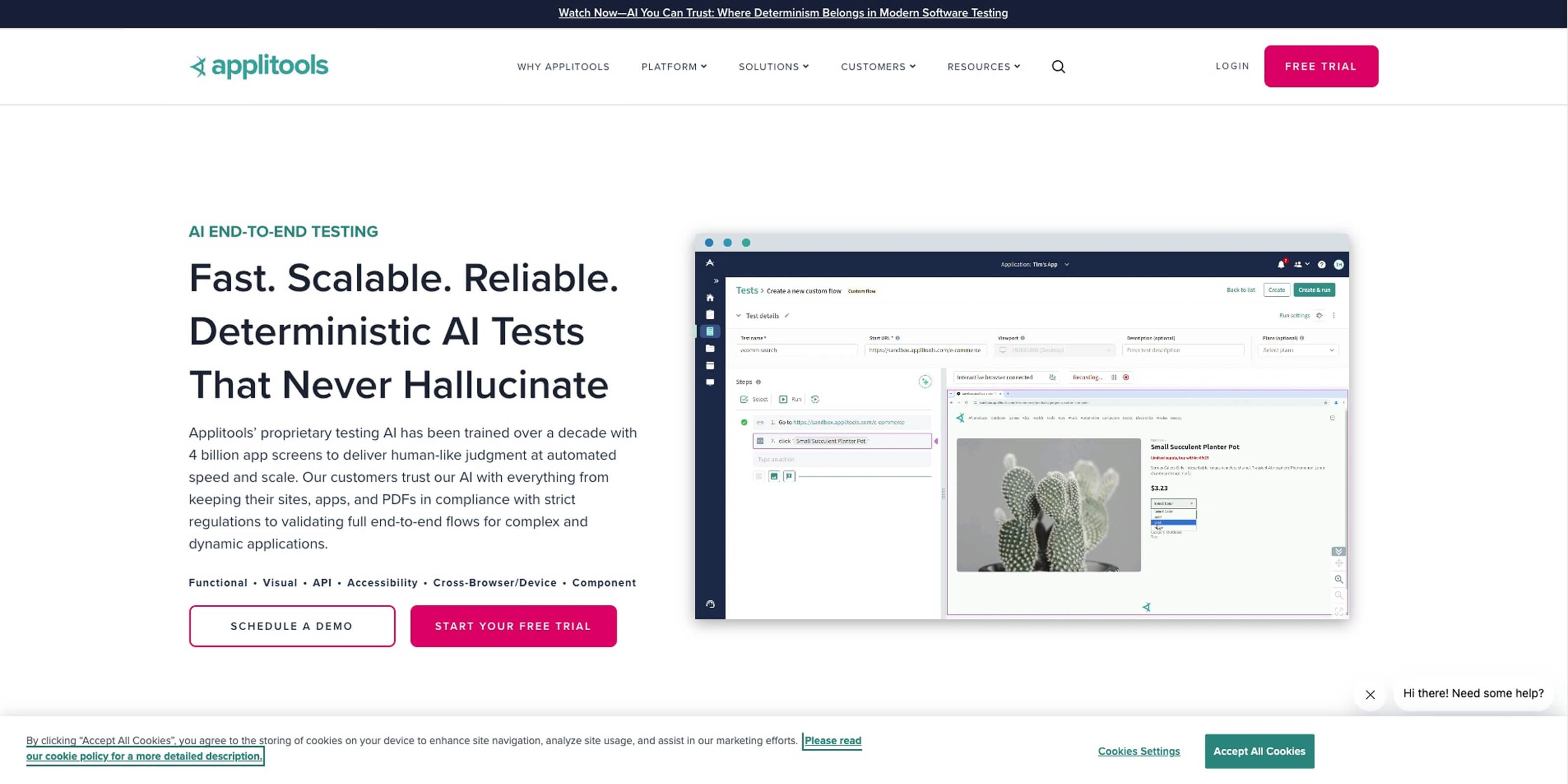
Best for: AI-powered visual testing across browsers and devices
Applitools uses visual AI to automatically detect UI changes that traditional tests often miss. Instead of only checking whether an app functions correctly, it evaluates how the interface actually looks across browsers, screen sizes, and devices. That way, teams catch visual bugs before users notice them.
Its AI compares layouts, fonts, colors, and spacing to identify subtle regressions that may slip through functional testing. This gives you a more complete understanding of release quality and supports stronger developer productivity metrics by reducing time spent tracking down visual inconsistencies.
With automated visual validation built into the pipeline, you can ship updates confidently without manually reviewing every screen variation.
Key features:
- Visual AI for UI regression detection
- Cross-browser and cross-device validation
- Automated comparison of layout and design changes
8. Mabl
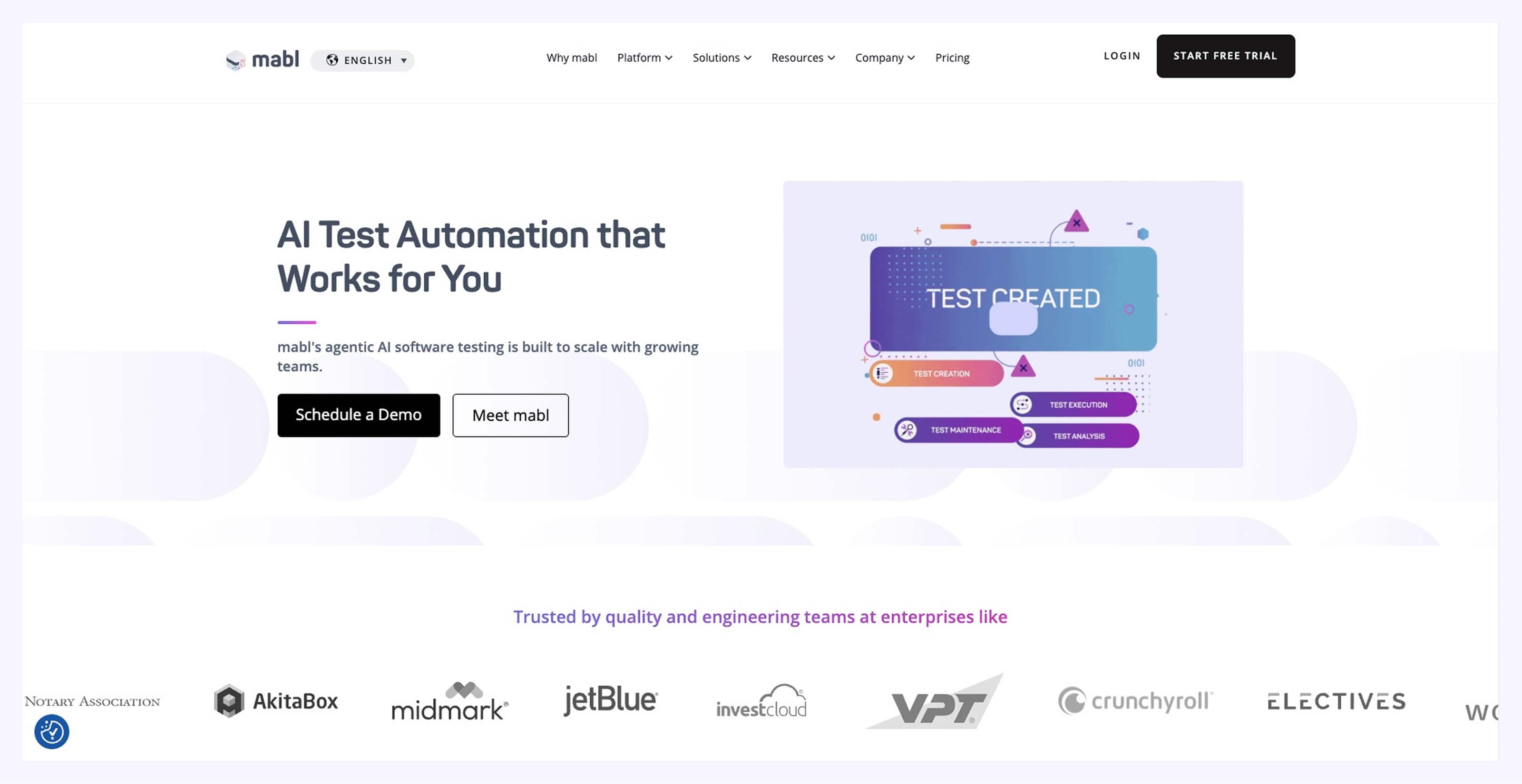
Best for: Low-code, self-healing automated testing
Mabl helps QA teams keep pace with rapid development by making tests easier to create and maintain through its low-code interface. As applications evolve, Mabl automatically updates tests to reflect UI or workflow changes, reducing maintenance effort.
Its self-healing capabilities help you identify and resolve hidden silos in testing workflows, preventing outdated scripts from slowing releases or causing false failures. By automatically adapting tests, you spend less time troubleshooting brittle test cases and more time improving product quality.
Key features:
- Self-healing test automation that adapts to UI changes
- Low-code test creation for faster coverage
- Continuous testing across environments
9. LaunchDarkly
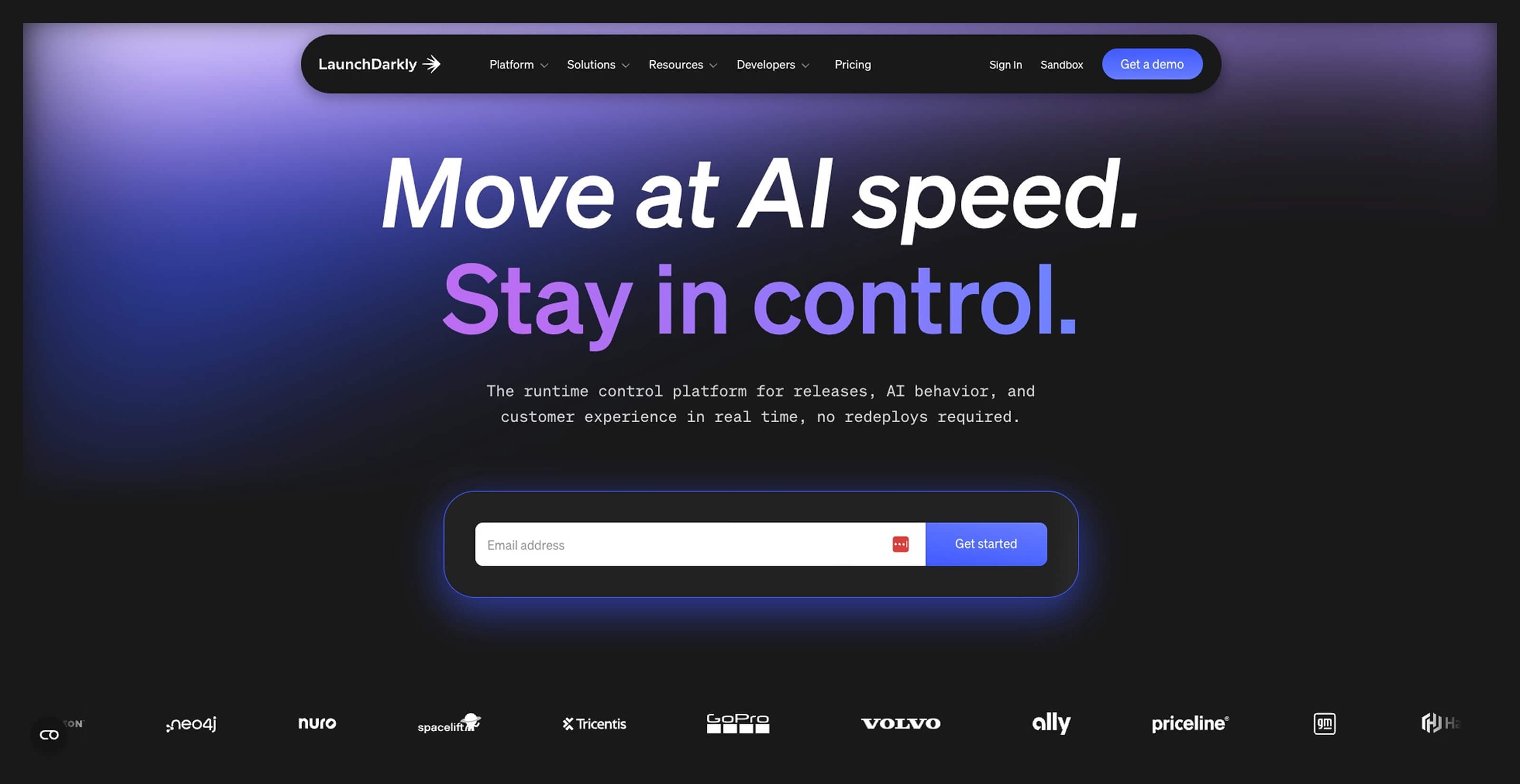
Best for: Intelligent feature flag management and safer releases
LaunchDarkly helps you release features gradually with AI-powered release guards that track performance signals and automatically disable features if issues arise. This creates a safety net that helps you experiment and iterate without unnecessary risk.
By intelligently managing feature flags, LaunchDarkly helps you test changes in production environments while maintaining stability. This can eventually help reduce code review anxiety, since you can roll out features incrementally and adjust them quickly if performance shifts.
Key features:
- AI-powered feature flag management
- Automated safeguards for performance regressions
- Controlled rollout strategies for safer experimentation
AI tools for monitoring and AIOps
As systems grow more complex, telemetry data piles up fast. Logs, metrics, and traces create a large volume of operational data. AIOps uses machine learning to process this data at scale, helping you identify root causes faster instead of guessing based on symptoms.
10. Dynatrace
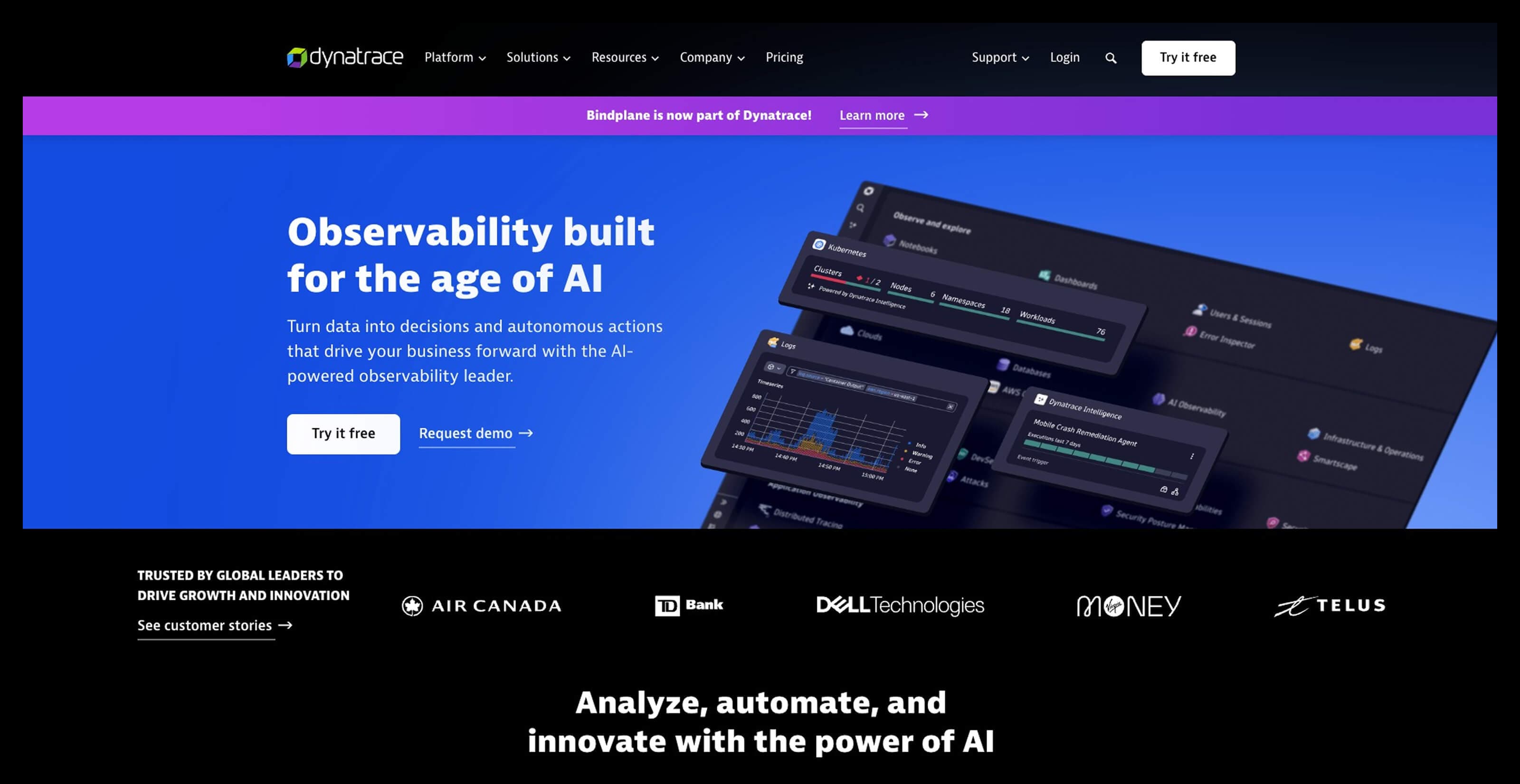
Best for: Deep causal analysis across complex environments
Dynatrace uses its Davis AI engine to move beyond simple alerts and surface the actual cause of performance issues. It maps relationships between services, infrastructure, and user experience to pinpoint what changed and why.
Its causal AI engine helps fix code churn by highlighting recurring problem patterns that slow development and introduce instability. This allows you to address root issues instead of repeatedly patching symptoms.
Key features:
- Davis AI for root cause identification
- Full-stack observability across services and infrastructure
- Automated dependency mapping for faster troubleshooting
11. Datadog
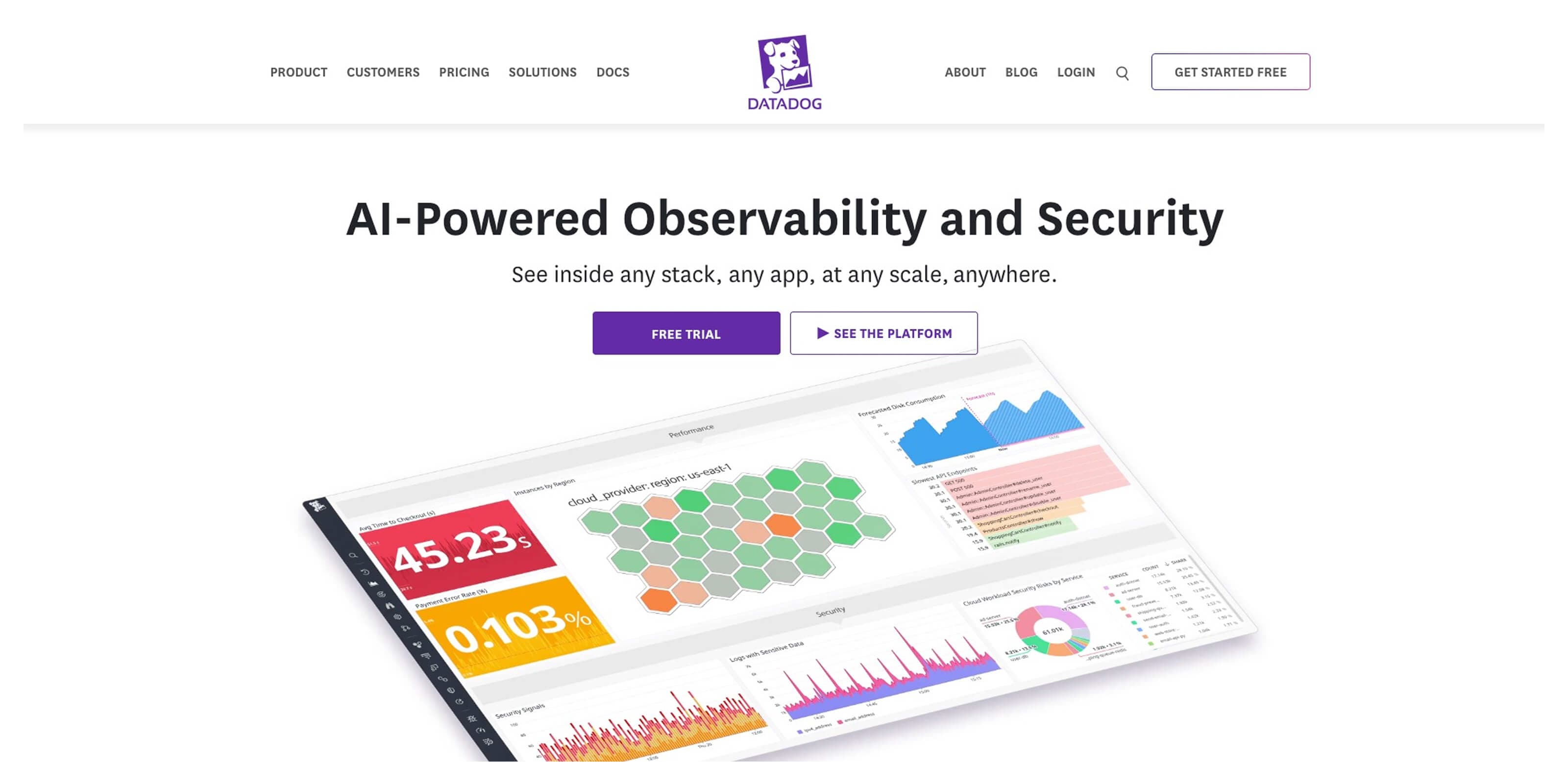
Best for: Unified observability with natural language insights
Datadog combines logs, metrics, and traces into a single monitoring platform so you can understand system performance from multiple angles. By connecting signals across environments, Datadog helps you respond faster when performance shifts.
Its Bits AI enhances visibility by allowing you to ask questions in plain language and quickly surface relevant insights from large datasets. This conversational interface makes it easier for site reliability engineers (SREs) to track trends tied to engineering KPIs, identify unusual performance patterns, and pinpoint bottlenecks without manually digging through dashboards.
Key features:
- Bits AI natural language query interface
- Unified visibility across logs, metrics, and traces
- AI-assisted anomaly detection
12. Splunk
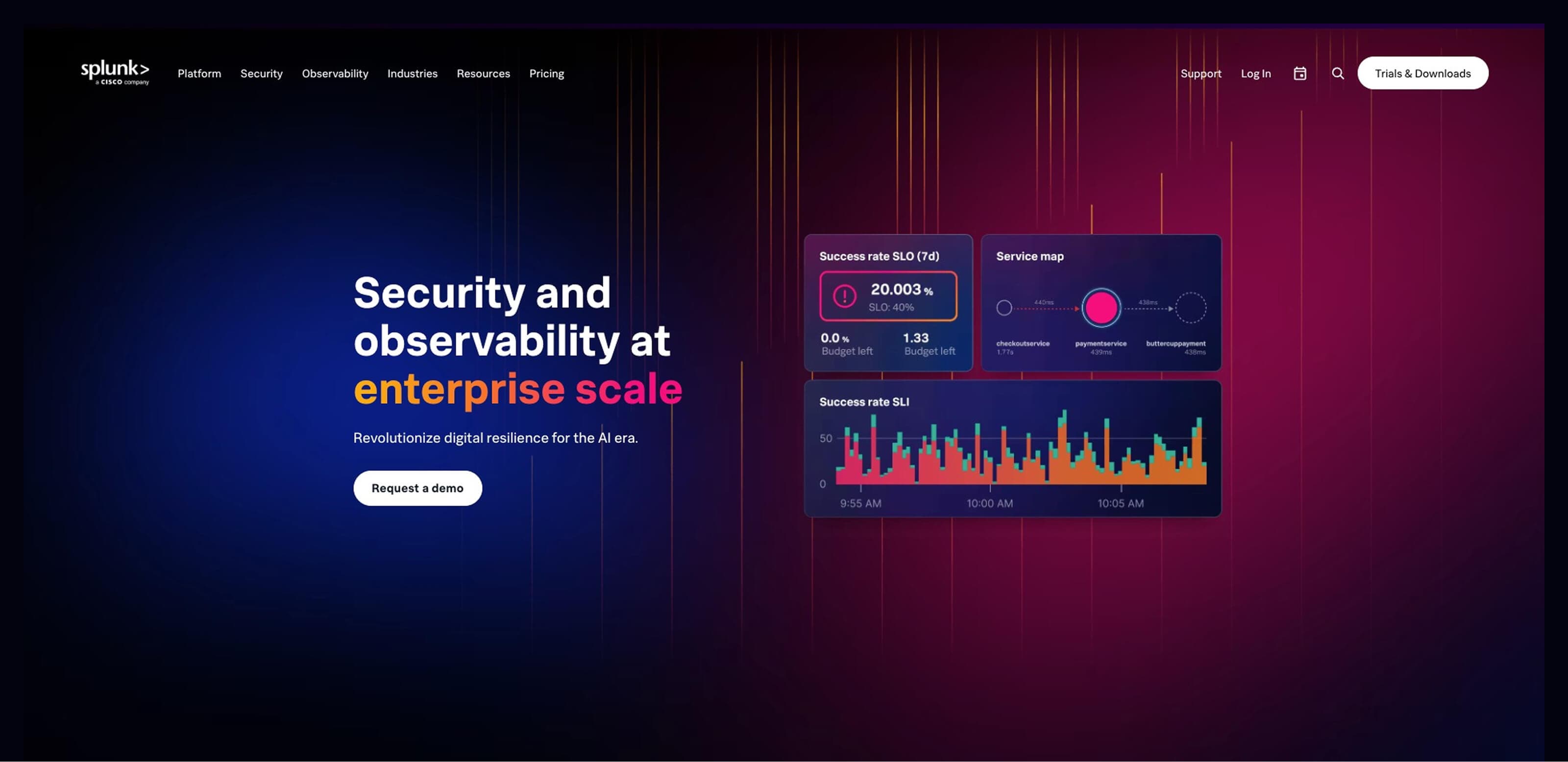
Best for: AI-assisted troubleshooting across security and operations
Splunk helps teams make sense of massive amounts of operational and security data. Its AI-assisted analysis identifies patterns across logs and events, so you can investigate incidents without manually sorting through thousands of signals.
As one of the most widely used DevOps monitoring tools, Splunk supports operational reliability and security visibility. You can detect anomalies, investigate incidents more quickly, and understand how system changes affect performance across environments.
Its ability to process large-scale datasets makes it especially useful for organizations managing complex infrastructure and strict compliance requirements.
Key features:
- AI-assisted incident investigation
- Large-scale data processing for operational visibility
- Integrated monitoring for security and performance
AI tools for DevSecOps
Security now starts earlier in the development process thanks to SecDevOps. AI-powered tools scan code as it’s written, flagging risks before they reach production. This shift-left approach reduces surprises later and keeps teams moving without last-minute security slowdowns.
13. Snyk
Best for: Real-time vulnerability detection during development
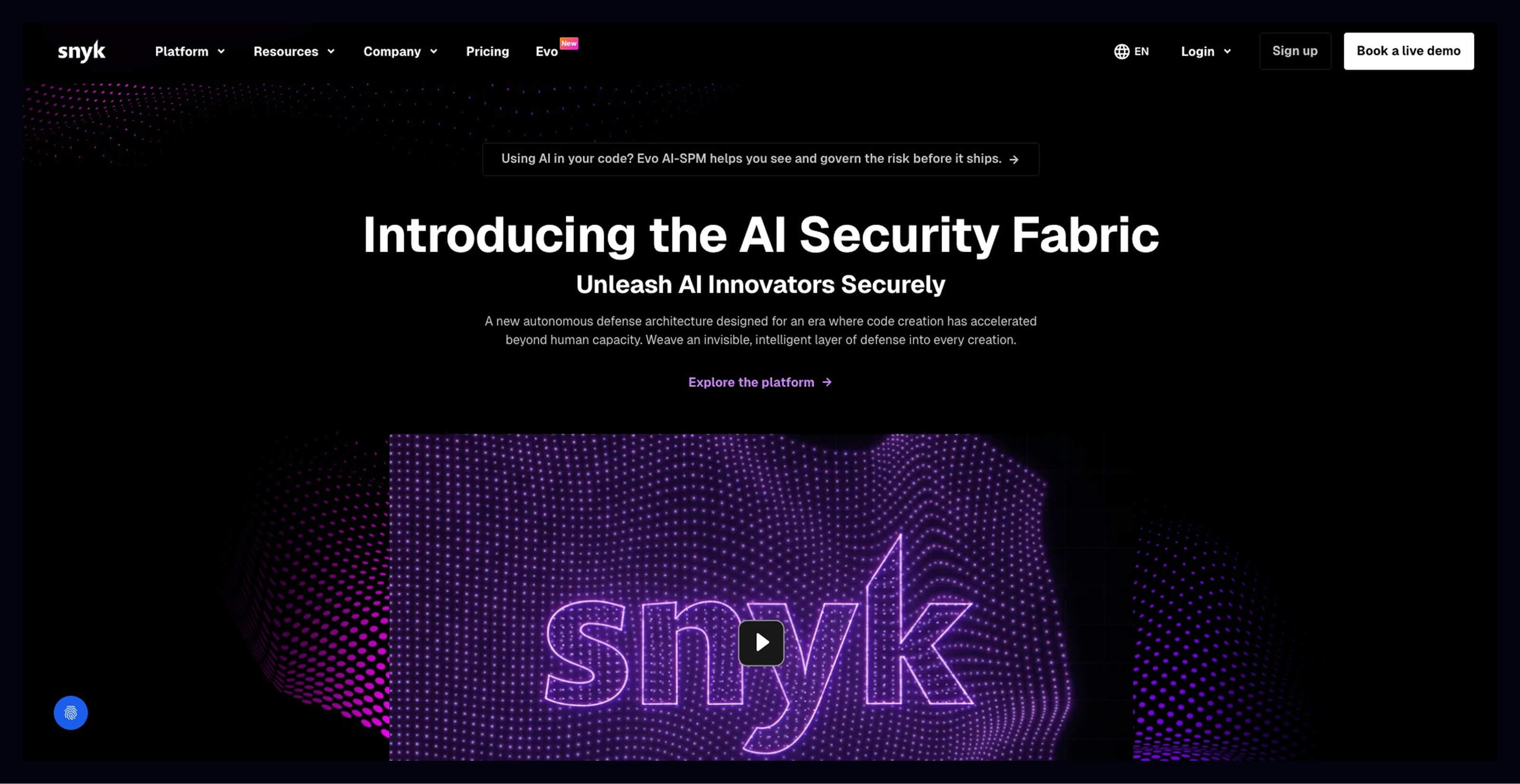
Snyk brings security directly into the developer workflow, making it easier to catch vulnerabilities early without disrupting momentum. DeepCode AI analyzes code in real time, identifying security risks, logic flaws, and risky dependencies while changes are still fresh in context.
The platform provides suggested fixes alongside each issue, making it easier to resolve vulnerabilities without digging through documentation. This developer-first experience supports faster iteration and stronger security posture, while allowing you to capitalize on R&D costs by reducing rework later in the cycle.
Key features:
- DeepCode AI for real-time vulnerability detection
- Automated fix suggestions for faster remediation
- Continuous scanning of open-source dependencies
14. AWS CodeGuru
Best for: AI-driven code reviews and performance profiling
AWS CodeGuru applies machine learning to identify inefficiencies and hidden bugs during development.
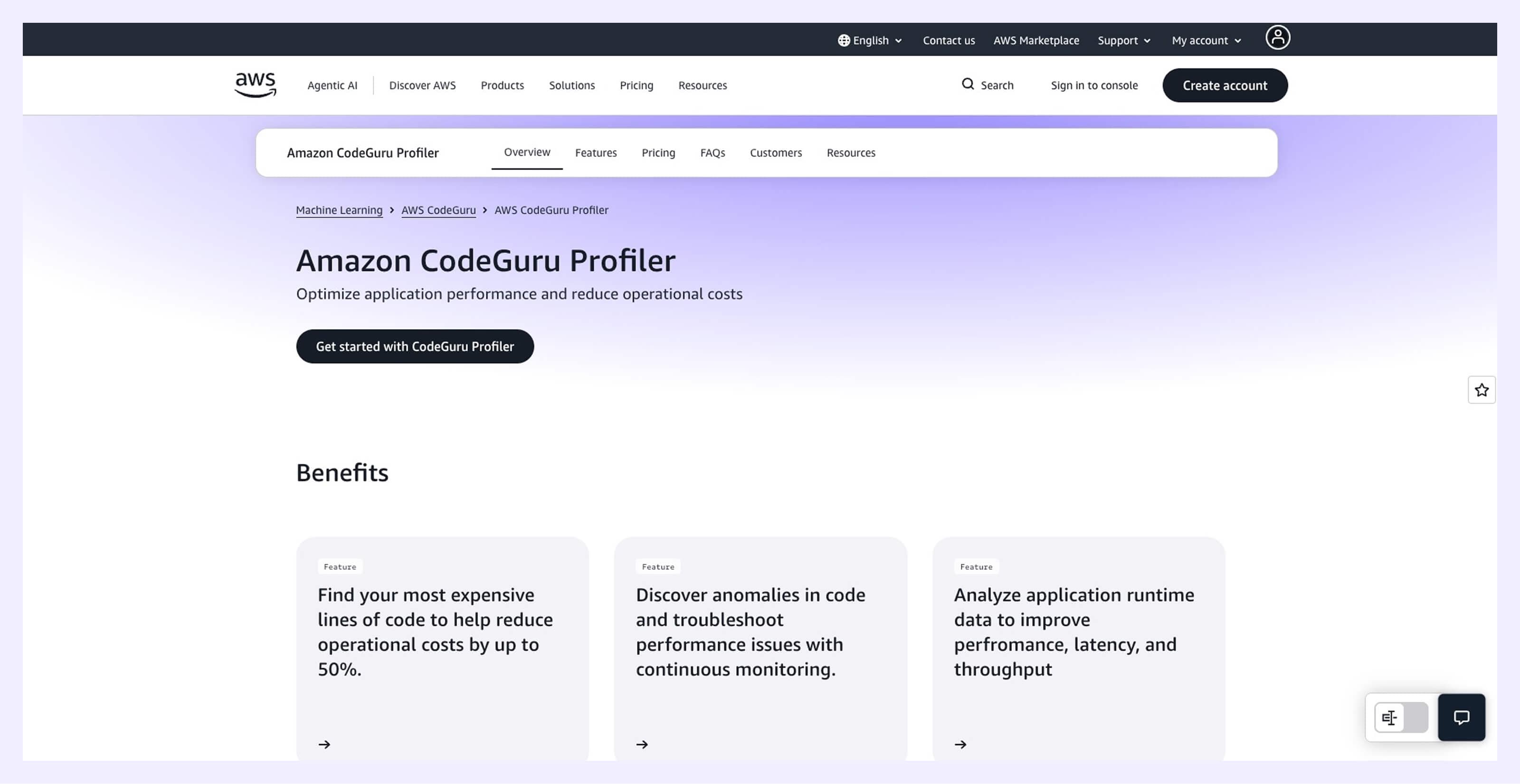
CodeGuru Reviewer analyzes PRs and flags issues related to performance, security, and code quality before they reach production. CodeGuru Profiler provides insights into runtime performance, helping you understand where applications consume the most resources.
Together, these capabilities support stronger engineering practices and complement your existing developer productivity tools by reducing time spent manually reviewing complex code paths. Machine learning also surfaces optimization opportunities that might otherwise remain hidden until later testing phases.
Key features:
- Automated code reviews with ML-driven insights
- Performance profiling to identify inefficient resource usage
- Early detection of hard-to-find bugs
15. FortiCNAPP (formerly Lacework)
Best for: AI-powered cloud security posture management
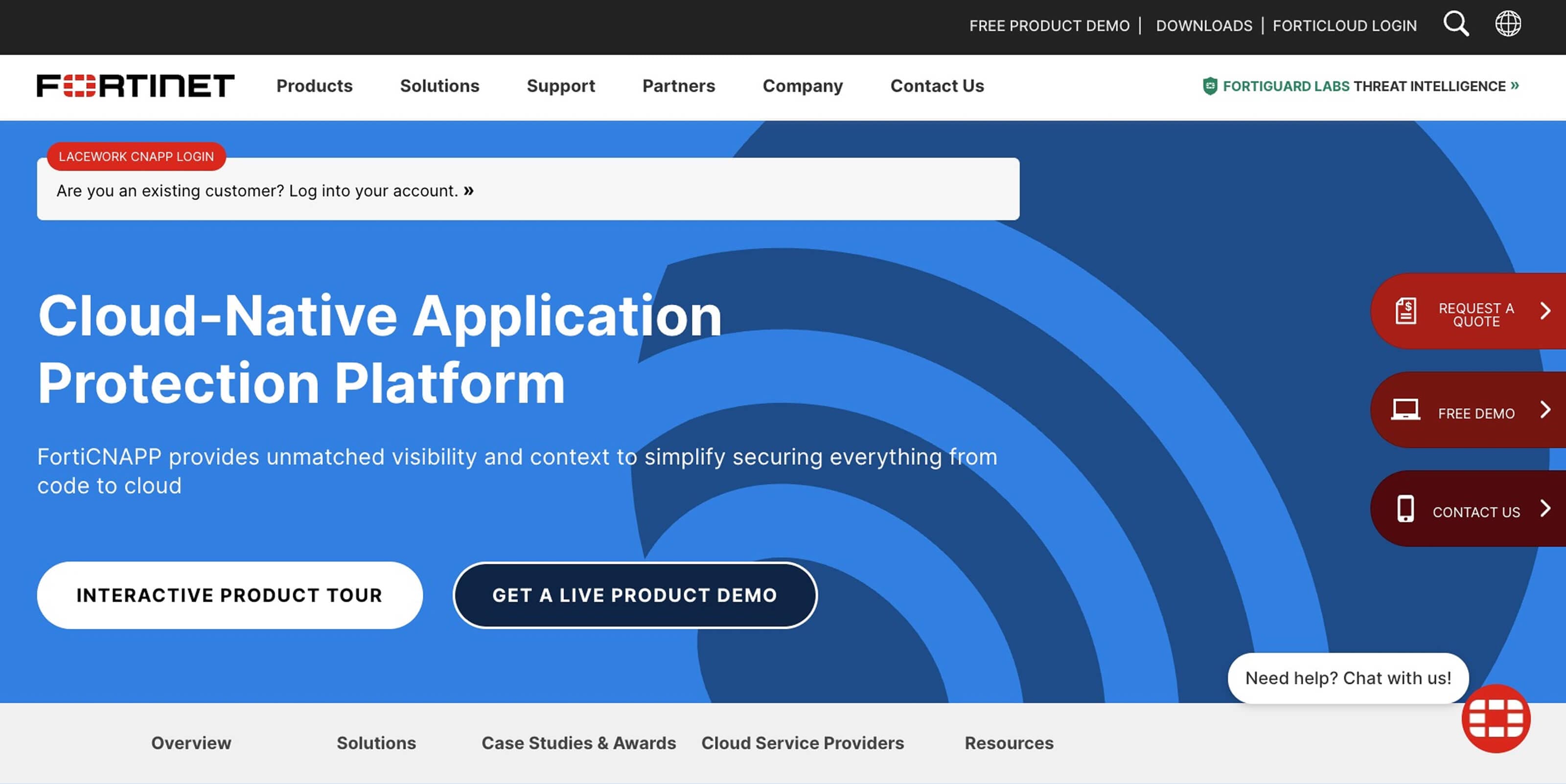
FortiCNAPP uses AI-driven behavioral analytics to map cloud environments and detect unusual activity that may indicate security risks. By continuously analyzing usage patterns, it identifies anomalies that signal misconfigurations, compromised credentials, or unexpected access patterns.
Its integration with the Fortinet Security Fabric provides unified visibility across multi-cloud environments, supporting stronger oversight for growing infrastructure. Insights generated by AI analysis help technical leadership teams better understand risk exposure and maintain consistent security policies across platforms.
Key features:
- Behavioral analytics for threat detection
- Multi-cloud configuration monitoring
- Integration with Fortinet Security Fabric for unified visibility
AI tools for incident response
On-call rotations can feel intense when alerts pile up, and context is scattered across tools. AI reduces the noise by grouping related signals, prioritizing what needs attention first, and surfacing useful context during high-pressure moments. This means you get faster triage and calmer incident response workflows.
16. PagerDuty
Best for: Intelligent alert management and faster incident resolution
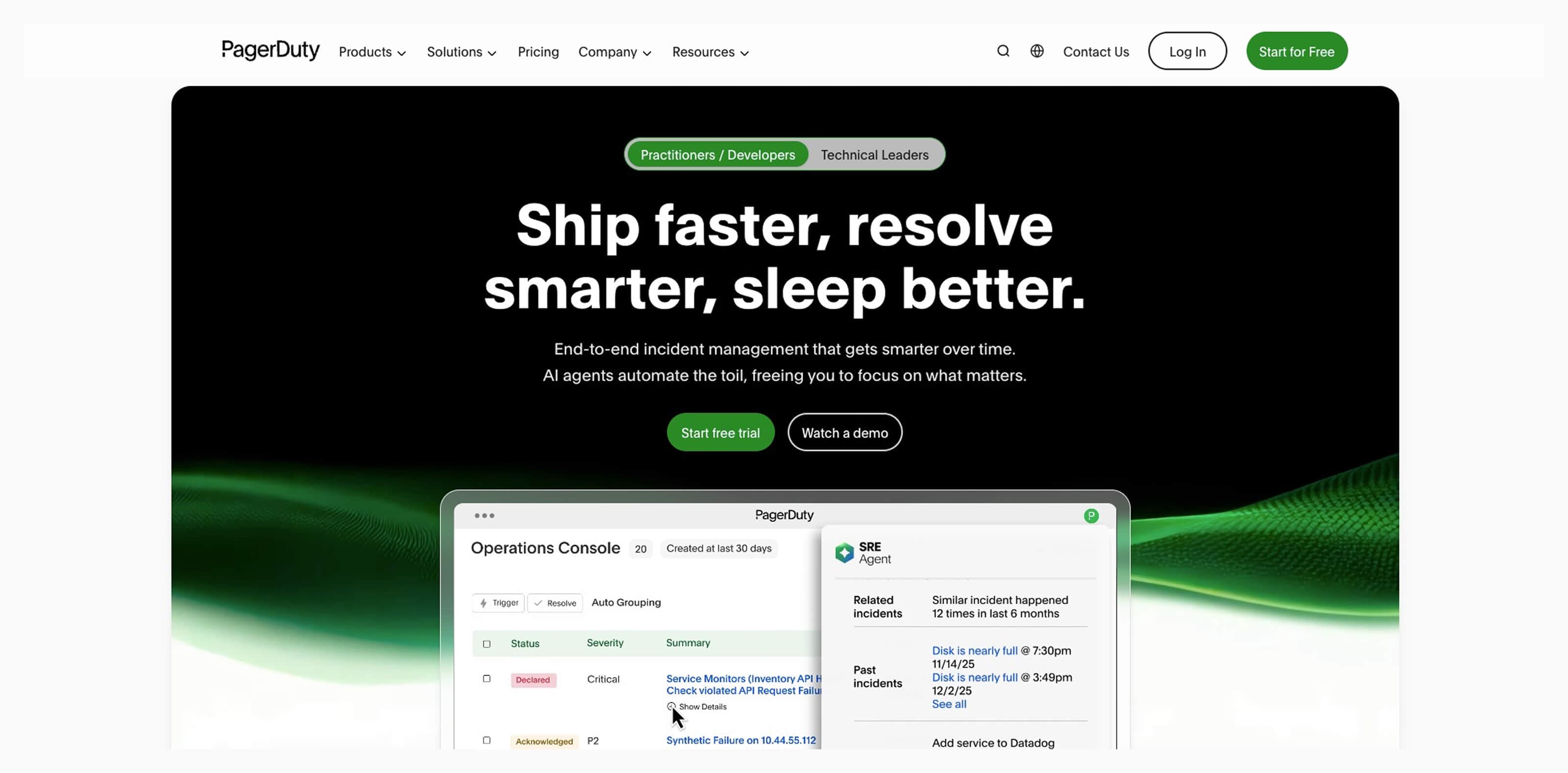
PagerDuty brings structure to incident response by filtering alert noise and grouping related signals into a single, clearer incident view. You don’t have to react to dozens of separate alerts and can quickly understand what’s happening and where to focus first.
AI-driven insights draw on past incidents to help you identify patterns and respond with greater confidence. Faster triage and better coordination can reduce downtime, which helps you stay on track with delivery goals and protect software project budgets from unexpected disruptions.
Key features:
- Intelligent alert grouping to reduce noise
- Context-rich incident insights for faster triage
- Workflow automation for coordinated response
17. Rootly
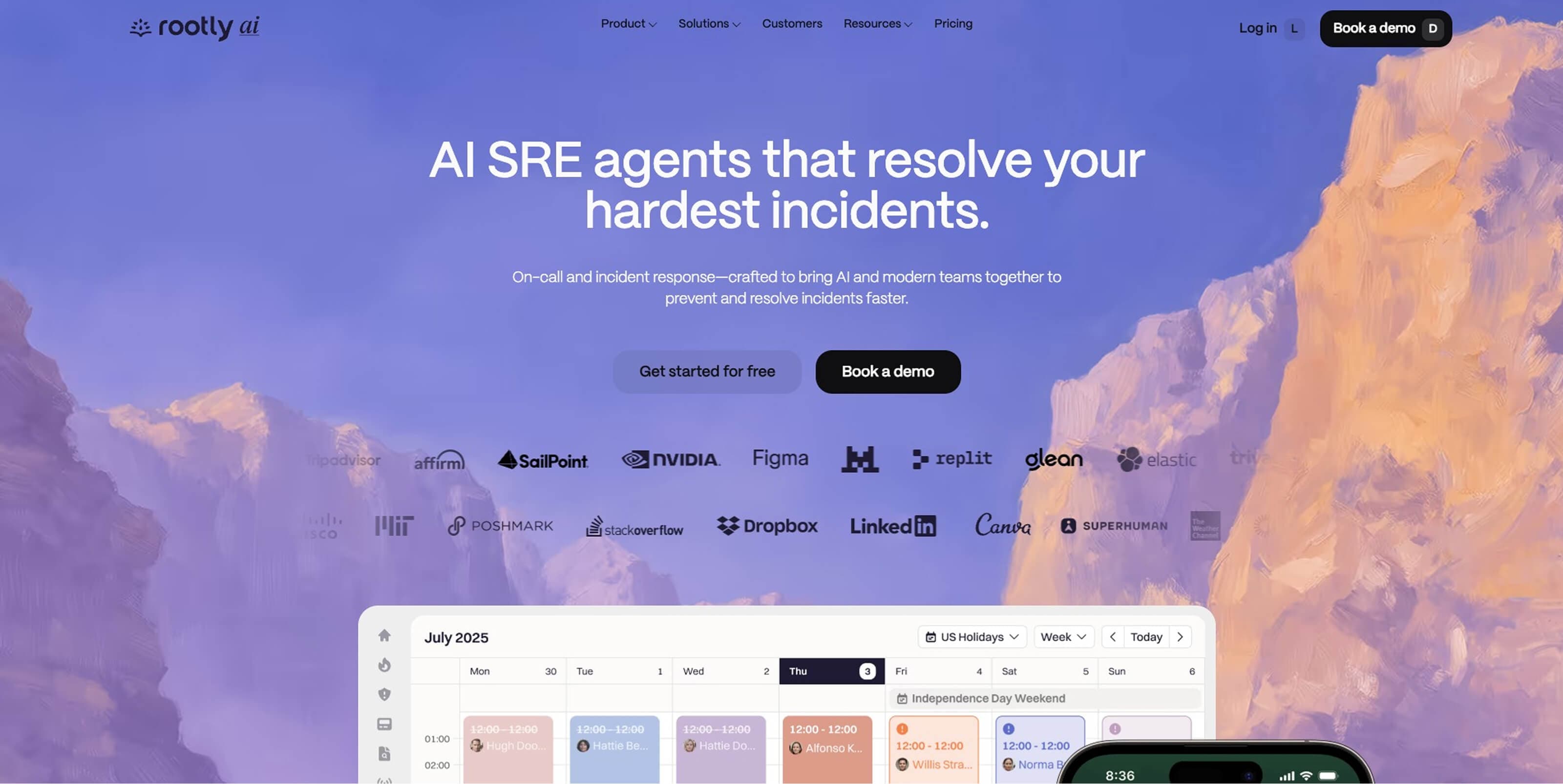
Best for: AI-supported incident workflows directly in Slack
Rootly brings incident management into familiar collaboration environments like Slack, allowing your teams to coordinate responses without switching tools. AI-generated timelines capture what happened during an incident, creating a clear record without manual documentation.
Post-incident reviews become easier with AI-generated summaries and suggested action items. These insights support continuous improvement and help you track reliability patterns and software development KPIs over time.
Key features:
- Slack-based incident coordination workflows
- AI-generated incident timelines and summaries
- Automated post-incident action item suggestions
18. Sherlocks.ai
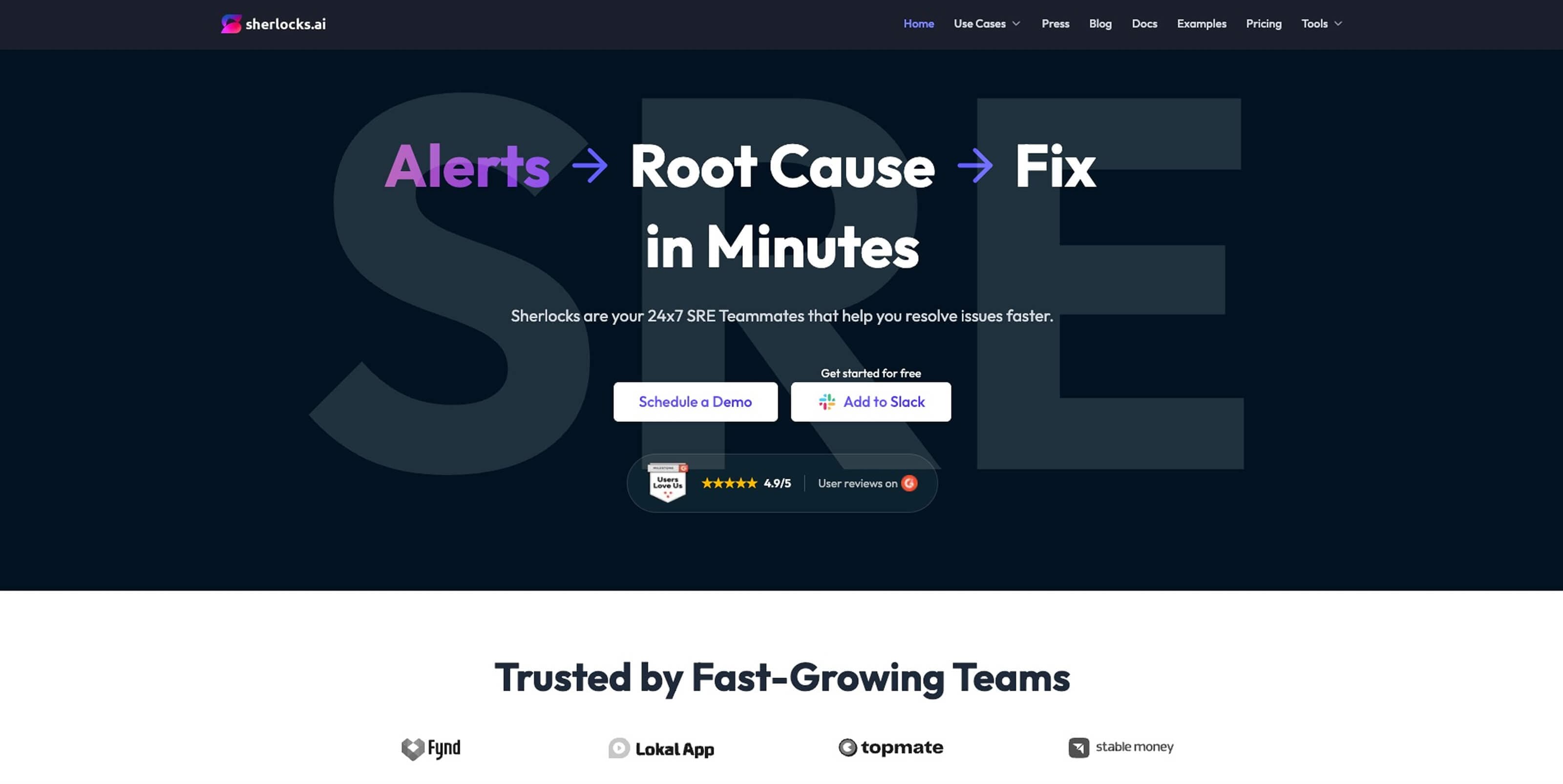
Best for: Autonomous investigation of production incidents
Sherlocks.ai uses AI agents to analyze the “why” behind incidents and conduct rapid root-cause investigations. Instead of manually reviewing logs and metrics across tools, you receive concise explanations of what likely caused an issue.
Its AI agents evaluate production telemetry and surface answers quickly, streamlining request management during high-pressure situations. And faster understanding reduces time spent diagnosing issues and allows responders to move directly toward resolution. Clear insights arrive quickly, even when system complexity is high.
Key features:
- AI agents for autonomous root cause investigation
- Real-time analysis of production telemetry
- Rapid insights to accelerate incident resolution
Evaluating AI tools for your development stack
Choosing the best AI tools for DevOps can get complicated when systems and workflows don’t align.
The goal is to build a stack where tools share context, reduce manual updates, and support accurate software forecasting and more reliable software development progress reports, especially when Jira sits at the center.
Here’s what to keep in mind when picking AI tools for your dev team:
- Native Jira integration matters more than flashy features: If your tools don’t integrate smoothly with Jira, your team ends up copying updates back and forth between systems, creating duplicate work and inconsistent reporting.
- Data privacy should never feel like a mystery box: Teams need clarity on where data goes, how their tools train models, and what those models store. If a tool can’t clearly explain this, it’s a sign to pause. Your codebase should not become a source of surprise training material, which could expose company secrets.
- Transparency builds trust in AI recommendations: Strong tools show why a suggestion appears, whether it’s a predicted bottleneck or a risky deployment change. Clear reasoning behind AI recommendations helps teams validate decisions faster.
- Human-in-the-loop keeps quality high: AI can recommend changes, flag risks, and summarize progress, but people still make the final call. The best workflows always feel collaborative.
- Look for insights that support planning conversations: The best tools help your teams understand progress trends, identify delivery risks early, and create clearer software development progress reports without extra admin work.
- Avoid tools that create new silos: Disconnected AI systems can create new silos instead of improving collaboration. Integration-friendly tools keep knowledge flowing across teams.
Remember, a thoughtful stack doesn’t overwhelm teams with dashboards. It quietly keeps everyone aligned, informed, and moving forward with confidence.
Future-proof your DevOps workflow with Appfire Flow
Every team wants fewer surprises and smoother releases. Appfire Flow brings your delivery data together, giving you a shared view of how work moves across Jira and connected tools.
With Appfire Flow, your teams no longer have to chase updates across systems. They can see where progress slows down, where risks are building, and where small improvements can make a big difference. And this kind of visibility supports better planning, stronger collaboration, and a more consistent delivery rhythm.
With AI-powered insights, Appfire Flow highlights workflow bottlenecks early and keeps everyone aligned around meaningful progress. By connecting development and operations data into a single source of truth, you can improve predictability, reduce manual coordination, and move forward with confidence as complexity grows.
Book a free demo to see how Appfire Flow can help you keep delivery on track.
Try Appfire Flow